
Remove image backgrounds instantly with AI.
Background Remover Interface
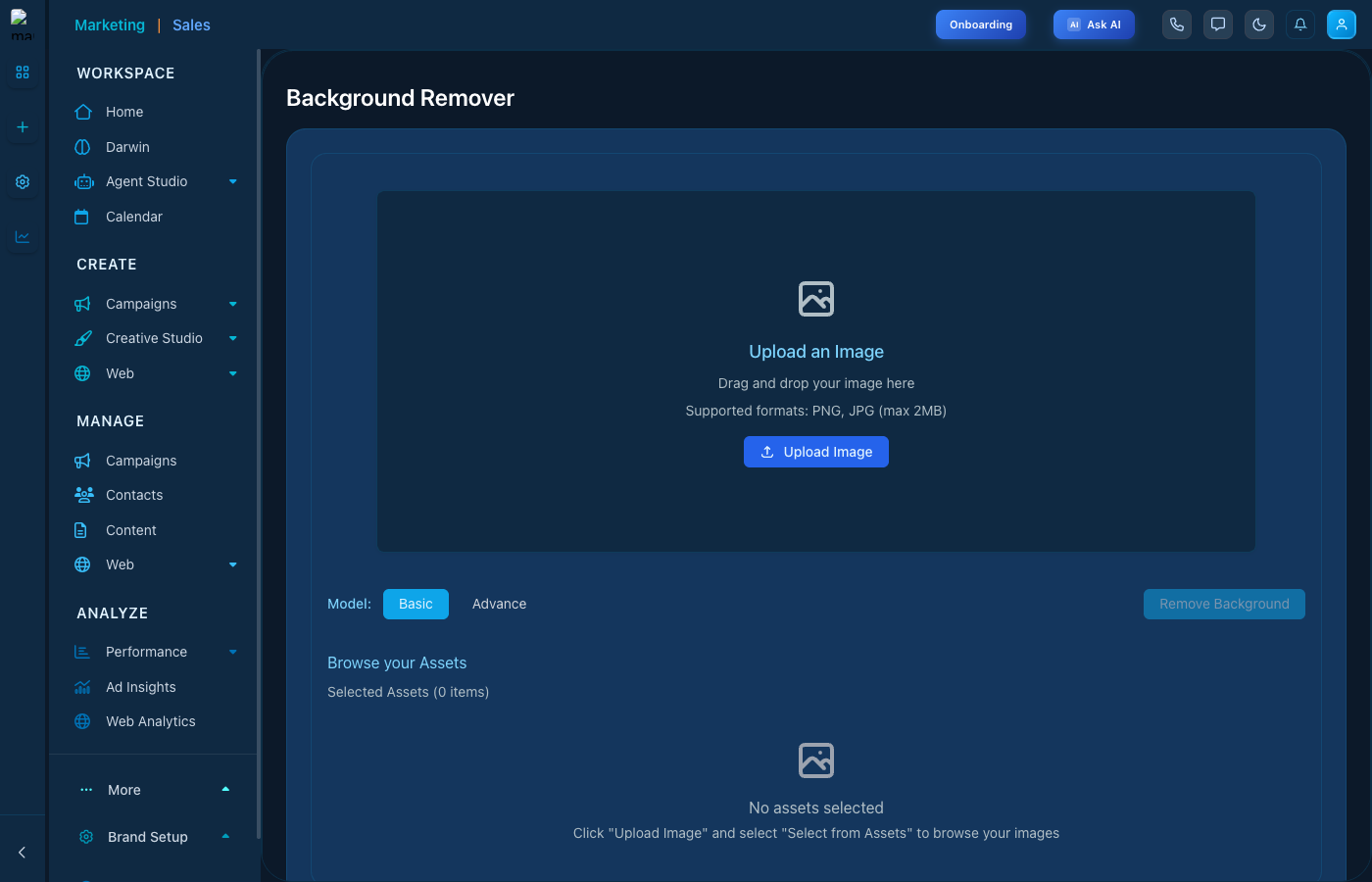
Background Remover showing upload area and mode options.
Modes
- Basic - Quick removal for simple images
- Advance - Detailed removal for complex images
How to Use
- Navigate to Creative Studio then Background Remover
- Upload an image (PNG or JPG, max 2MB)
- Select Basic or Advance mode
- Click Remove Background
- Download your transparent image
Browse Assets
Select from your previously uploaded assets instead of uploading a new image.