
Billing

Usage - Sales

Monitor sales feature usage including CRM, leads, and deals.

Beginner3 min read

/settings/usage

Overview

Monitor sales feature usage including CRM, leads, and deals.

Step 1: Navigate to Settings

Click the Settings icon in the sidebar to access the Settings module. Then select Usage from the left menu.
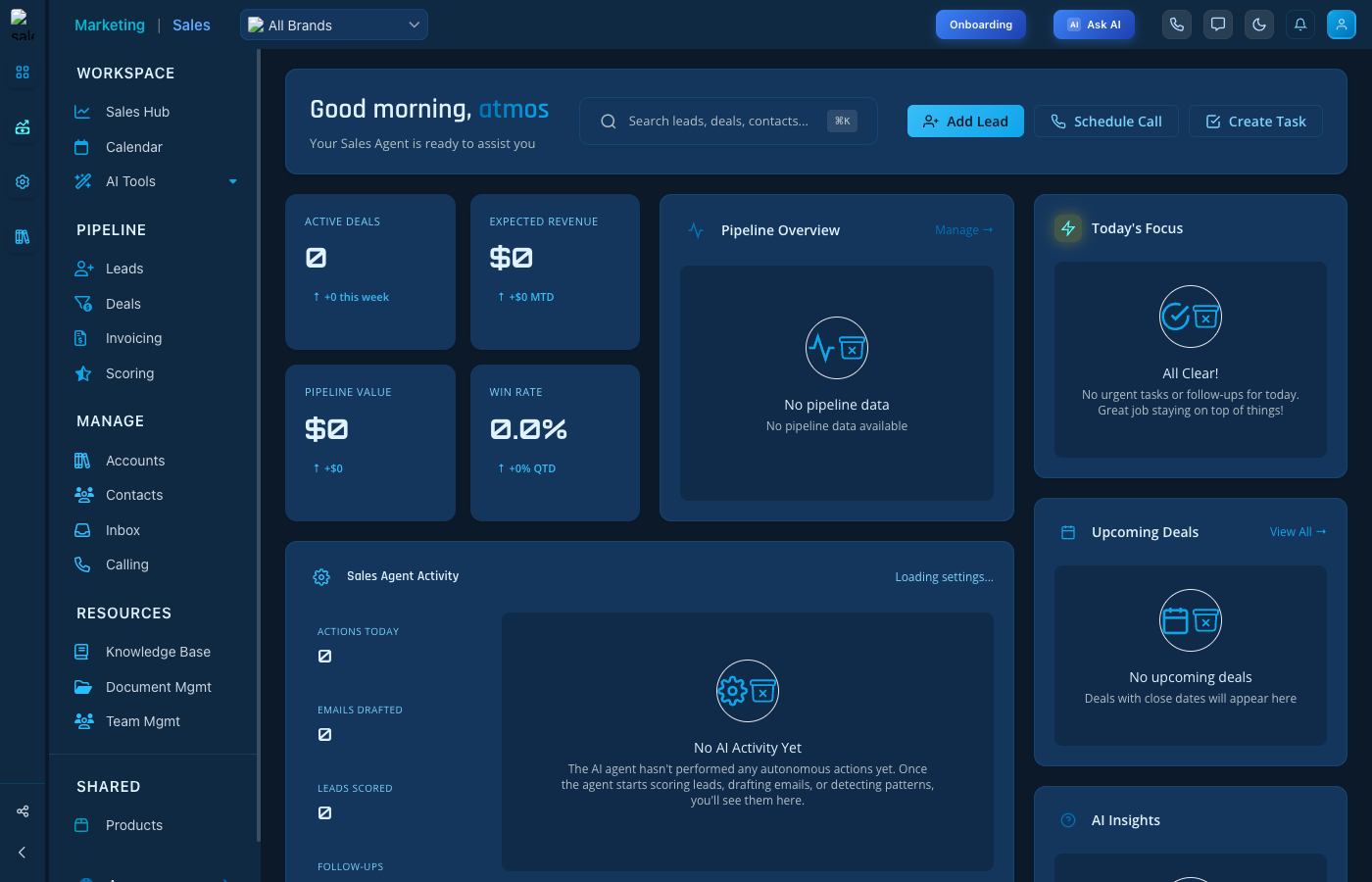
Usage - Sales

Usage - Sales interface

Step 2: Select Tab

Click the Sales tab at the top of the page to access this section.

Key Features

  • Easy configuration - Intuitive interface for quick setup
  • Real-time updates - Changes apply immediately
  • Role-based access - Control who can modify settings

Tips

  • Review settings regularly to ensure they match your needs
  • Use the search function to quickly find specific settings
  • Contact support if you need help with configuration

Keep reading

More ways to get help

These guides are the same ones that sit inside the app’s help center, next to the screens they describe. If you prefer to watch, the Marketing Titan Academy has short video courses recorded in the product. Signed in, you can also ask Darwin, the built-in assistant, to explain a screen or do the step for you. If something is not covered here, contact us and a person will answer.

Try it yourself

Every guide here describes the live product.

Start free and follow along: every core module, unlimited users, no card required.