
/settings/access-control
Overview
Manage sales representative assignments and lead distribution rules.
Step 1: Navigate to Settings
Click the Settings icon in the sidebar to access the Settings module. Then select Access Control from the left menu.
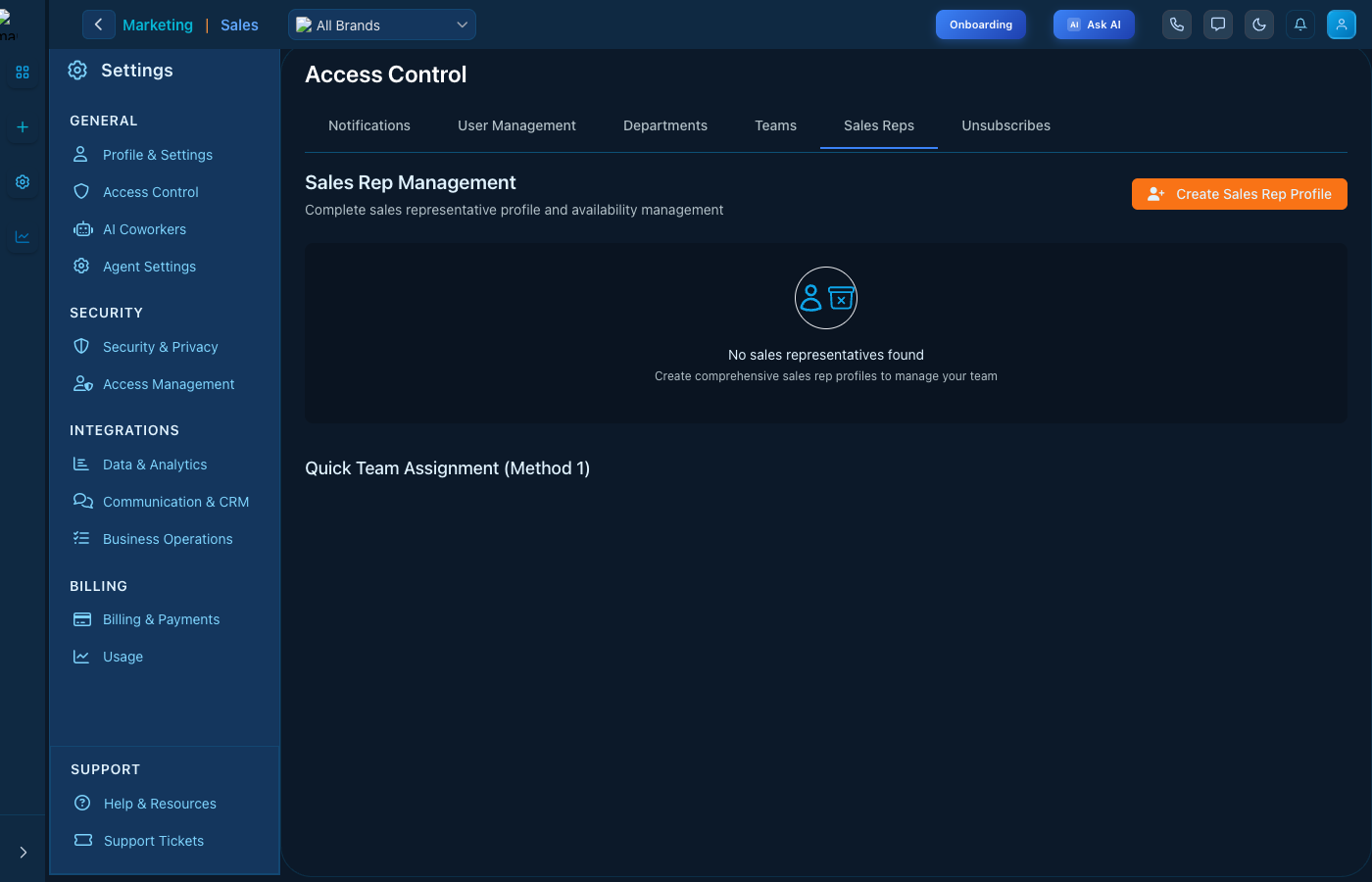
Access Control - Sales Reps interface
Step 2: Select Tab
Click the Sales Reps tab at the top of the page to access this section.
Key Features
- Easy configuration - Intuitive interface for quick setup
- Real-time updates - Changes apply immediately
- Role-based access - Control who can modify settings
Tips
- Review settings regularly to ensure they match your needs
- Use the search function to quickly find specific settings
- Contact support if you need help with configuration