
Marketing Titan's SMS Campaigns platform enables you to create and manage SMS marketing campaigns that reach your customers directly on their mobile devices. Build one-time SMS blasts or automated sequences with personalization, scheduling, and comprehensive analytics.
SMS Campaign Hub
The Campaign Hub displays all available campaign types including Social Media Ads, Email Campaigns, Email Sequences, SMS Sequences, SMS Campaigns, Search Ads, and Display Ads. The SMS Campaigns card features a yellow gradient design with platform icons for SMS, phone, messaging apps, and WhatsApp, showing "Create and manage SMS marketing campaigns" with support for multiple messaging platforms.
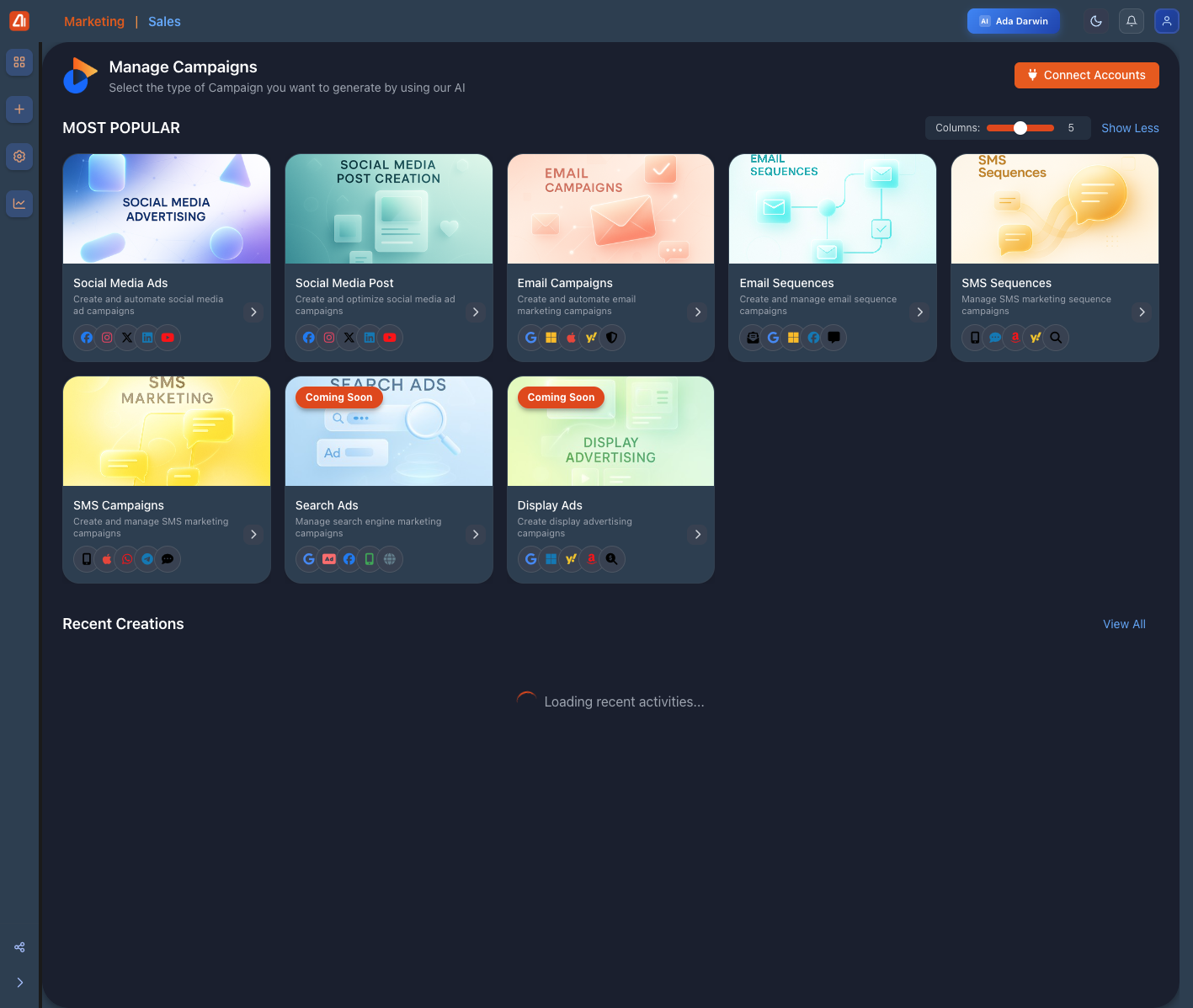
Campaign Hub showing SMS Campaigns card with messaging platform icons and SMS Sequences option
- SMS Campaigns: One-time SMS blasts to your audience
- SMS Sequences: Automated multi-step SMS workflows
- Platform Support: Native SMS, WhatsApp, Messenger, Telegram
- AI Integration: AI-powered content generation and optimization
Creating SMS Campaigns
Access the campaign creation interface through the Campaign Hub. The interface provides a streamlined workflow for composing SMS messages, selecting recipients, scheduling delivery, and tracking performance. Configure message content, sender ID, and delivery options all from one screen.
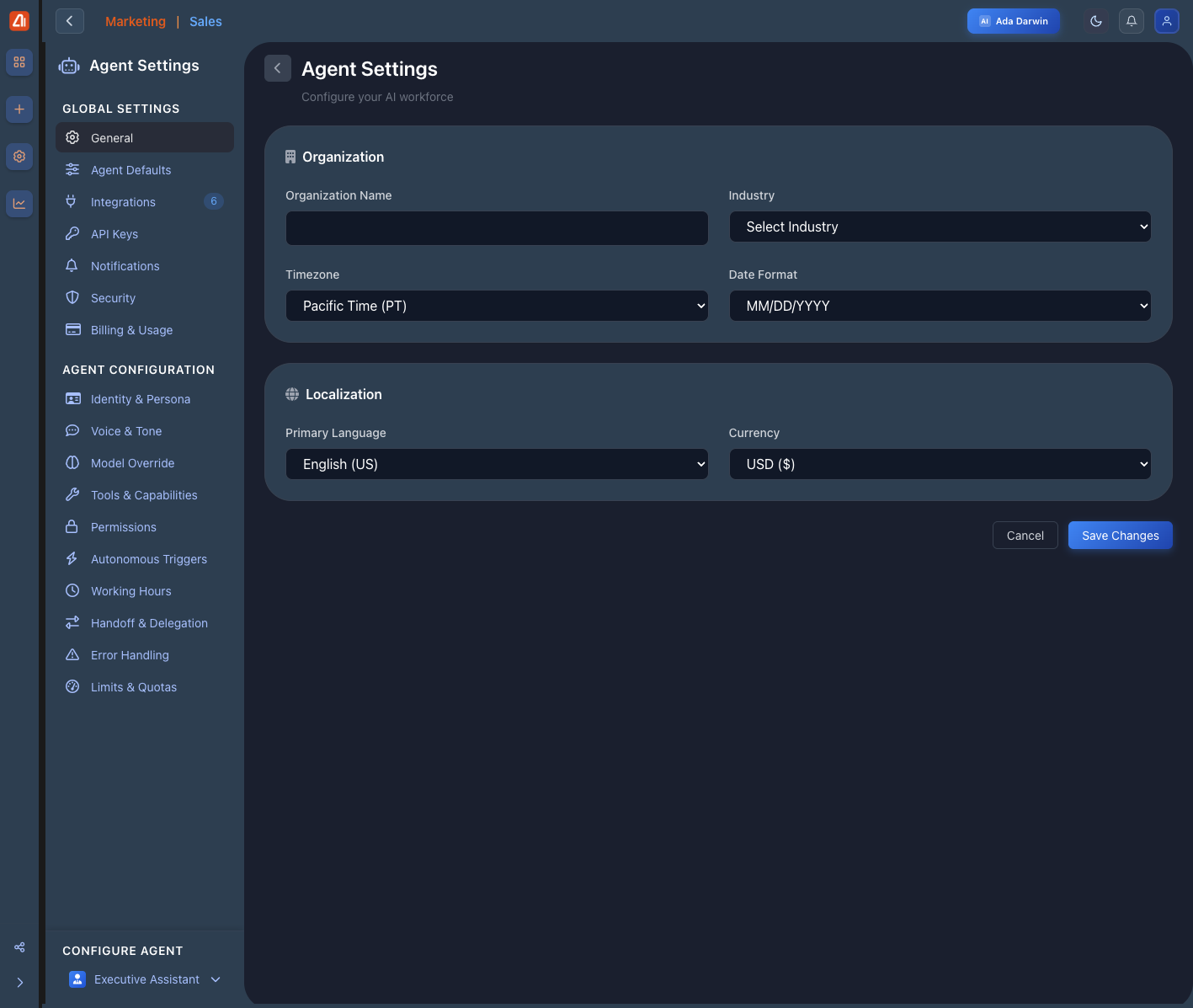
Agent Settings interface showing global settings, localization, and configuration options
- Message Composer: Rich text editor with personalization tokens
- Recipient Selection: Choose from contacts, segments, or upload lists
- Scheduling: Send immediately or schedule for optimal timing
- A/B Testing: Test different messages to optimize engagement
Managing Active Campaigns
The Campaign Management view displays all your SMS campaigns with their status, performance metrics, and quick action buttons. Filter campaigns by brand using "Connect Accounts" button, adjust the columns slider to show 4-5 visible cards, and toggle "Show Less" to collapse the view. Access the complete campaign list under "Recent Creations" with "View All" button.
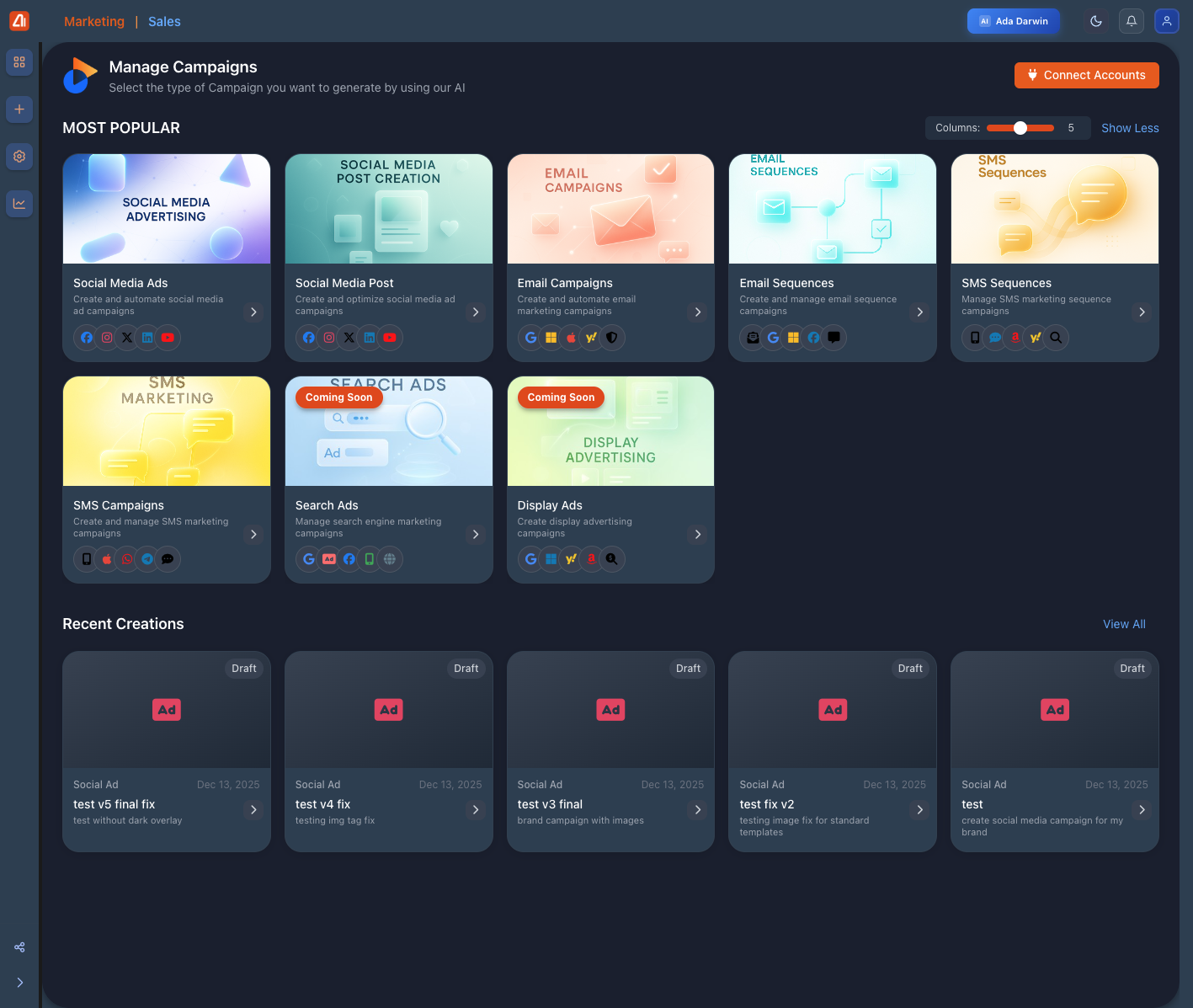
Campaign Hub showing "Most Popular" section with SMS Campaigns and "Recent Creations" section
AI Intelligence Hub & Creative Tools
Marketing Titan's AI Intelligence Hub provides real-time alerts and recommendations for your SMS campaigns. The right sidebar displays Priority Alerts (Budget Depletion Warning, Performance Decline Detected), AI Recommendations (Increase Search Ads Budget with ROI predictions, Launch Retargeting Campaign with conversion probability), and Predictive Insights (Campaign Fatigue Alert, Budget Optimization). Access Creative Suite tools including Design Canvas, Background Remover, Global Upscaler, and Screen Recording directly from the dashboard.
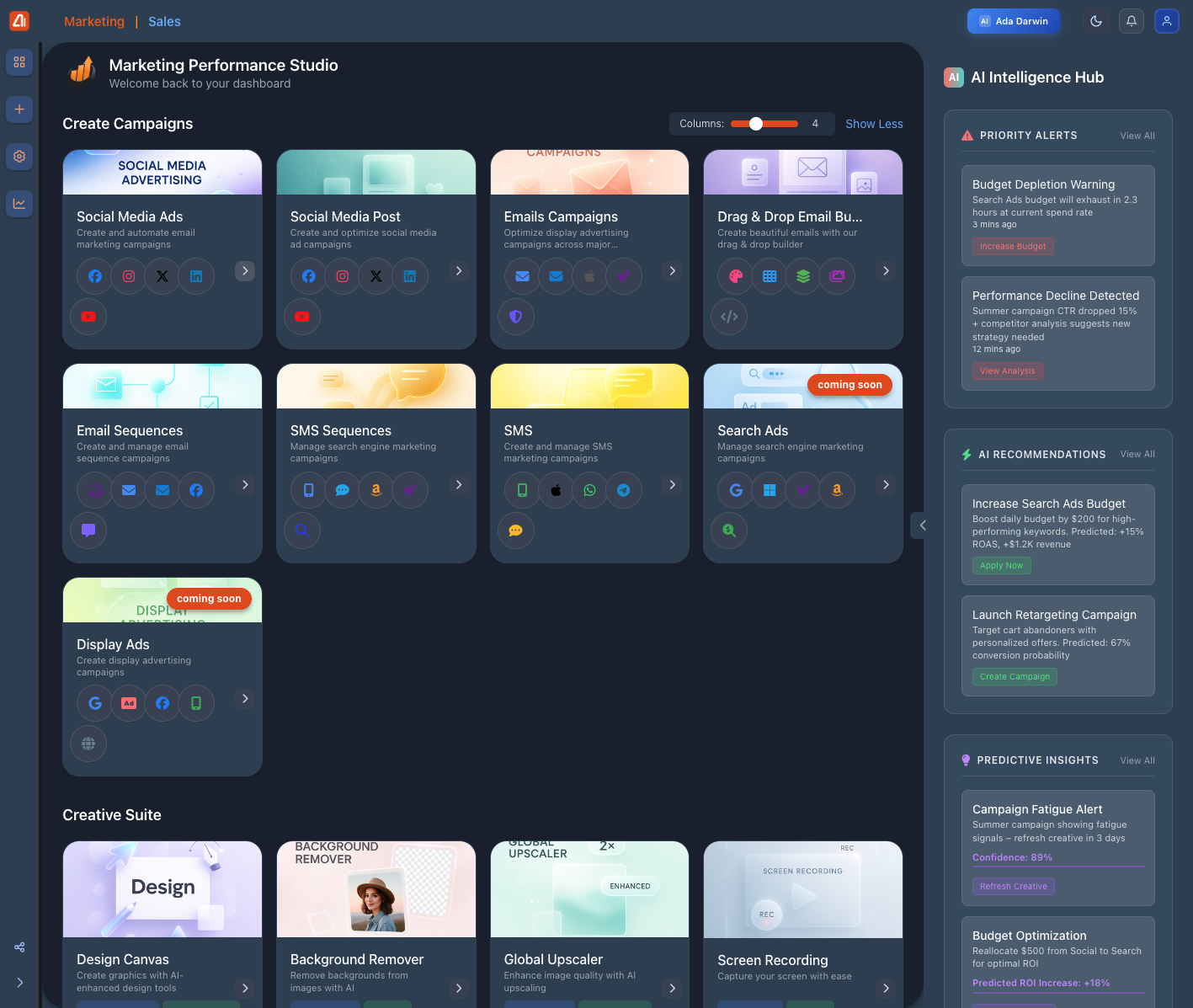
Home dashboard showing AI Intelligence Hub with Priority Alerts, AI Recommendations, and Creative Suite tools
- Priority Alerts: Real-time warnings for budget and performance issues
- AI Recommendations: Data-driven suggestions with predicted ROI
- Creative Suite: Design tools integrated into campaign workflow
- One-Click Actions: "Apply Now", "View Analysis", "Create Campaign" buttons
Pro Tips for SMS Campaigns
- Keep messages under 160 characters to avoid segmentation charges
- Use personalization tokens to increase engagement rates
- Test send times - mornings and early evenings typically perform best
- Always include an opt-out option to comply with regulations
- Monitor delivery rates and adjust targeting for better performance