
Social Media Ads

Create Social Media Ads

Step-by-step guide to creating social media advertising campaigns across multiple platforms with AI-powered tools and advanced targeting options.

Beginner

Create and launch social media advertising campaigns. Design ads, target audiences, and manage budgets across platforms.
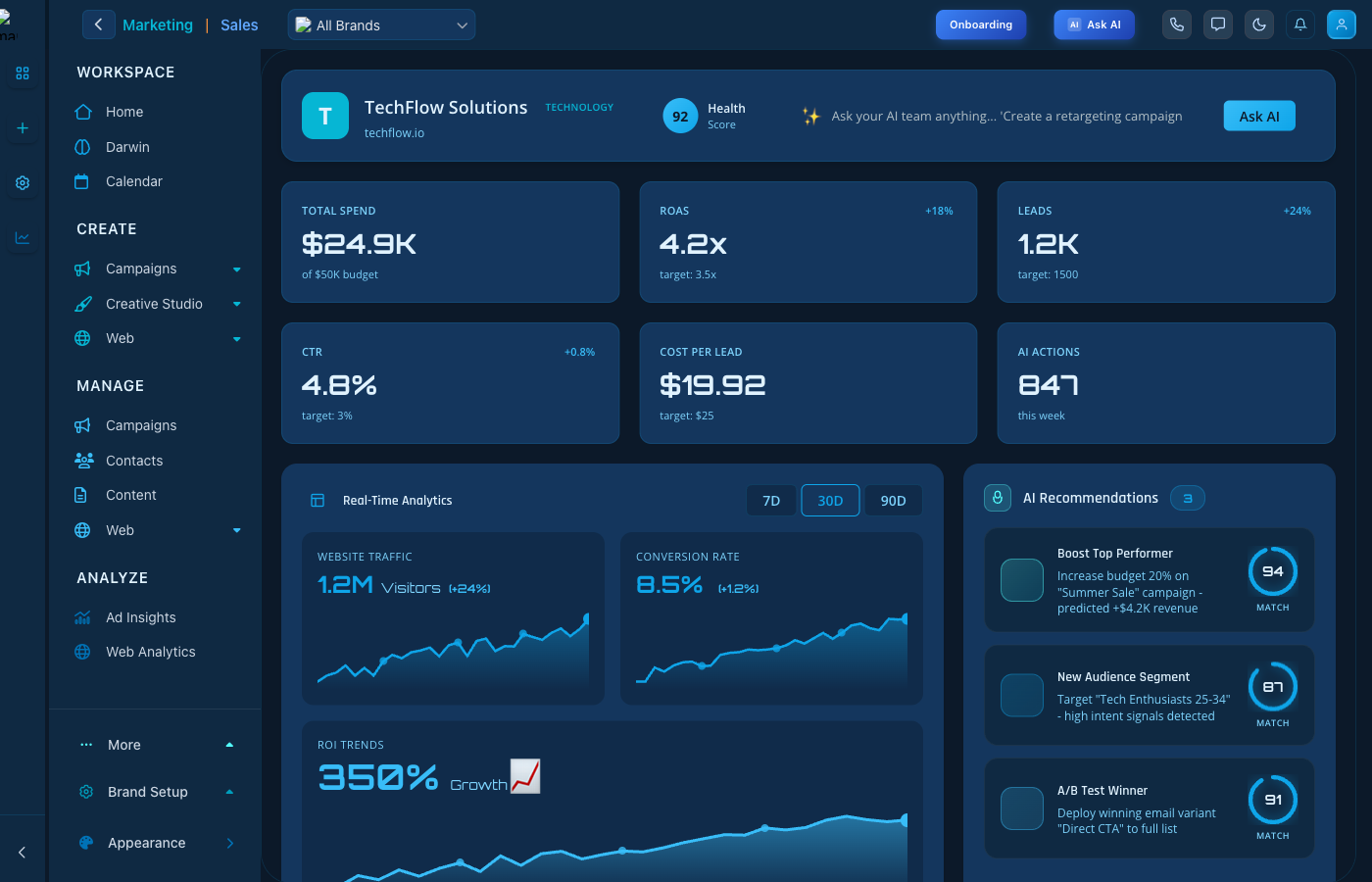
Social Media Ads Creation

Create Ads - Design and launch social campaigns

Ad Creation Features

  • Multi-Platform: Create for Facebook, Instagram, LinkedIn
  • Audience Targeting: Define your target audience
  • Creative Tools: Design ad visuals
  • Budget Control: Set daily and total budgets

Creating an Ad

  1. Select your advertising platform
  2. Choose your campaign objective
  3. Define your target audience
  4. Create your ad creative
  5. Set budget and launch

Keep reading

  • Social Media Ads: Managing Your Campaigns

    Monitor and optimize your social media advertising campaigns with comprehensive analytics, performance metrics, and powerful management tools.

  • SMS Campaigns: Direct Mobile Marketing Guide

    Create and manage SMS marketing campaigns that reach customers directly on mobile devices. Build one-time blasts or automated sequences with personalization, scheduling, and analytics.

  • SMS Marketing Overview

    Master SMS marketing with 98% open rates. Learn to create compliant text message campaigns with personalization, scheduling, and analytics for maximum engagement.

More ways to get help

These guides are the same ones that sit inside the app’s help center, next to the screens they describe. If you prefer to watch, the Marketing Titan Academy has short video courses recorded in the product. Signed in, you can also ask Darwin, the built-in assistant, to explain a screen or do the step for you. If something is not covered here, contact us and a person will answer.

Try it yourself

Every guide here describes the live product.

Start free and follow along: every core module, unlimited users, no card required.