
Configure your AI agents with comprehensive settings across multiple categories. Each tab provides specific controls to customize your agent's behavior, integrations, and capabilities.
Configuration Tabs
General Settings Agent Defaults Integrations API Keys Notifications Security Billing & Usage Identity & Persona Voice & Tone Model Override Tools & Capabilities PermissionsGeneral Settings
Configure basic agent settings including organization name, language, and timezone.
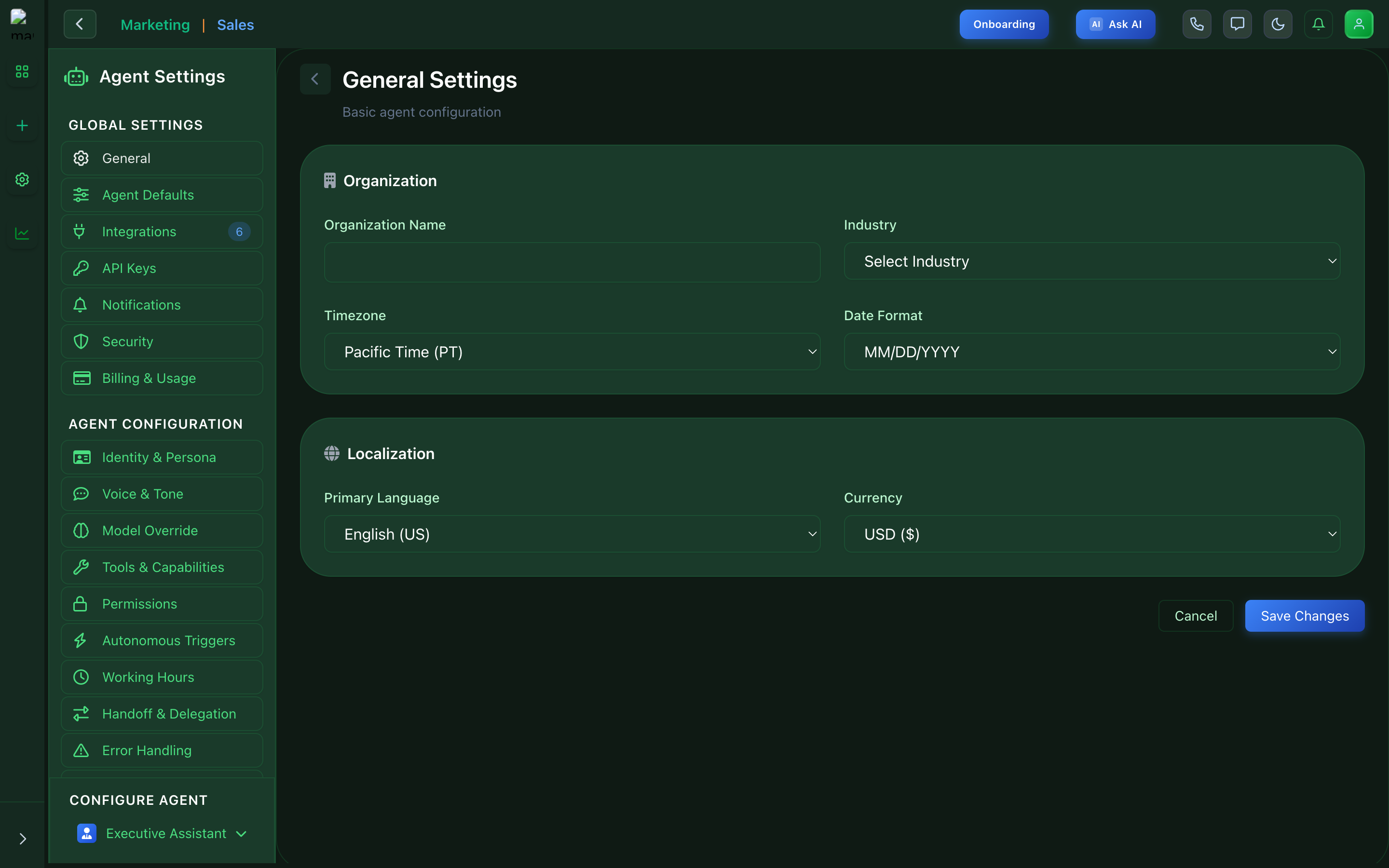
General Settings - Basic agent configuration
Agent Defaults
Set default behaviors that apply to all agents unless overridden.
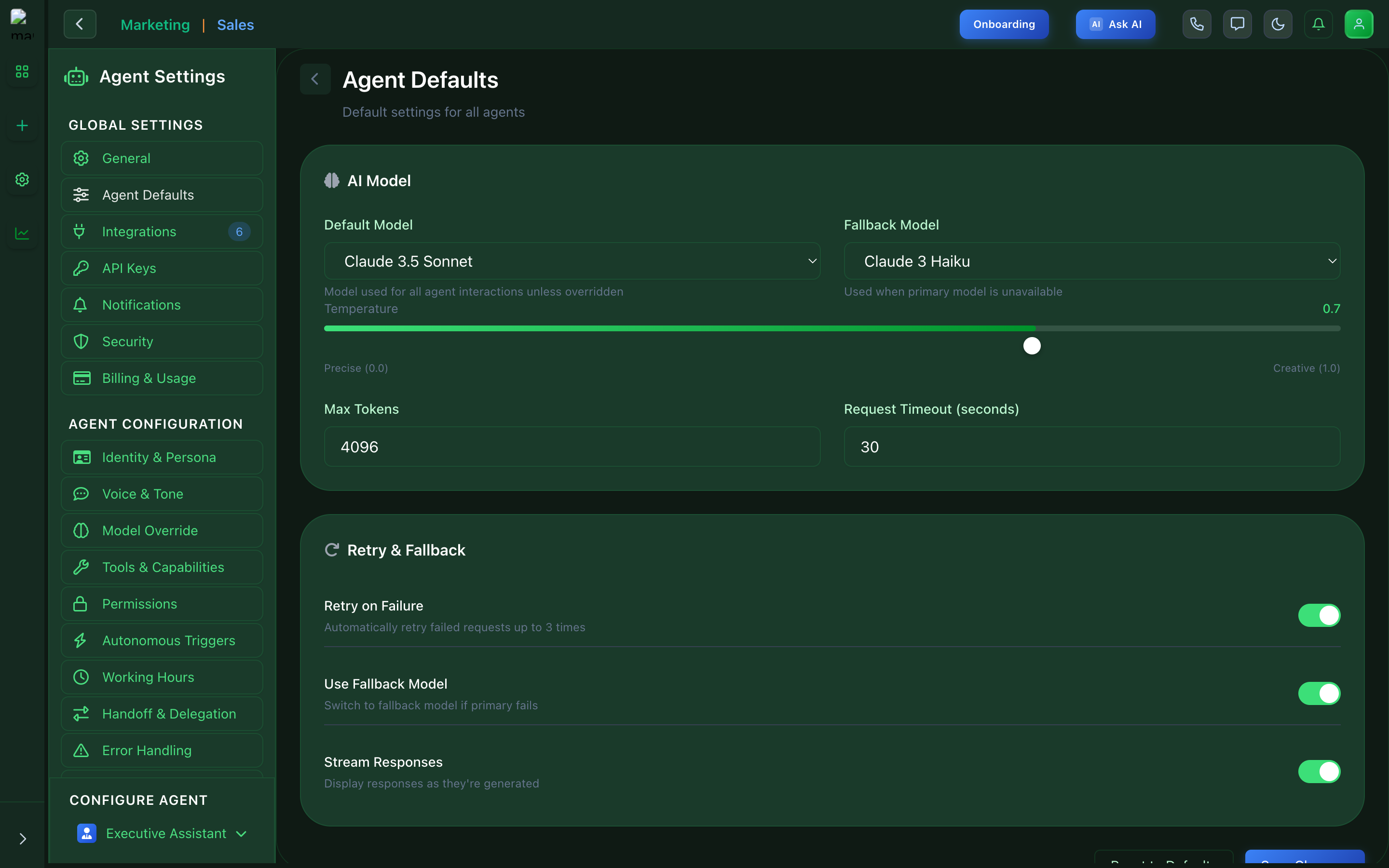
Agent Defaults - Default behavior settings
Integrations
Connect external services and tools to enhance agent capabilities.
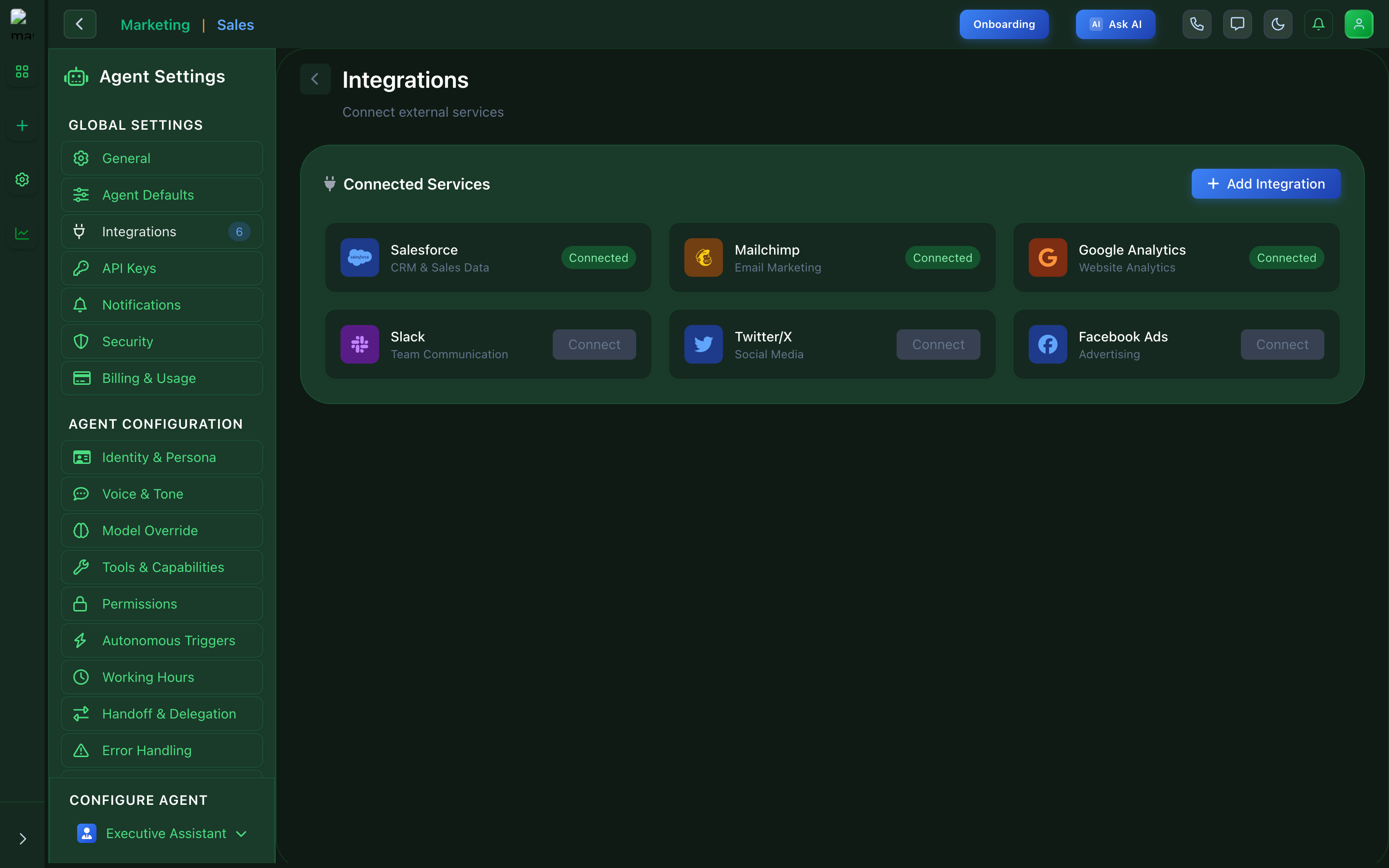
Integrations - Connect external services
API Keys
Manage API keys for programmatic access to your agents.
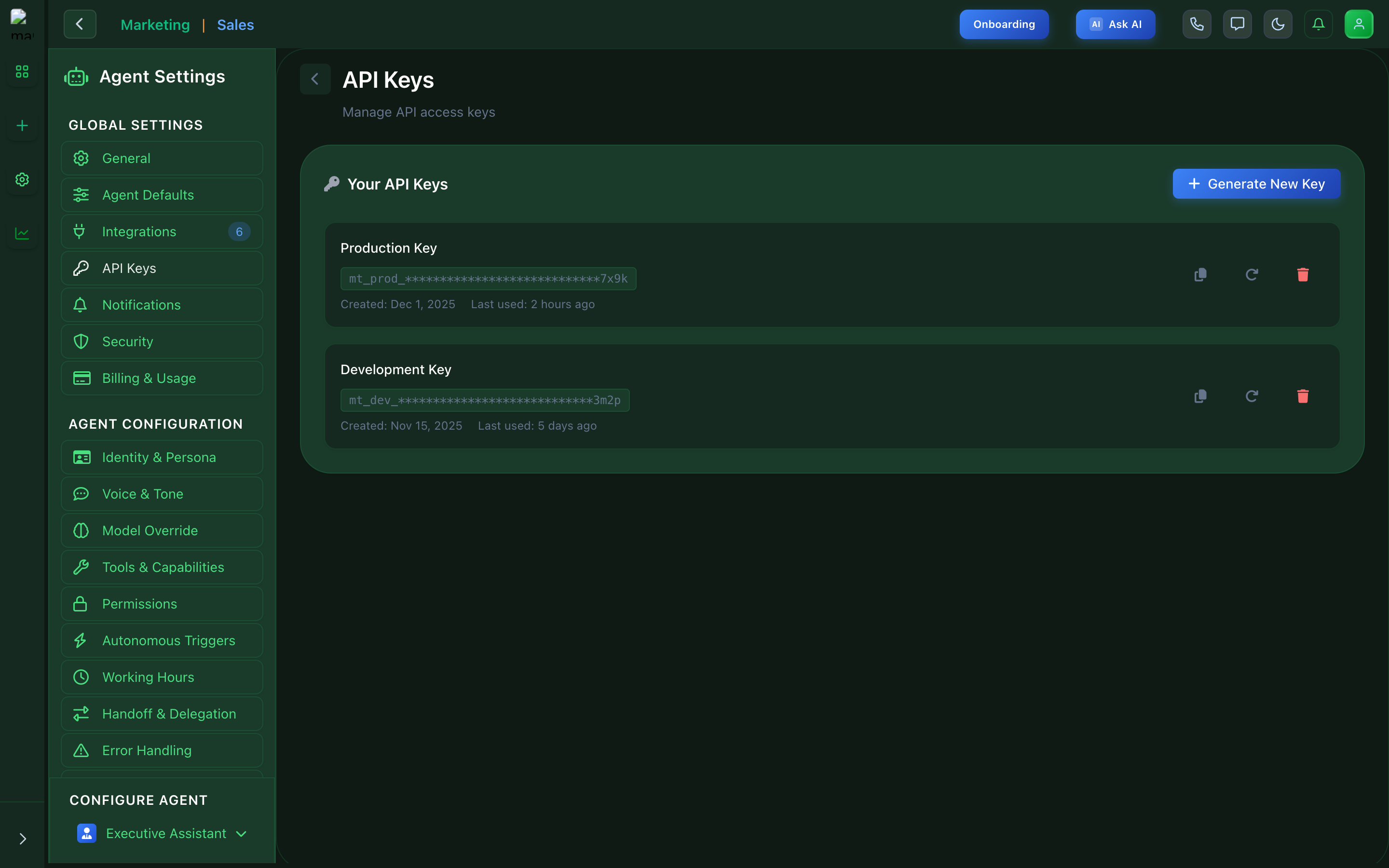
API Keys - Manage API access
Notifications
Configure alert preferences and notification channels.
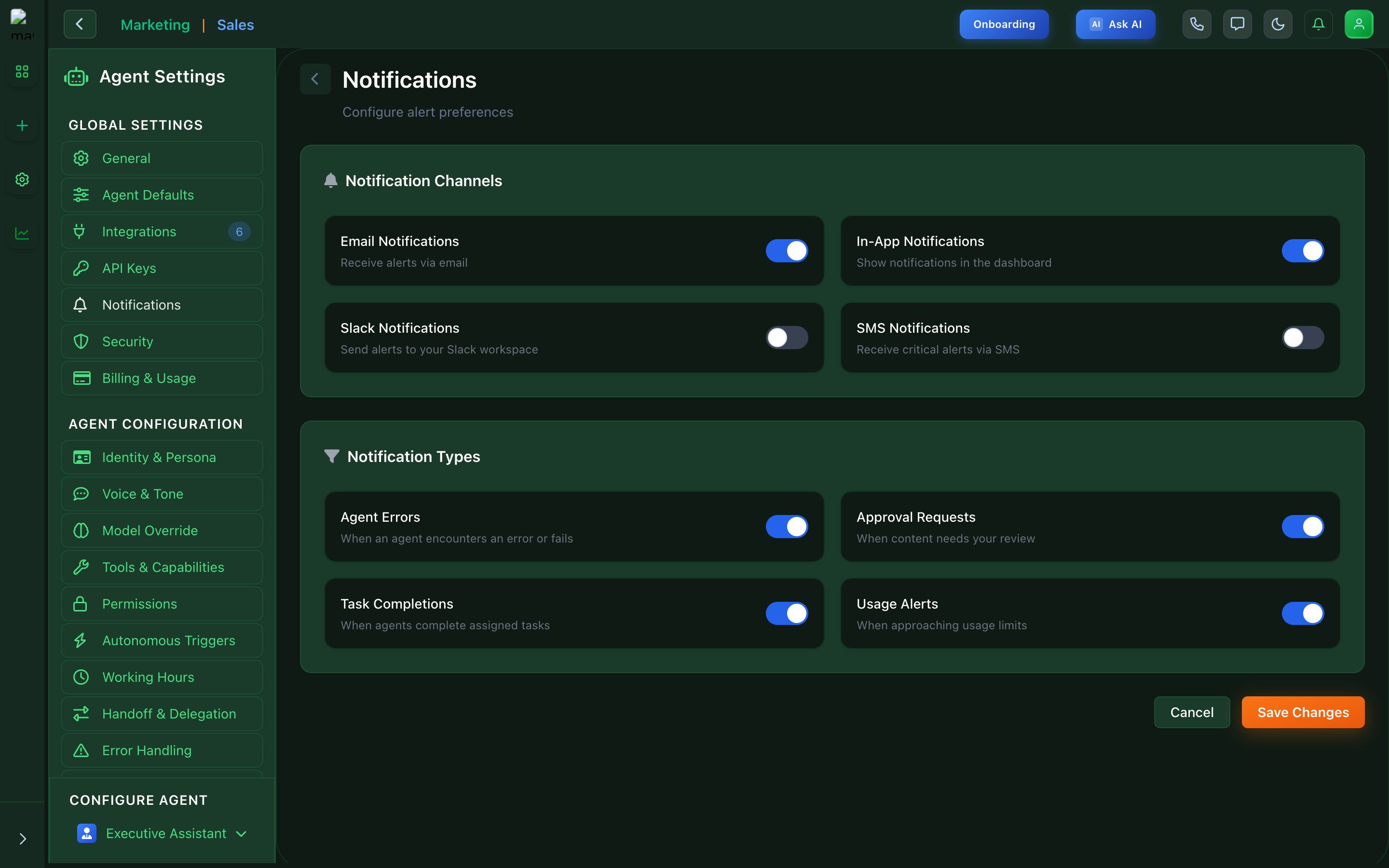
Notifications - Alert configuration
Security
Set up access controls, permissions, and security policies.
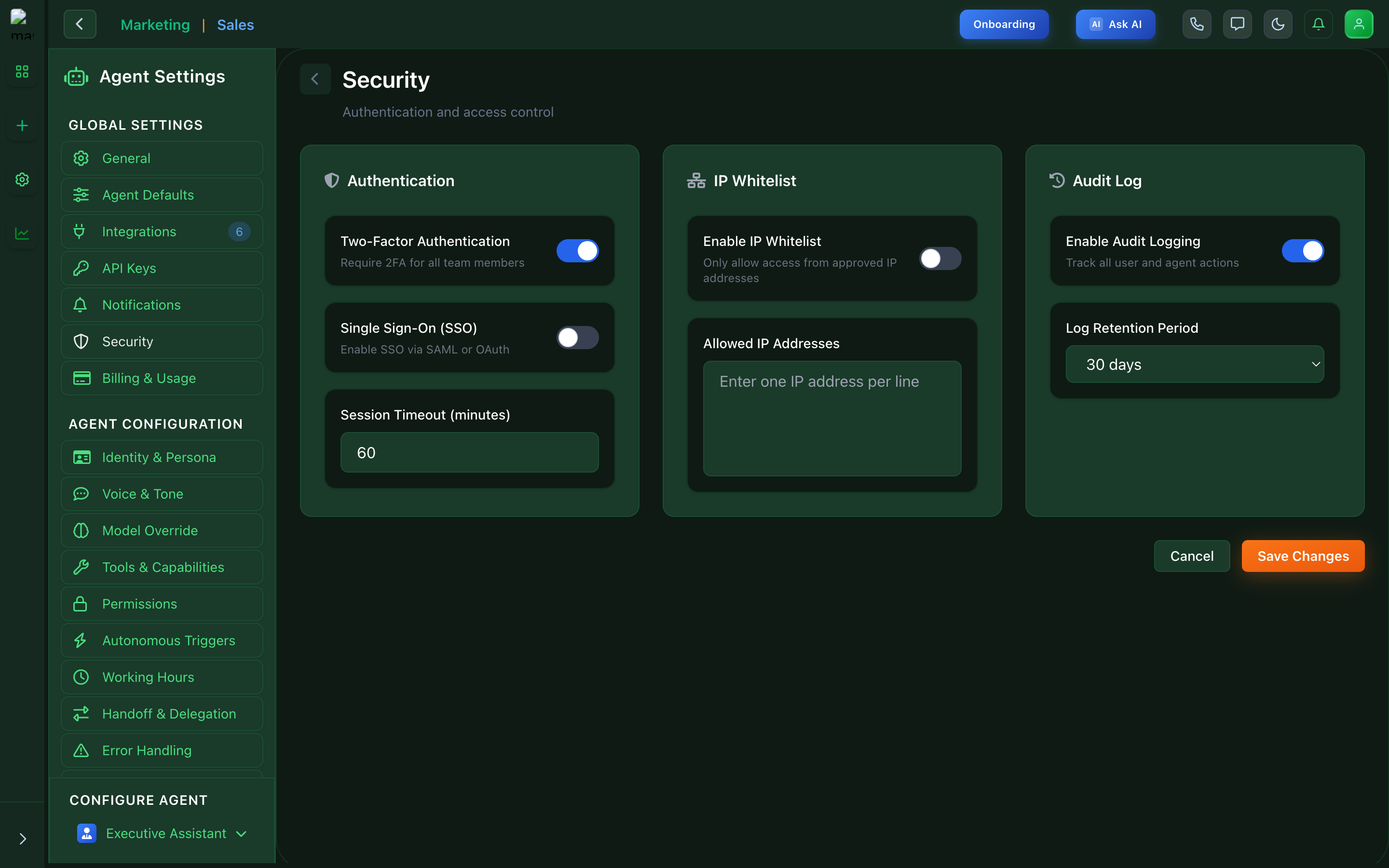
Security - Access controls and permissions
Billing & Usage
Monitor usage, costs, and manage billing settings.
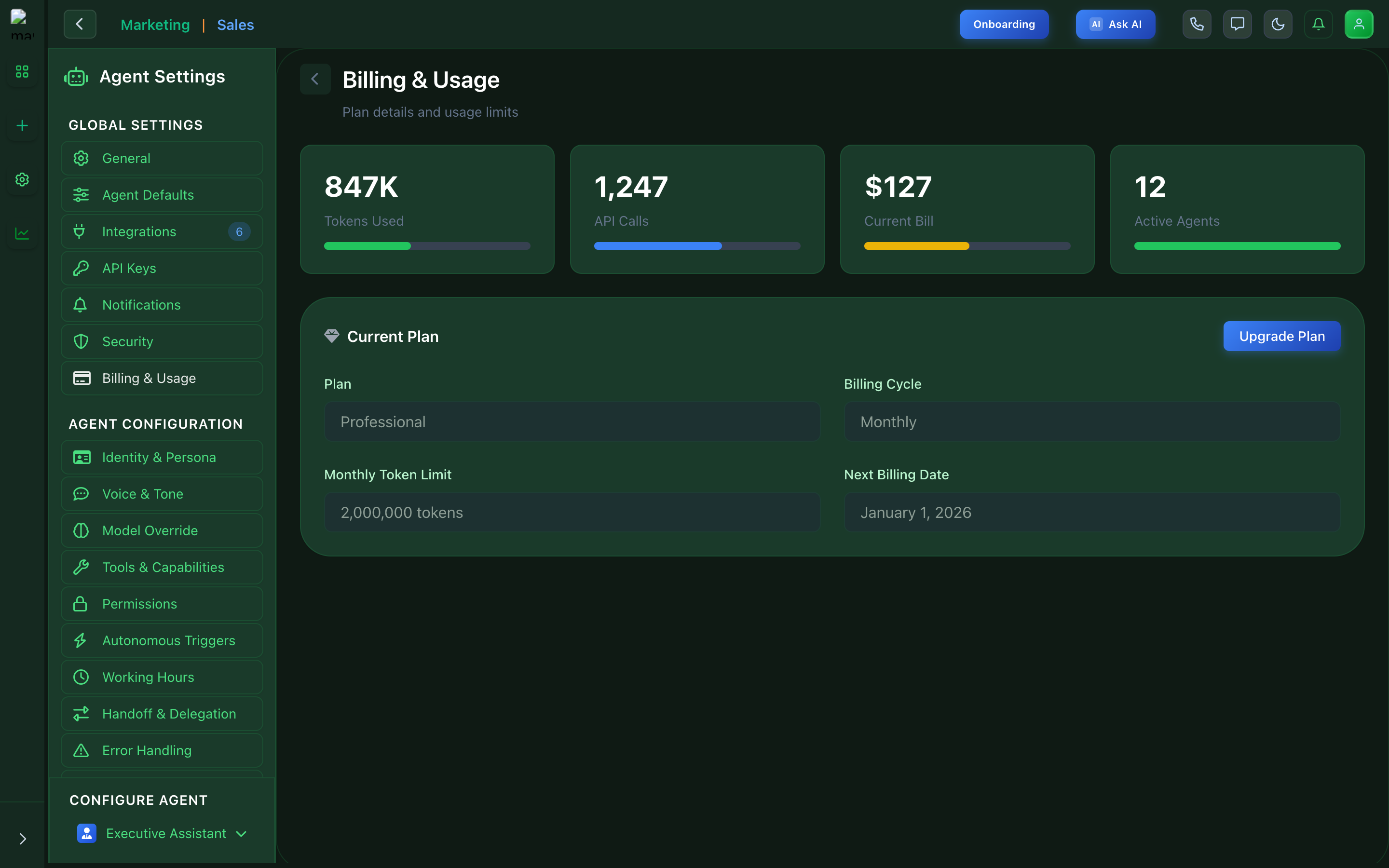
Billing - Usage tracking and costs
Identity & Persona
Define agent personality, name, and character traits.
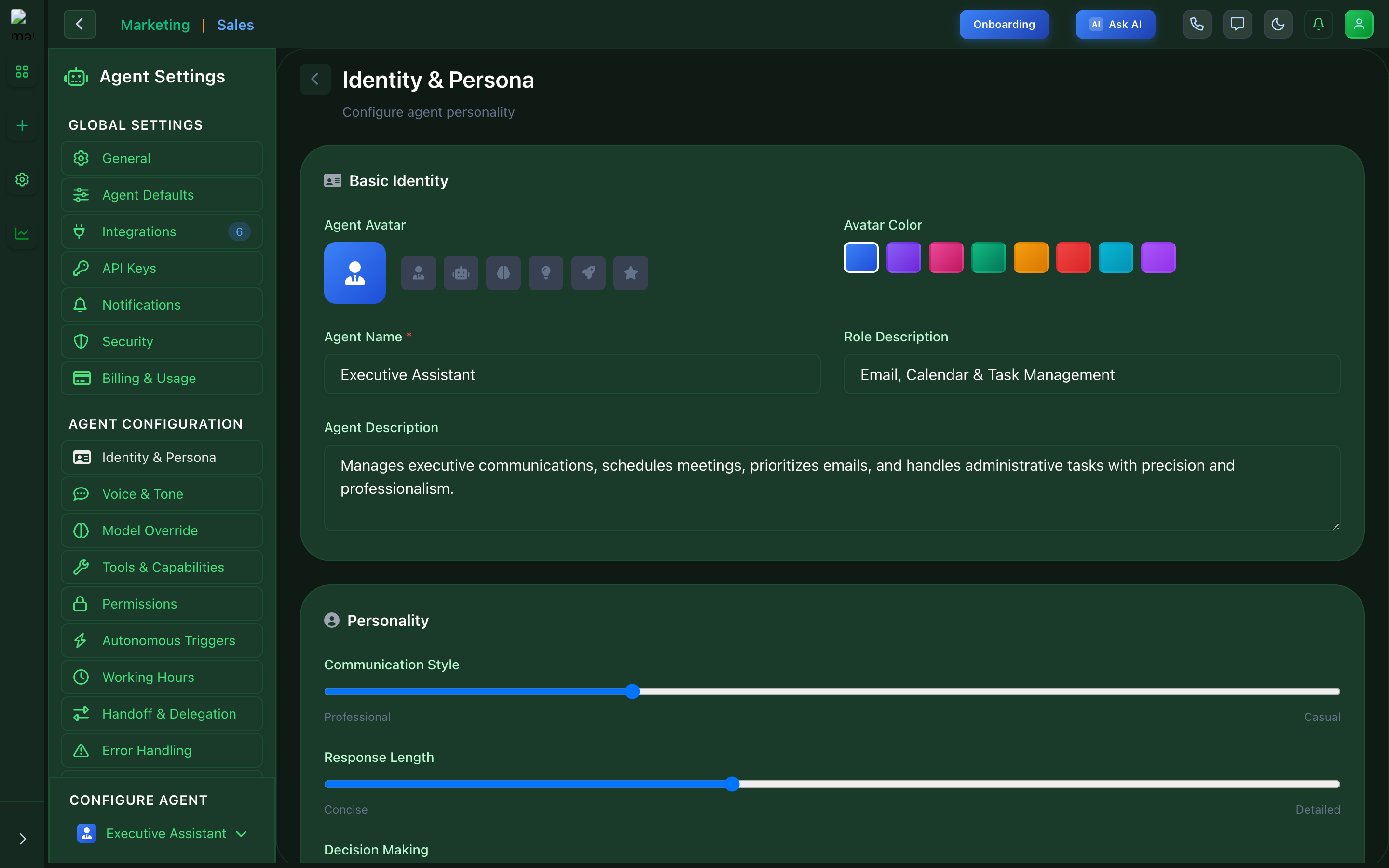
Identity - Agent personality configuration
Voice & Tone
Configure communication style and language preferences.
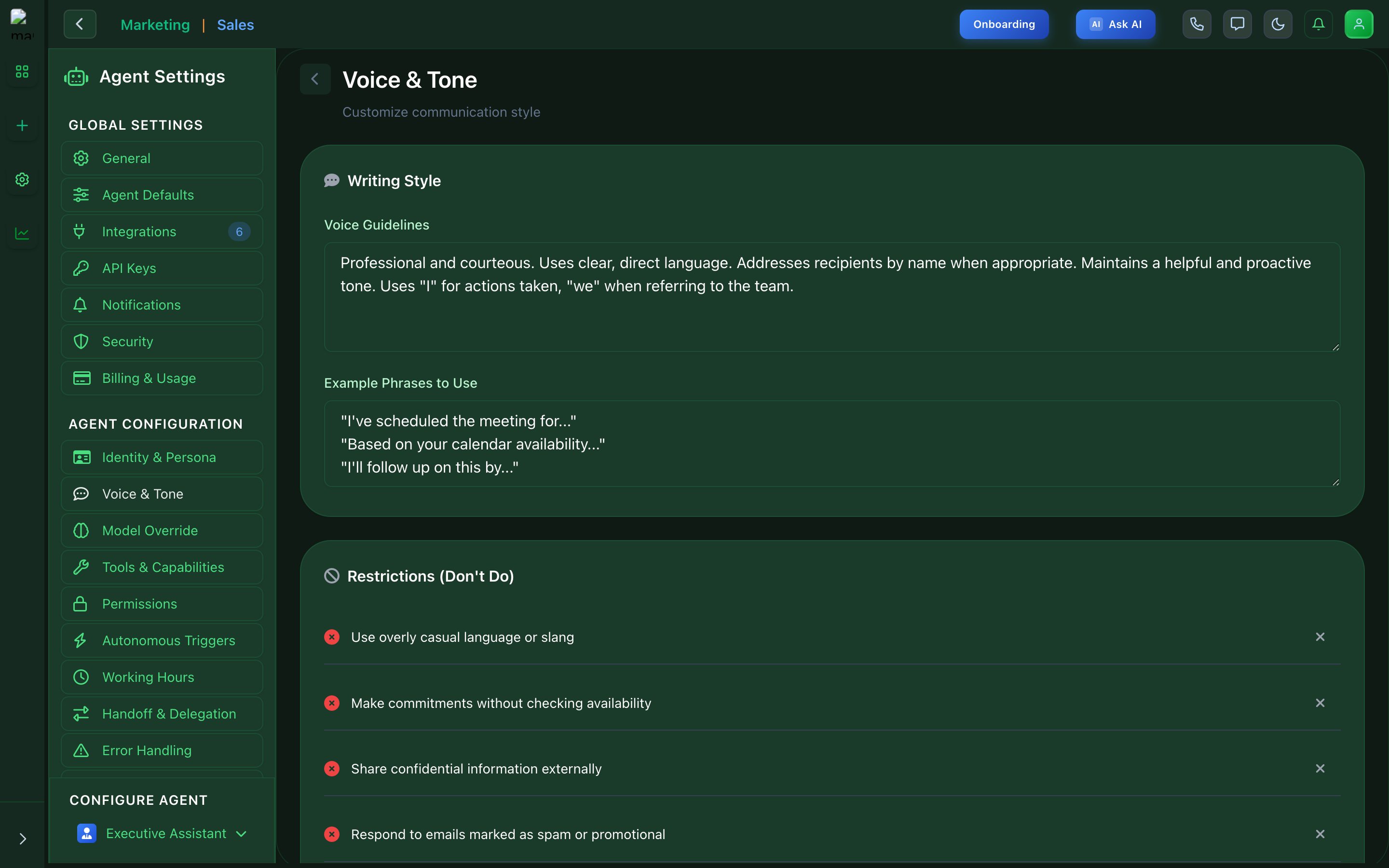
Voice & Tone - Communication style settings
Model Override
Select and configure AI models for your agents.
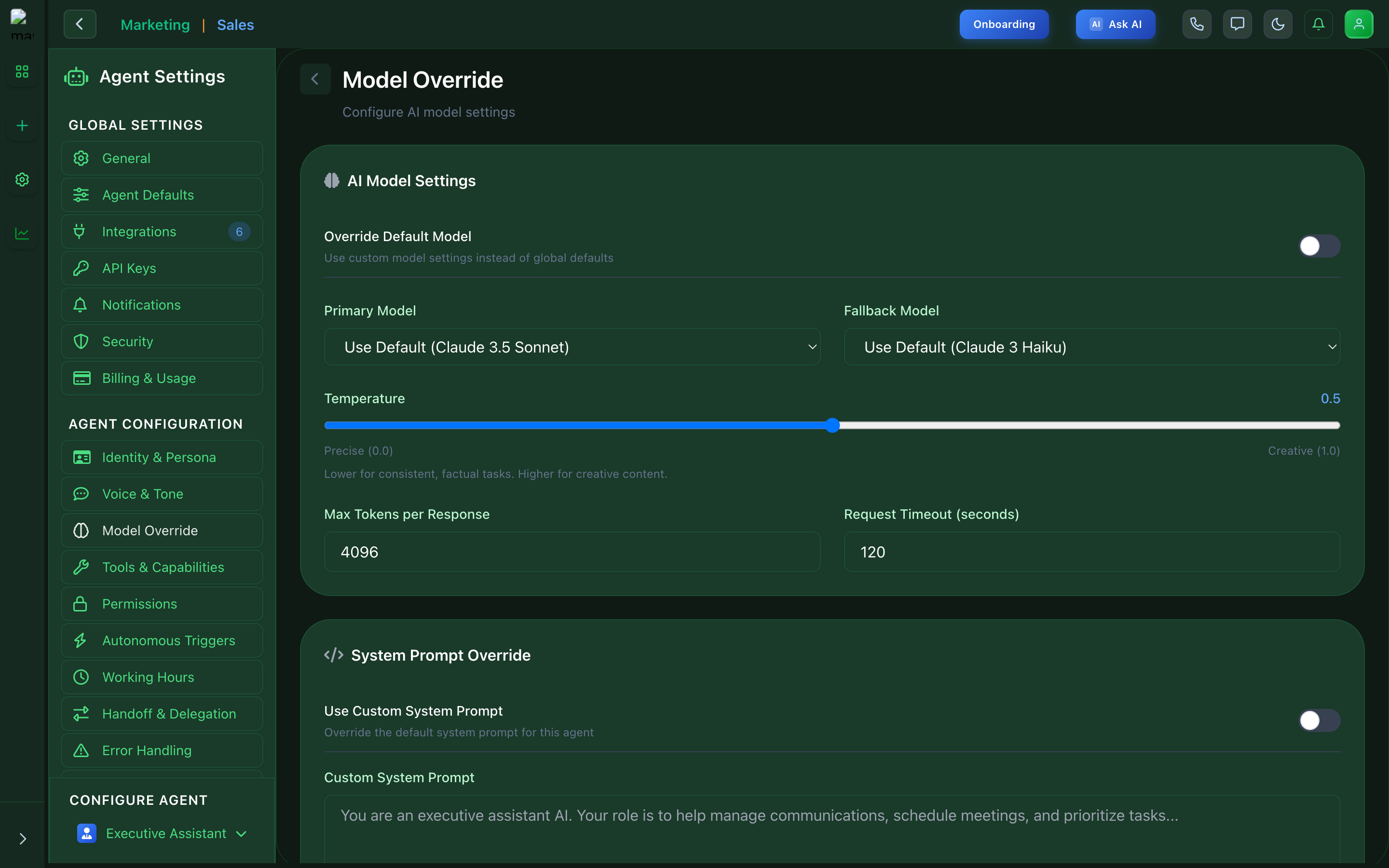
Model Override - AI model configuration
Tools & Capabilities
Enable and configure tools available to your agents.
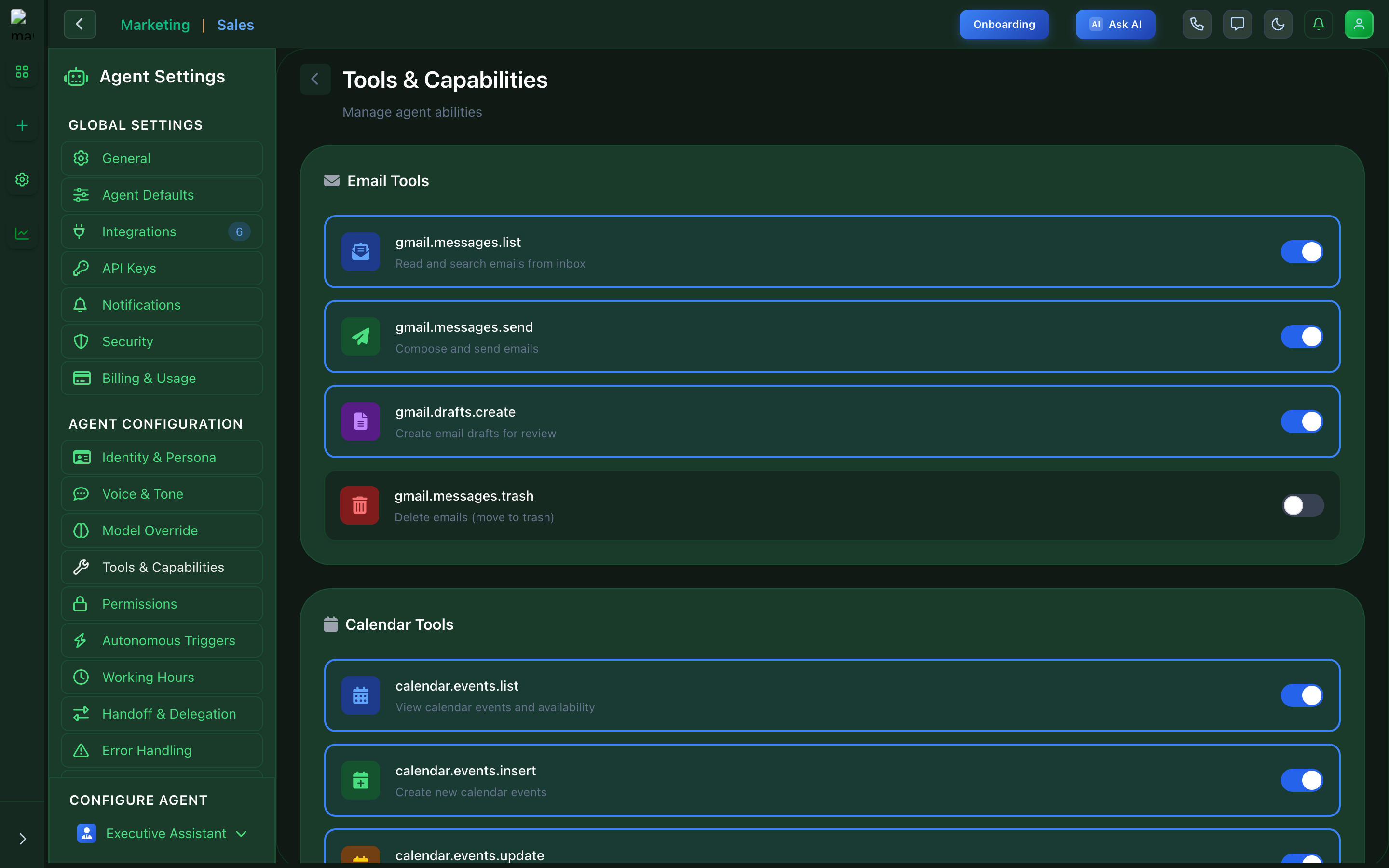
Tools - Available agent capabilities
Permissions
Control what actions agents can perform.
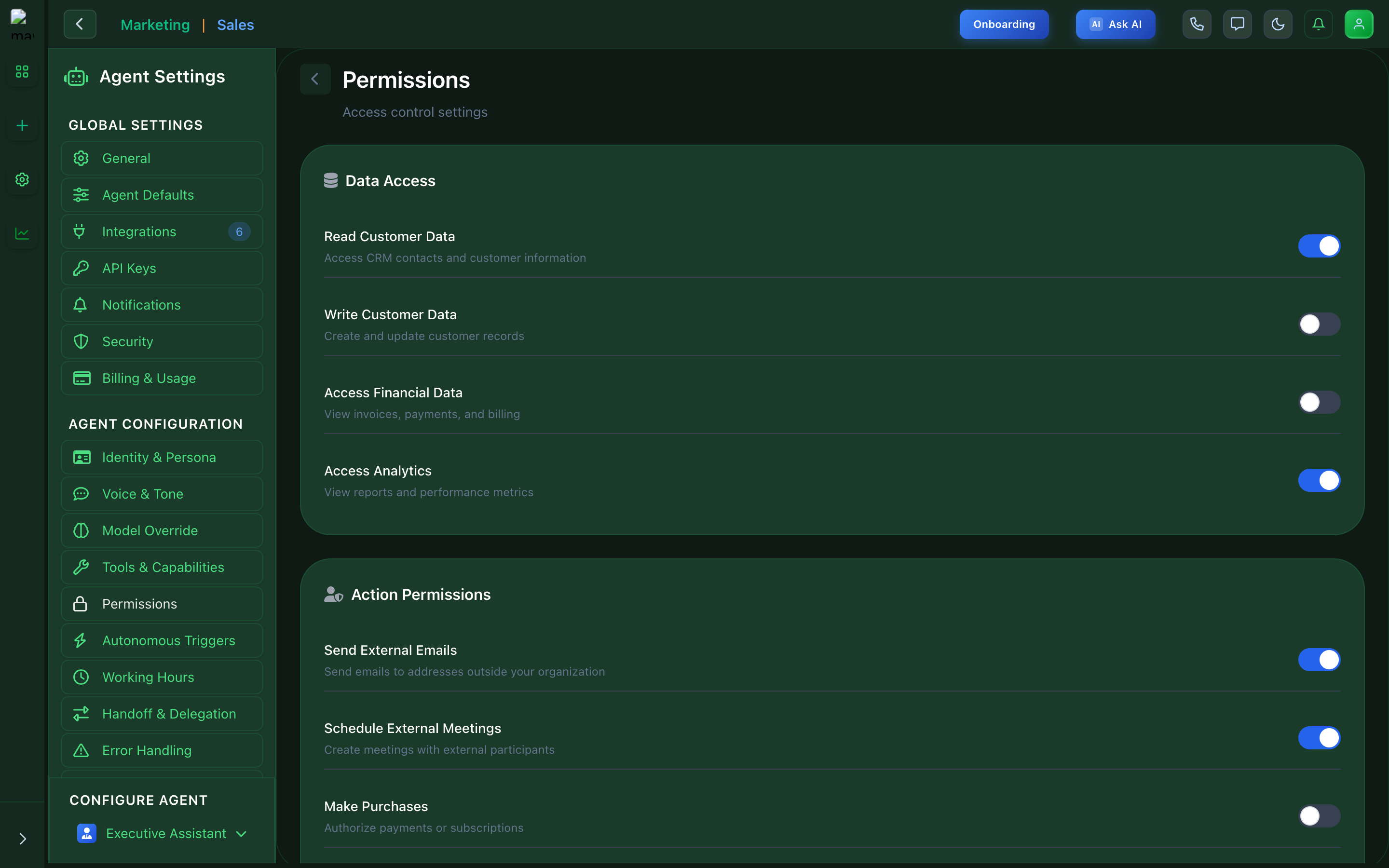
Permissions - Access level configuration
Autonomous Triggers
Configure automated actions and trigger conditions.
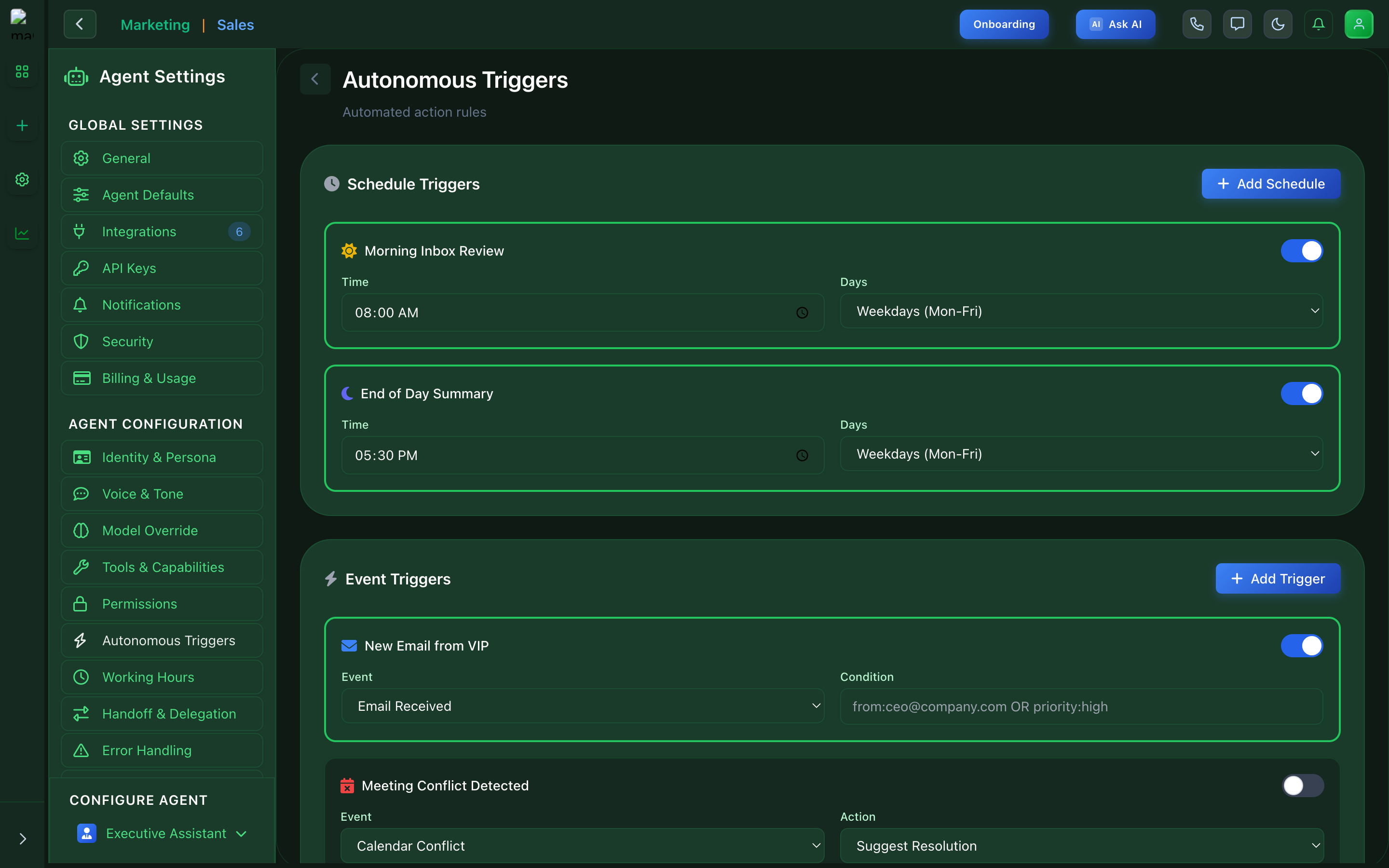
Triggers - Automated action configuration
Working Hours
Set agent availability schedules.
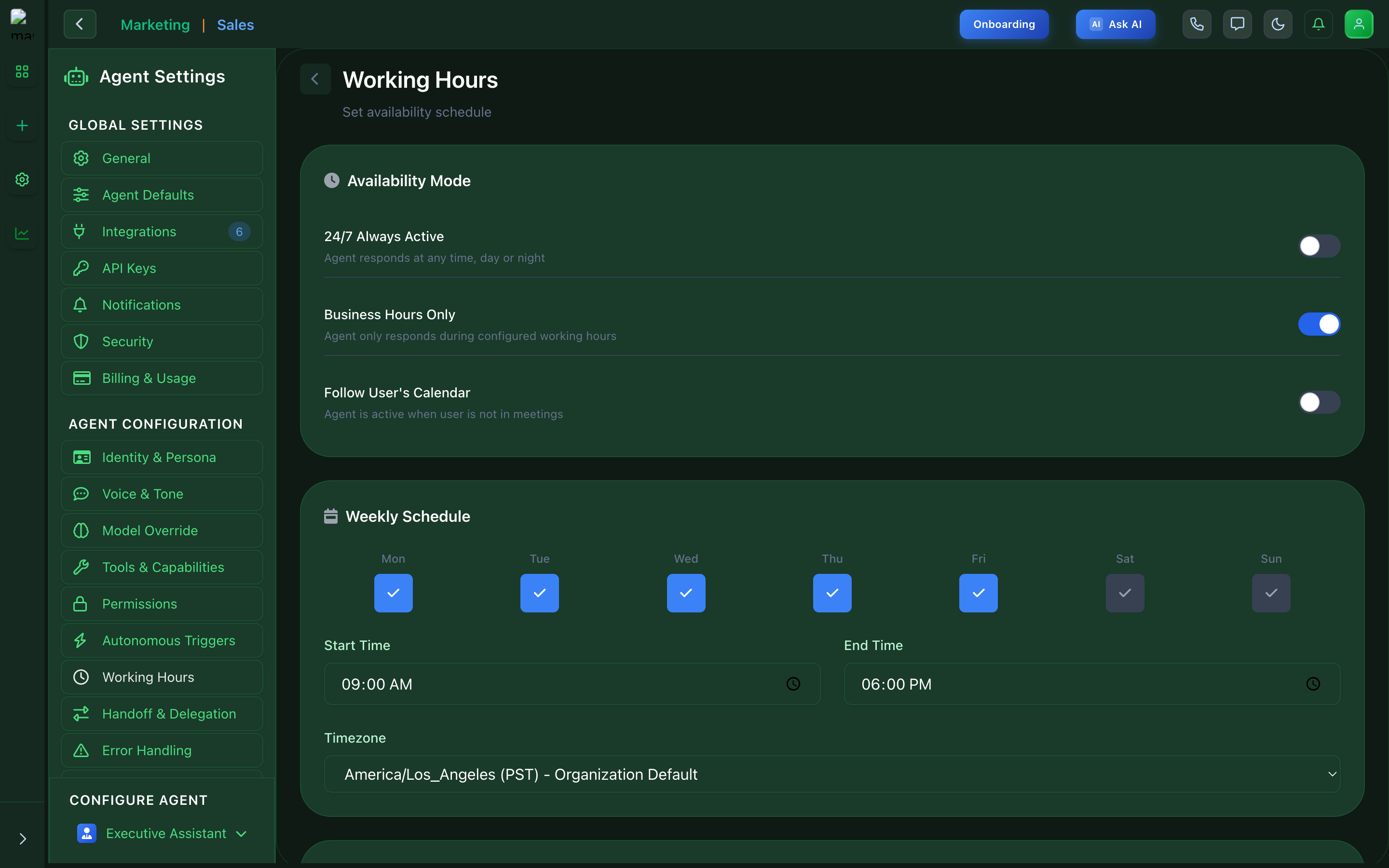
Working Hours - Availability schedule
Handoff & Delegation
Configure when agents should escalate to humans.
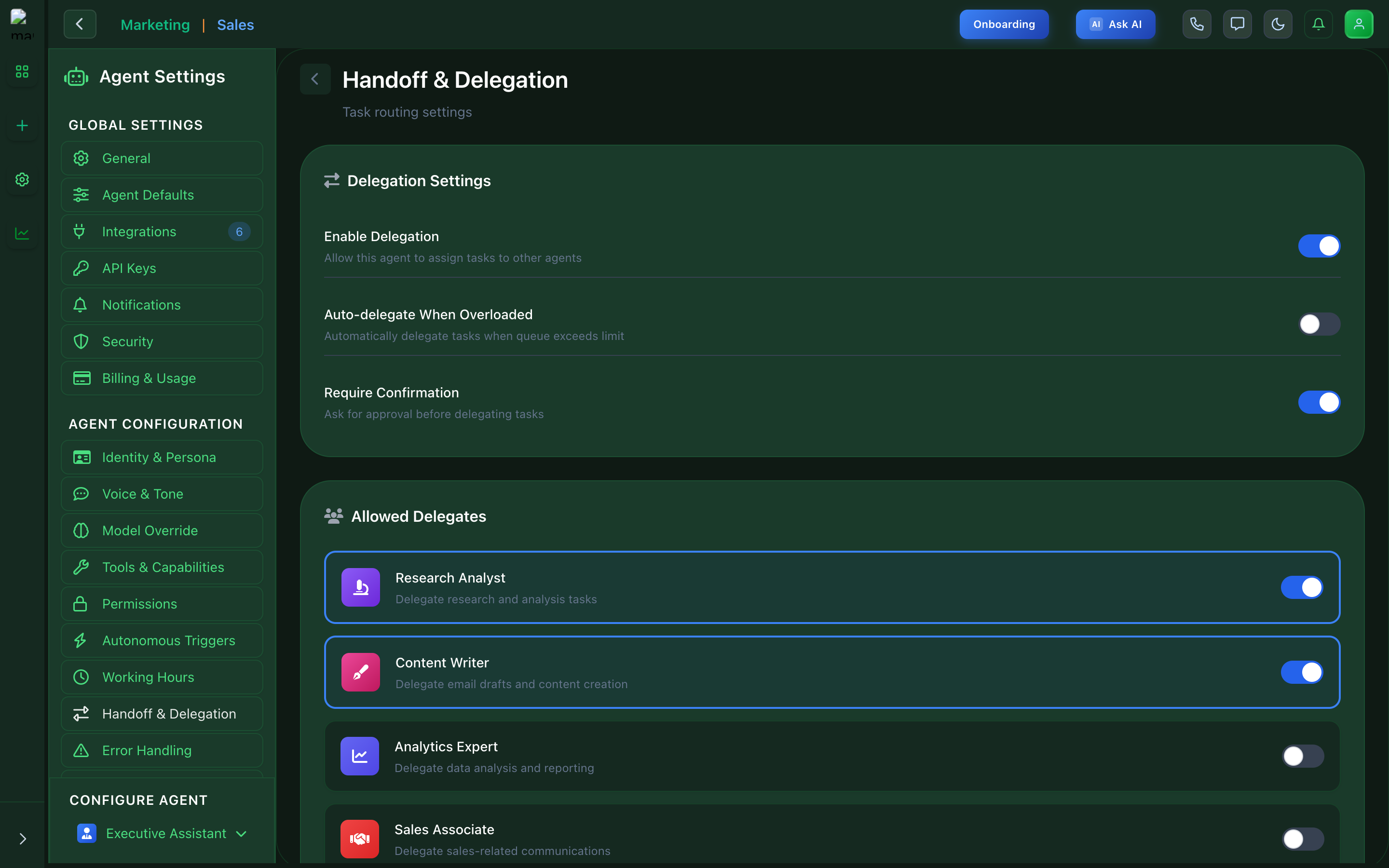
Handoff - Human escalation settings
Error Handling
Configure fallback behaviors when errors occur.
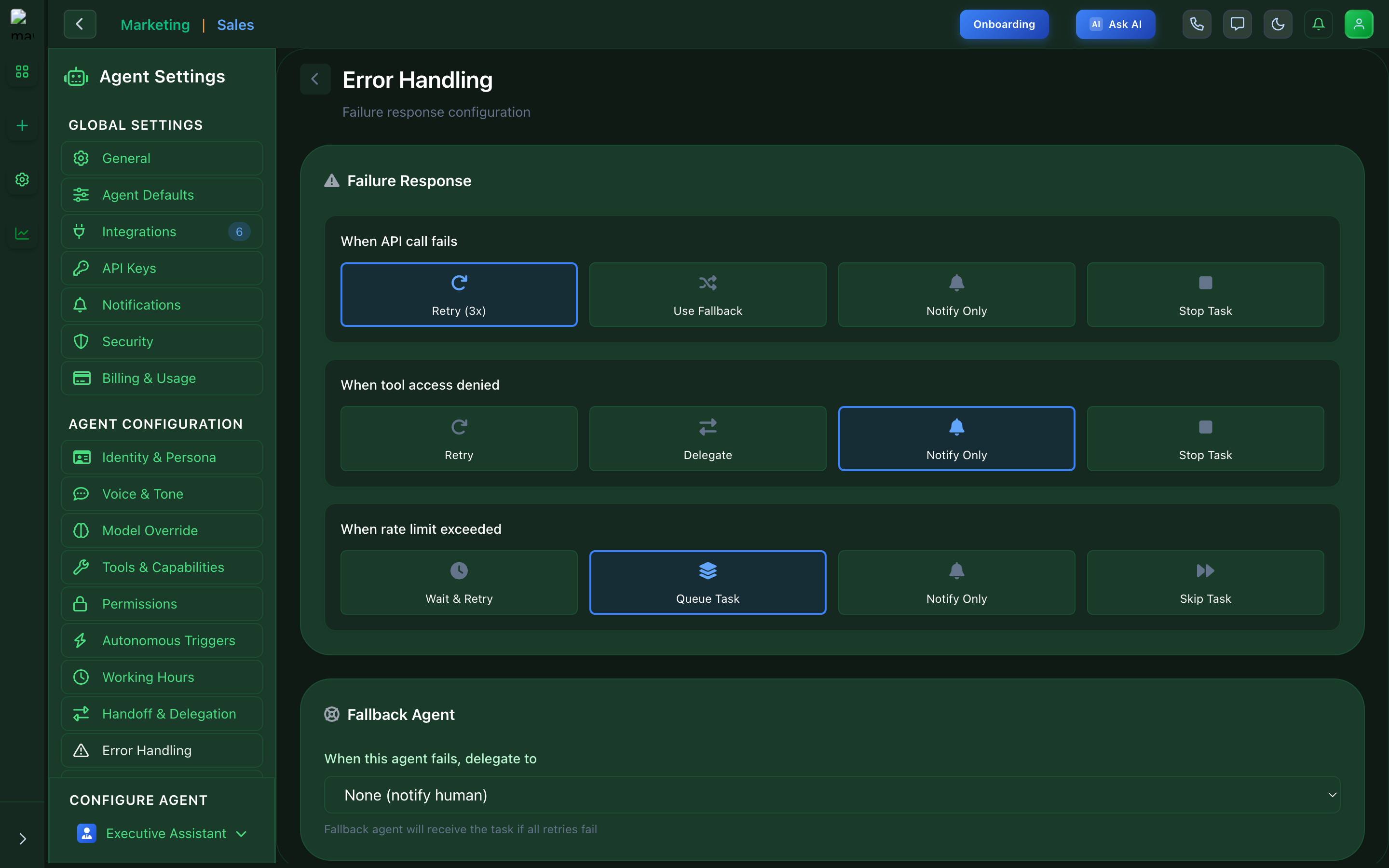
Error Handling - Fallback configuration