
Contacts

Deals Management

Track sales opportunities and deals through your pipeline.

Beginner

/board/deals

Overview

Deals Management helps you track sales opportunities through your pipeline. Monitor deal values, stages, and close probabilities.

Step 1: List View

The Main tab shows all deals in a table with values, stages, and expected close dates.
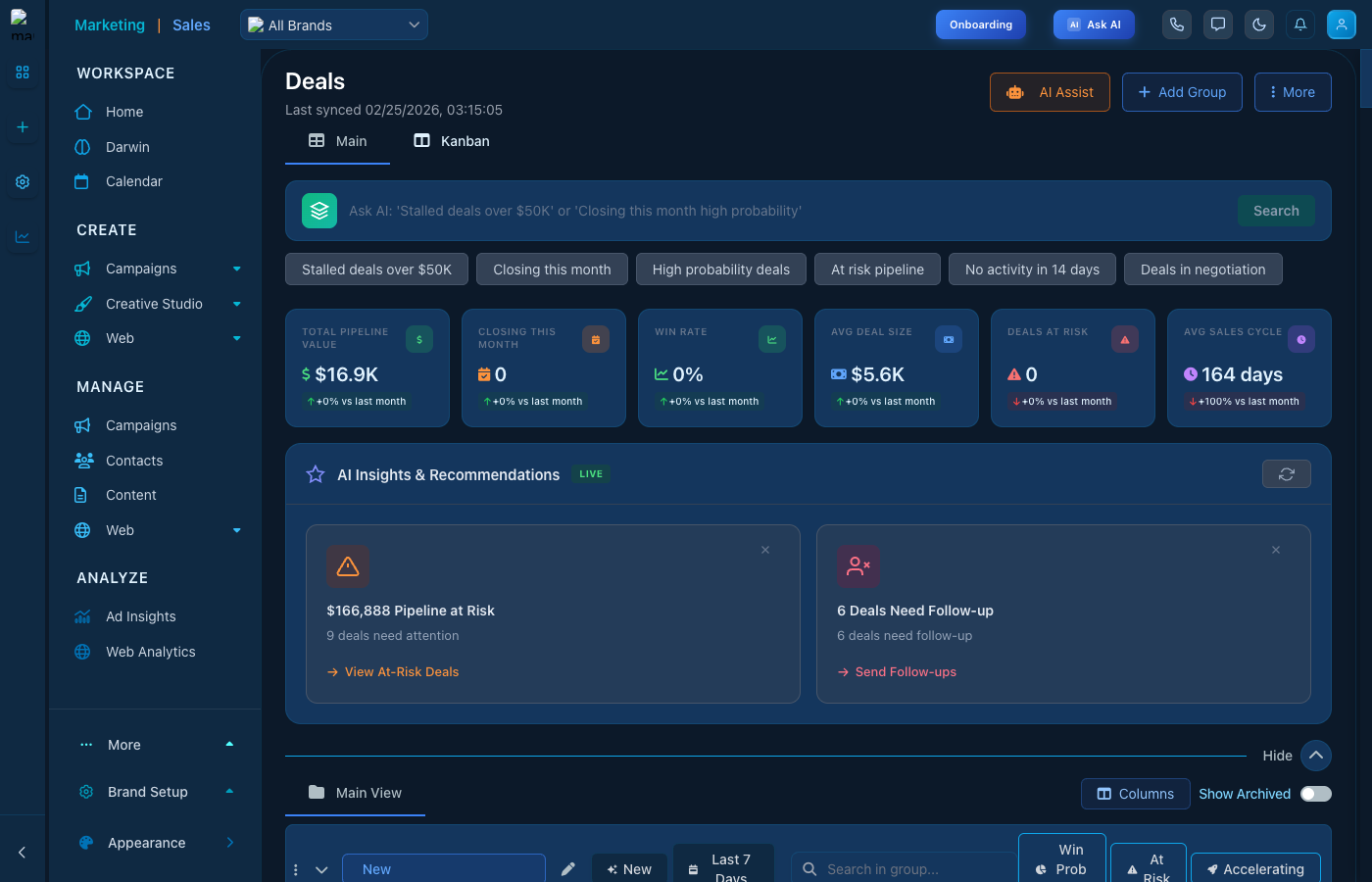
Deals List

Deals list with pipeline information

Step 2: Kanban View

Use the Kanban tab to visualize deals by stage and drag them through your pipeline.
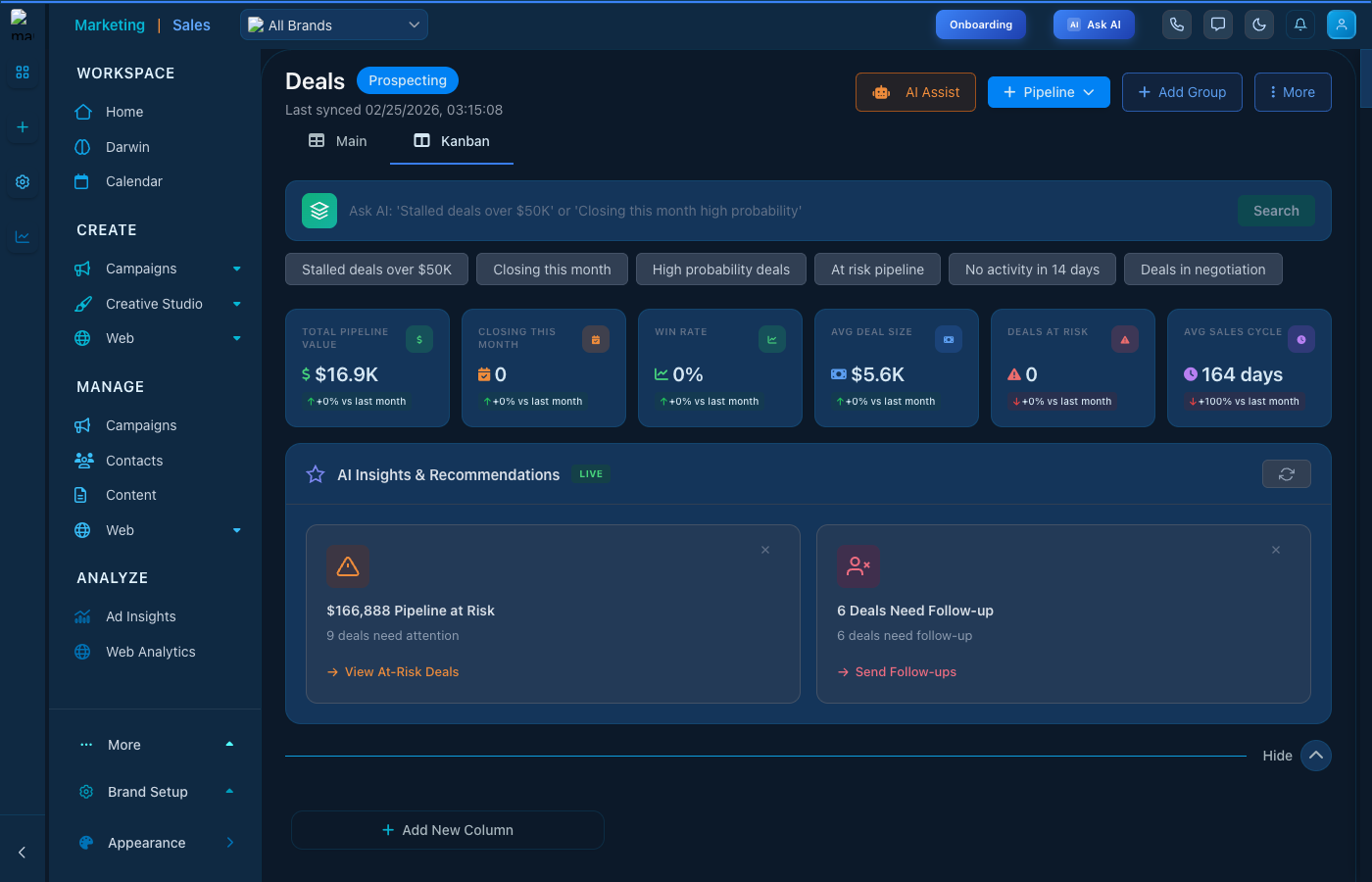
Deals Kanban

Kanban board for deal pipeline

Key Features

  • Deal Stages - Customizable pipeline stages
  • Win Probability - AI-powered close predictions
  • Deal Value - Track potential revenue
  • Activity Timeline - All deal-related activities

Keep reading

  • Accounts Management

    Manage company accounts and organizations in your CRM.

  • Contacts - Lists

    Group contacts into named mailing lists — the audiences your campaigns send to.

  • Leads Management

    Track and manage your sales leads with list and kanban views, AI assistance, and pipeline management.

More ways to get help

These guides are the same ones that sit inside the app’s help center, next to the screens they describe. If you prefer to watch, the Marketing Titan Academy has short video courses recorded in the product. Signed in, you can also ask Darwin, the built-in assistant, to explain a screen or do the step for you. If something is not covered here, contact us and a person will answer.

Try it yourself

Every guide here describes the live product.

Start free and follow along: every core module, unlimited users, no card required.