
/board/leads
Overview
Leads Management helps you track potential customers through your sales pipeline. View leads in list or kanban format, use AI assistance for insights, and manage lead scoring.
Step 1: List View
The Main tab shows leads in a table format with all key information at a glance.
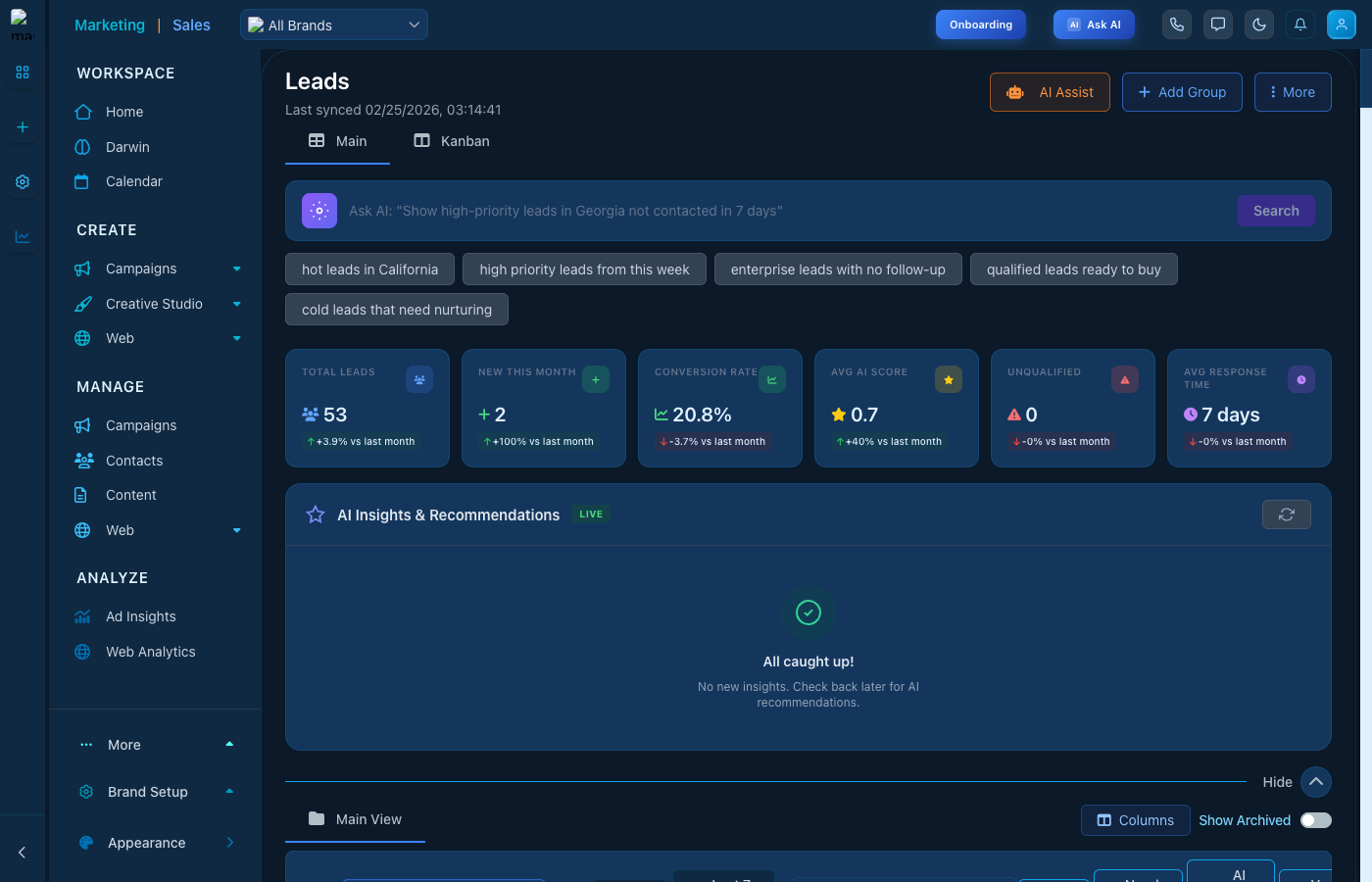
Leads list view with sorting and filtering
Step 2: Kanban View
Click the Kanban tab to visualize leads by pipeline stage. Drag and drop leads between stages to update their status.
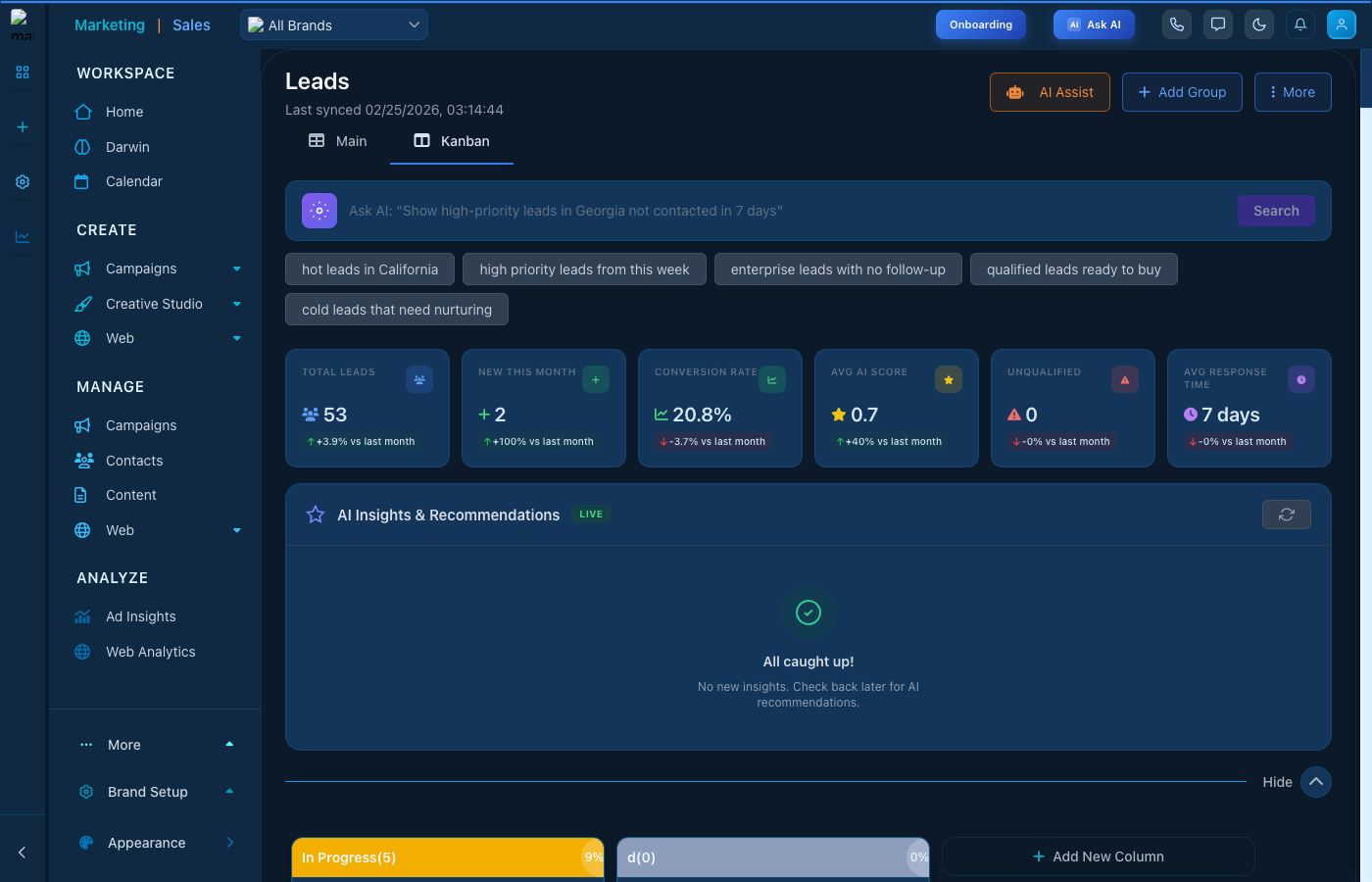
Kanban board for visual pipeline management
Key Features
- AI Assist - Get AI-powered insights and recommendations
- Lead Scoring - Automatic lead quality scoring
- Custom Fields - Add custom data fields
- Bulk Actions - Update multiple leads at once
- Import/Export - Bring in leads from other sources
Tips
- Use filters to focus on high-priority leads
- Set up automation rules for lead assignment
- Track lead source to optimize marketing spend