
Email Sequences automate your communication by sending a series of timed emails based on triggers and conditions. Build sophisticated drip campaigns that nurture leads, onboard customers, and re-engage inactive users without manual effort.
Quick Navigation
Quick Start (5 min) Sequence Dashboard Triggers & Conditions Analytics & Reporting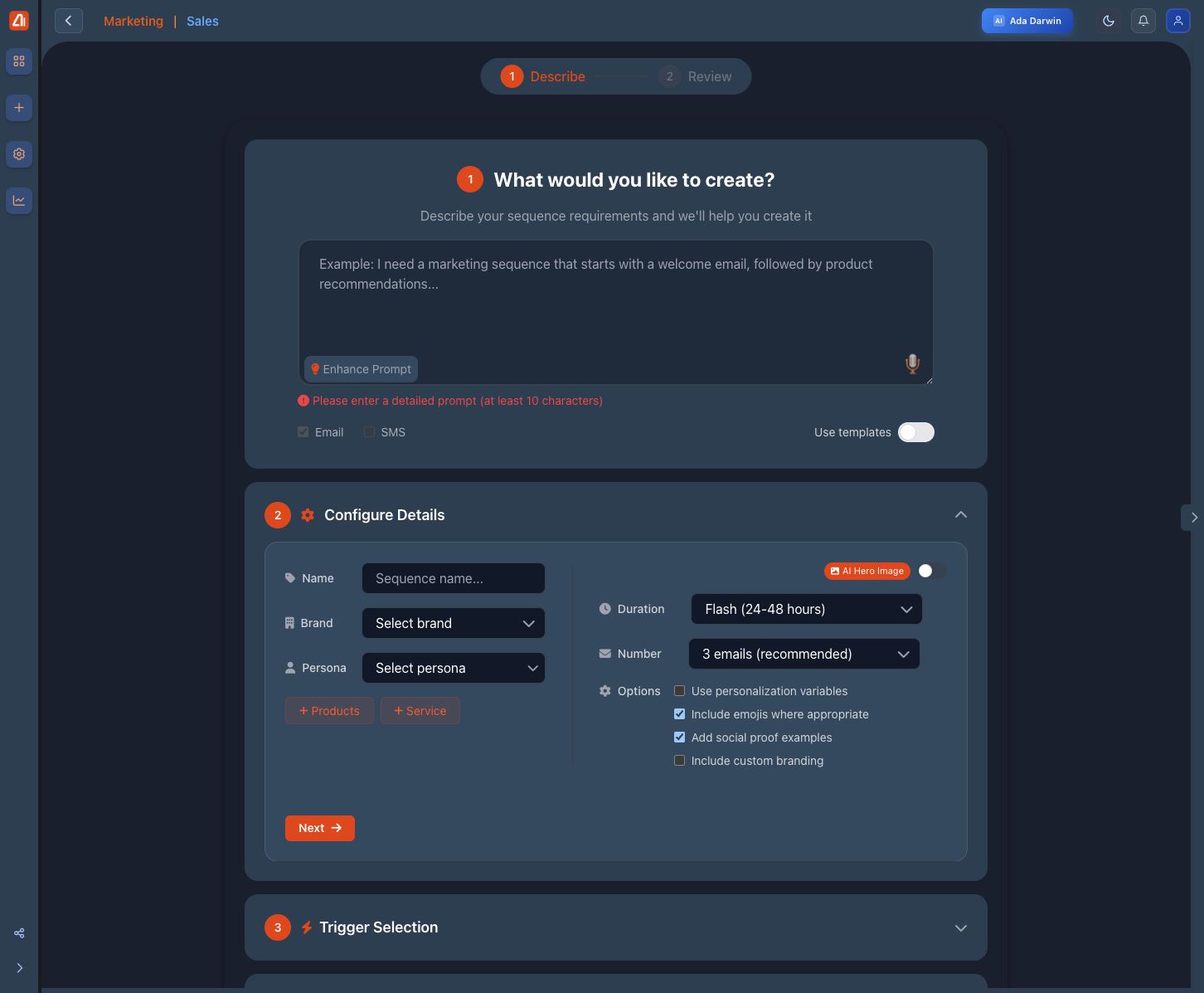
Email Sequences - Create and manage automated email flows
Quick Start Guide
Create your first automated email sequence in 5 minutes:
Step 1: Start a New Sequence
- Navigate to Email Marketing → Sequences
- Click + Create Sequence
- Choose Email as the sequence type
Step 2: Configure Your Sequence
- Enter a description of what you want (e.g., "Welcome new subscribers with 3 emails over 1 week")
- Click Enhance Prompt to let AI improve your description
- Select your Brand and Target Persona
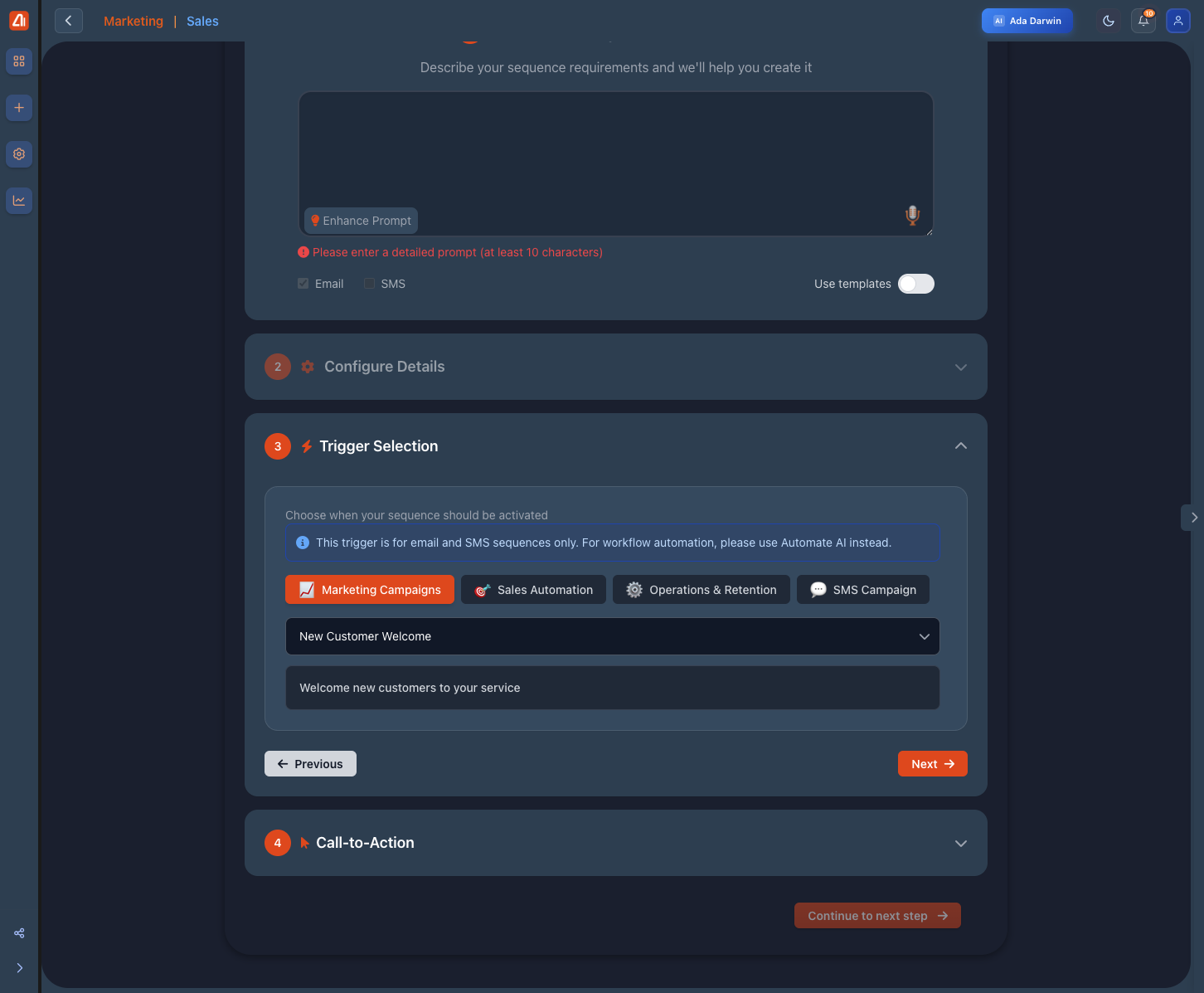
Configure sequence settings and AI generation options
Sequence Dashboard Features
| Feature | Description |
|---|---|
| Status | Active, Paused, or Draft with toggle switch |
| Enrolled | Number of contacts currently in the sequence |
| Open Rate | Average open rate across all sequence emails |
| Click Rate | Average click-through rate |