
Automation & AI

Flow Builder

Build automated marketing workflows with a visual node-based editor.

Beginner

/ai-flows/builder

Overview

Flow Builder lets you create automated marketing workflows using a visual node-based editor. Connect triggers, actions, and conditions to automate complex processes.

Flow Canvas

Use the canvas to build flows by connecting nodes for triggers, conditions, and actions.
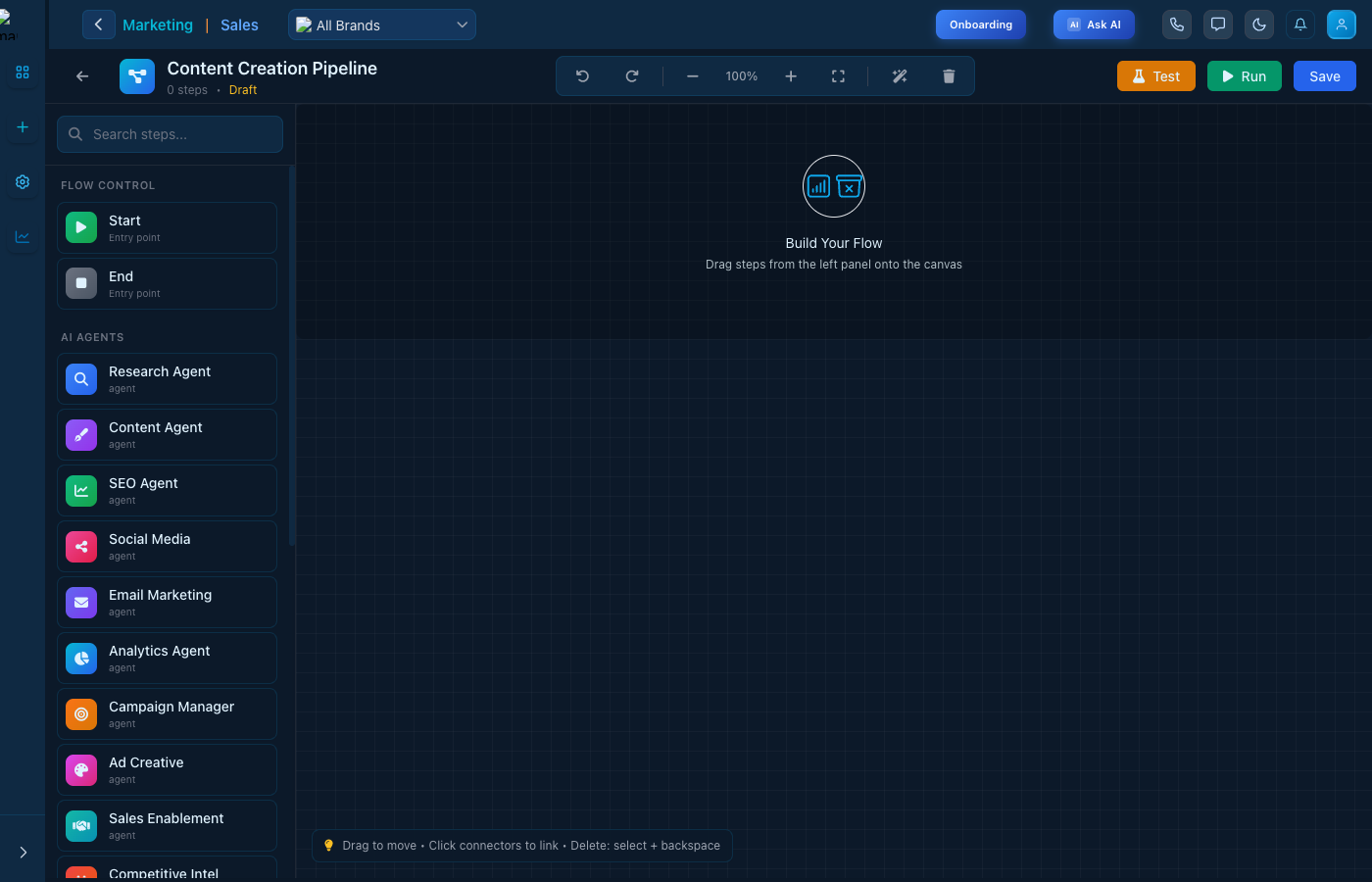
Flow Builder

Visual flow builder canvas

Key Features

  • Node Types - Triggers, conditions, actions
  • Test Mode - Test flows before activating
  • Run & Save - Execute and save your workflows
  • Templates - Pre-built flow templates

Keep reading

  • Agent Management

    Learn how to use Agent Management to monitor performance metrics, track active workflows, manage agent status, and optimize your AI agents for maximum efficiency.

  • Blog Management

    A complete blogging platform — write posts with AI, organize them, publish to your site and social channels, and rank on Google and AI search engines.

  • Budgets

    Plan, pace, and enforce your ad spend across Meta, LinkedIn, and Google — a portfolio→channel→campaign money tree that tracks real spend against your ceilings with pacing and alerts.

More ways to get help

These guides are the same ones that sit inside the app’s help center, next to the screens they describe. If you prefer to watch, the Marketing Titan Academy has short video courses recorded in the product. Signed in, you can also ask Darwin, the built-in assistant, to explain a screen or do the step for you. If something is not covered here, contact us and a person will answer.

Try it yourself

Every guide here describes the live product.

Start free and follow along: every core module, unlimited users, no card required.