
Products

Products Overview

Learn to manage products in Marketing Titan. Add, organize, and use products in email campaigns, sequences, and AI-generated content for powerful e-commerce marketing.

Beginner10 min read

Manage your product catalog for marketing campaigns. Add products, organize collections, and sync inventory for use in emails, ads, and landing pages.
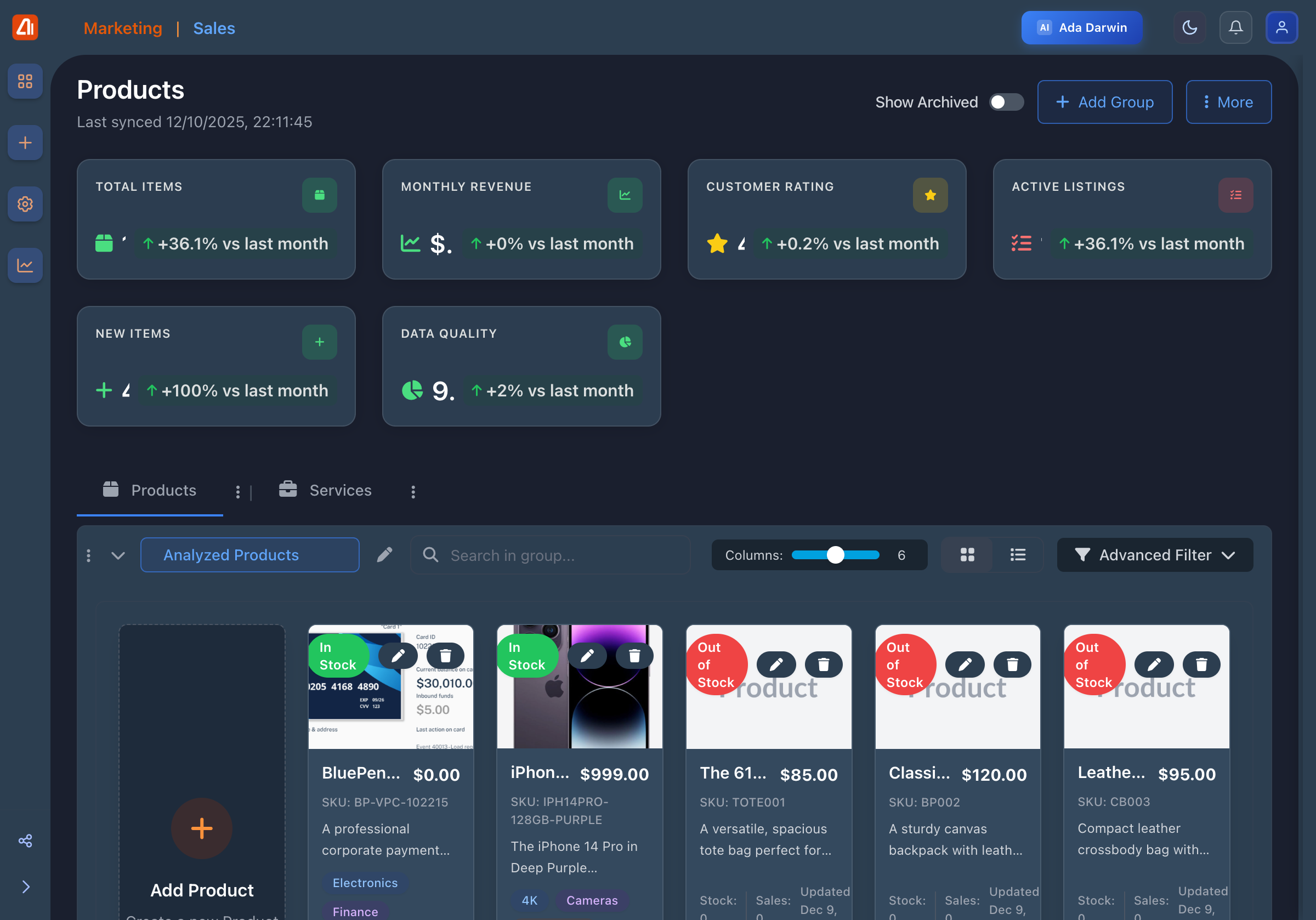
Products Overview

Products - Main catalog overview

Product Features

Catalog Management

Organize products with categories and tags

Inventory Sync

Sync with your e-commerce platform

Product Images

Multiple images per product with variants

Product Analytics

Track product performance in campaigns
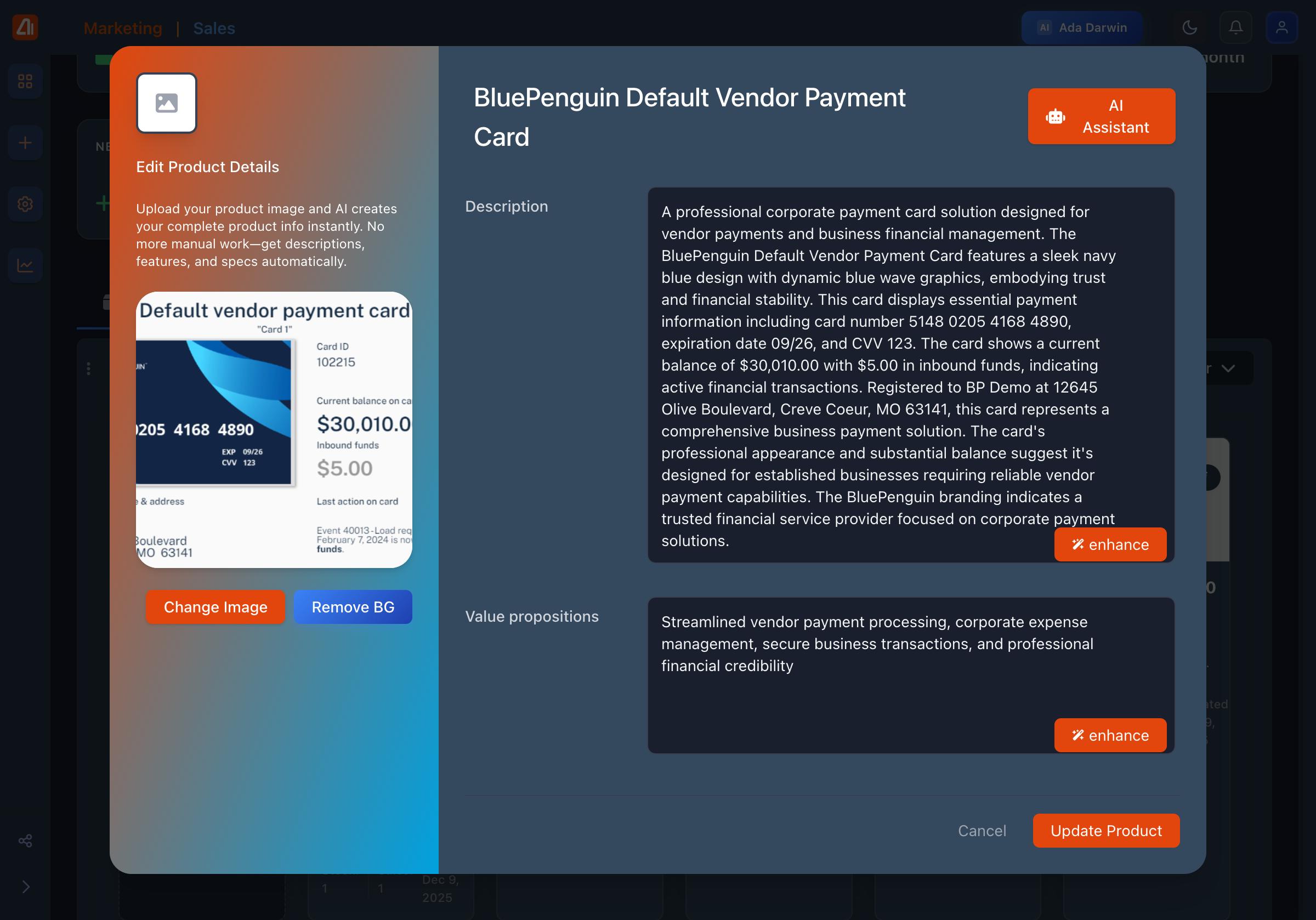
Product Detail View

Product detail view - Edit product information

Product Metrics
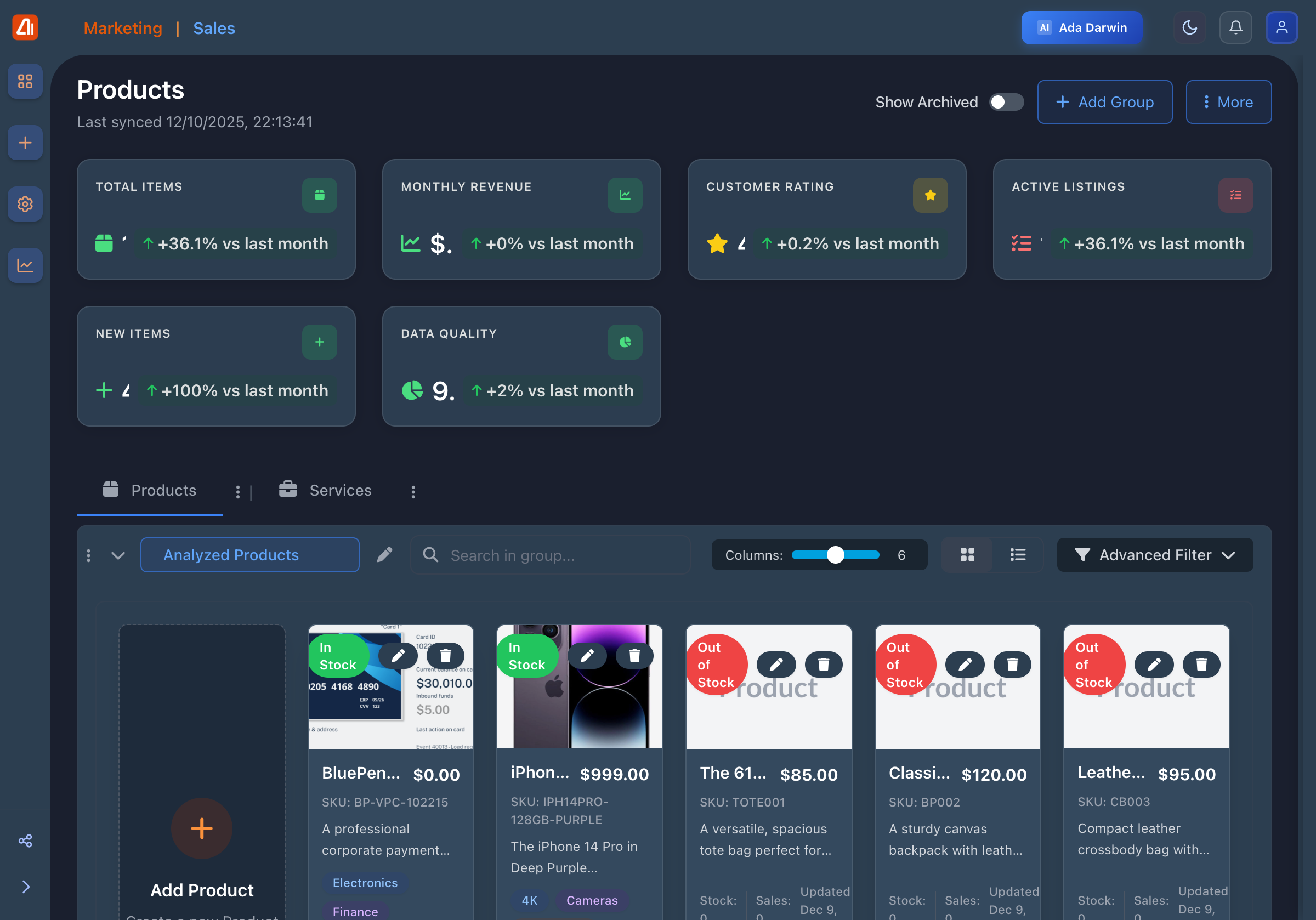
Product Metrics

Product metrics - Track performance across campaigns

Keep reading

More ways to get help

These guides are the same ones that sit inside the app’s help center, next to the screens they describe. If you prefer to watch, the Marketing Titan Academy has short video courses recorded in the product. Signed in, you can also ask Darwin, the built-in assistant, to explain a screen or do the step for you. If something is not covered here, contact us and a person will answer.

Try it yourself

Every guide here describes the live product.

Start free and follow along: every core module, unlimited users, no card required.