
The Logo Library holds every version of your logo, so the right one is always a click away.
Where to find it: Left menu → Brand → a brand → Logo Library. Part of the Brand Assets guide.
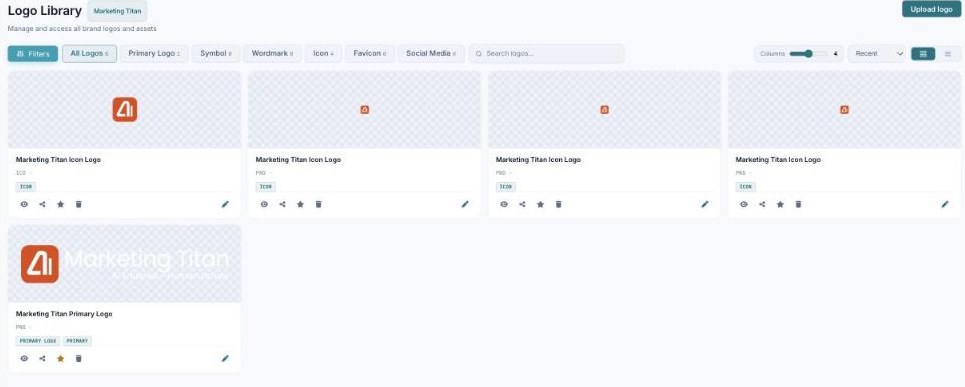
Your Logo Library — every logo version, filterable by type, with upload and quick actions.
Browse & filter
Filter logos by type — Primary Logo, Symbol, Wordmark, Icon, Favicon, and Social Media. Each logo appears as a card you can view, share, star as the default, or delete.
Upload
Use Upload logo (drag-and-drop) to add SVG, PNG, EPS, or PDF files, so your official artwork lives in one place.
What’s next
- Back to the Brand Assets guide.
- See Image Library.
- See Video Library.