
Support

Support Tickets

Create and track support tickets for technical assistance.

Beginner3 min read

Submit and track support tickets for any issues or questions. Get help from our support team and manage your ticket history.
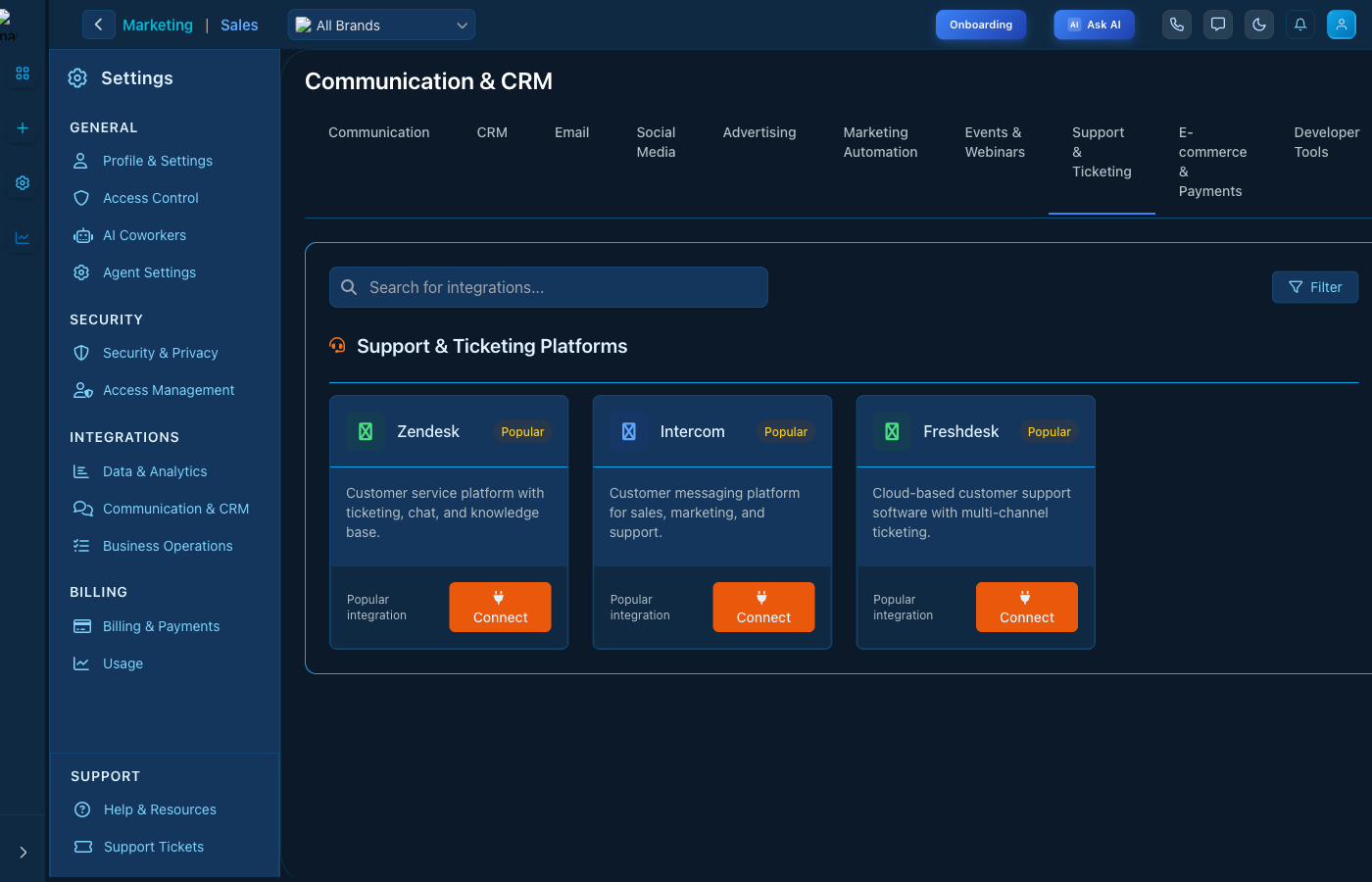
Support Tickets

Support - Submit and track tickets

Support Features

  • Submit Tickets: Create new support requests
  • Track Status: Monitor ticket progress
  • History: View past tickets and resolutions
  • Priority: Set urgency level

Getting Help

  1. Click "New Ticket"
  2. Describe your issue in detail
  3. Attach screenshots if helpful
  4. Submit and track updates

Keep reading

  • Help & Resources

    Access documentation, tutorials, and help resources.

  • Scoring

    Give every lead, contact, and deal a 0-100 score from rules you define. Build rule-based score configurations, set point-earning conditions, and the total fills the Score column on your Leads, Contacts, and Deals boards.

  • Sequences

    Automated, multi-step follow-ups AI writes for you across Email, SMS, LinkedIn, and AI Call. Describe a goal and Darwin builds the whole flow; manage, preview, edit, and activate from one place.

More ways to get help

These guides are the same ones that sit inside the app’s help center, next to the screens they describe. If you prefer to watch, the Marketing Titan Academy has short video courses recorded in the product. Signed in, you can also ask Darwin, the built-in assistant, to explain a screen or do the step for you. If something is not covered here, contact us and a person will answer.

Try it yourself

Every guide here describes the live product.

Start free and follow along: every core module, unlimited users, no card required.