
Not sure what a metric means? Here are the common ad metrics in plain English.
Where to find it: Left menu → Analyze → Ad Insights. Part of the Ad Insights guide.
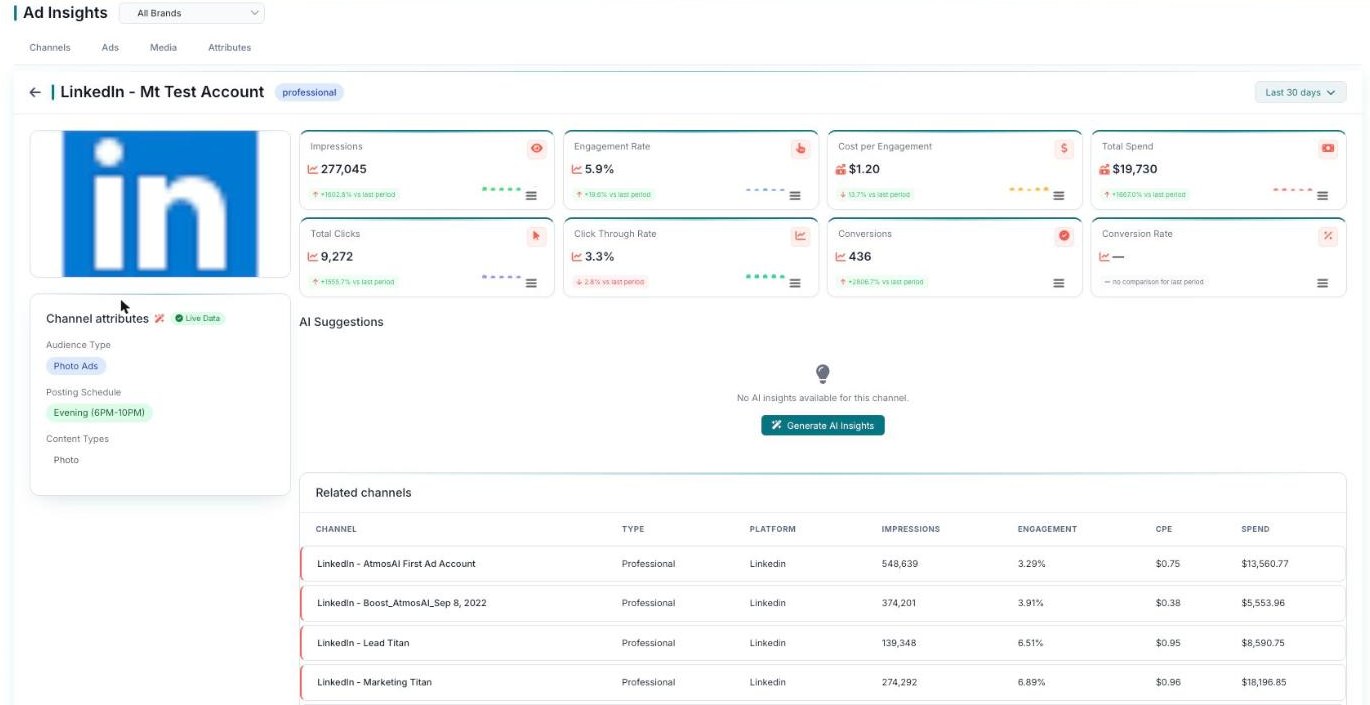
Every metric, shown live on a channel's detail view.
Common metrics explained
Here’s a quick plain-English guide to the metric names you’ll see around Ad Insights.
| Metric | What it means |
|---|---|
| ROAS | Return on ad spend — how much money you earn back for every dollar you spend. |
| CPA | Cost per acquisition — how much it costs to get one conversion. |
| CTR | Click-through rate — the share of people who clicked after seeing your ad. |
| CPC | Cost per click — how much you pay each time someone clicks. |
| CPE | Cost per engagement — how much you pay each time someone engages with your ad. |
| Conversions | The number of desired actions people completed, like a sign-up or a purchase. |
What’s next
- Back to the Ad Insights overview.
- See The Four Tabs.
- See Channel & Campaign Detail.