
The Image Library is where your brand’s photos, illustrations, and marketing imagery live.
Where to find it: Left menu → Brand → a brand → Image Library. Part of the Brand Assets guide.
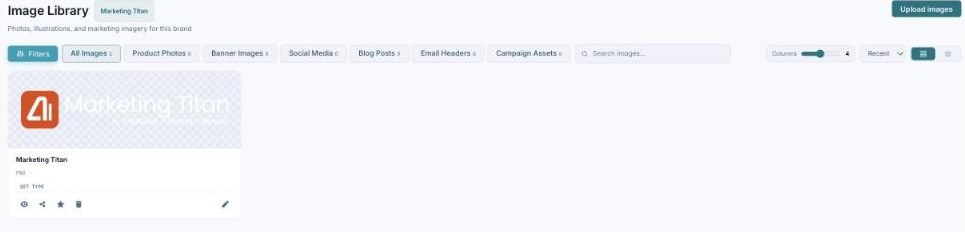
Your Image Library — photos and marketing imagery, tagged by type, ready to use.
Browse by type
Filter images by category: All Images, Product Photos, Banner Images, Social Media, Blog Posts, Email Headers, and Campaign Assets. Each image can be tagged with its type so it’s easy to find and place.
Upload
Upload images accepts JPG, PNG, SVG, and WebP — the more real photography you add, the better your generated creatives look.
What’s next
- Back to the Brand Assets guide.
- See Logo Library.
- See Video Library.