
Campaign Center — also called the Campaign Hub — is the single place to see and manage every campaign you run in Marketing Titan. Email, social, search, display, and multi-step sequences all live here together, so you never have to jump between tools to find out what’s running, what’s paused, and what’s still a draft.
Think of it as the front door to all your marketing. At the top you’ll see the header “Campaign Hub” with a Create Campaign button, and two tabs — Dashboard and Campaigns — that show the same campaigns two different ways. In the example account, there are 21 campaigns in the current view.
Where to find it: Left menu → Marketing → Campaigns → Manage (the Campaign Hub). You’ll land on two tabs: Dashboard and Campaigns.
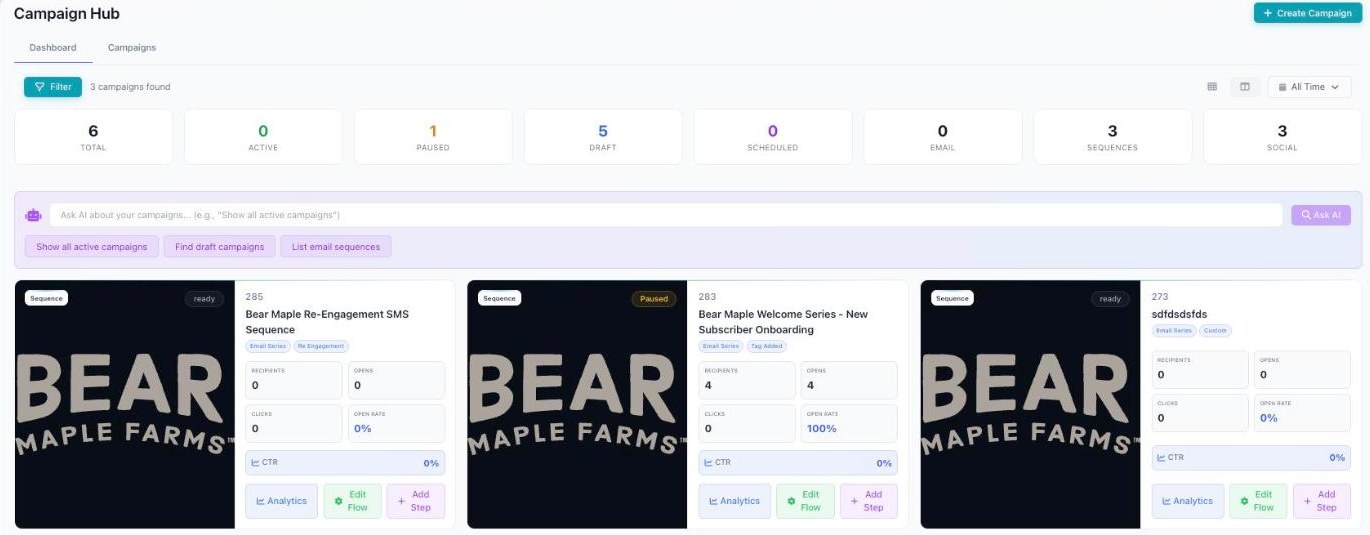
Campaign Center — the Dashboard card view.
The sections — each has its own guide
Campaign Center is organized into the areas below.
| Section | What it covers | Guide |
|---|---|---|
| Dashboard tab | The card view of all your campaigns. | Open guide → |
| Campaigns tab | The list view, plus statuses and types. | Open guide → |
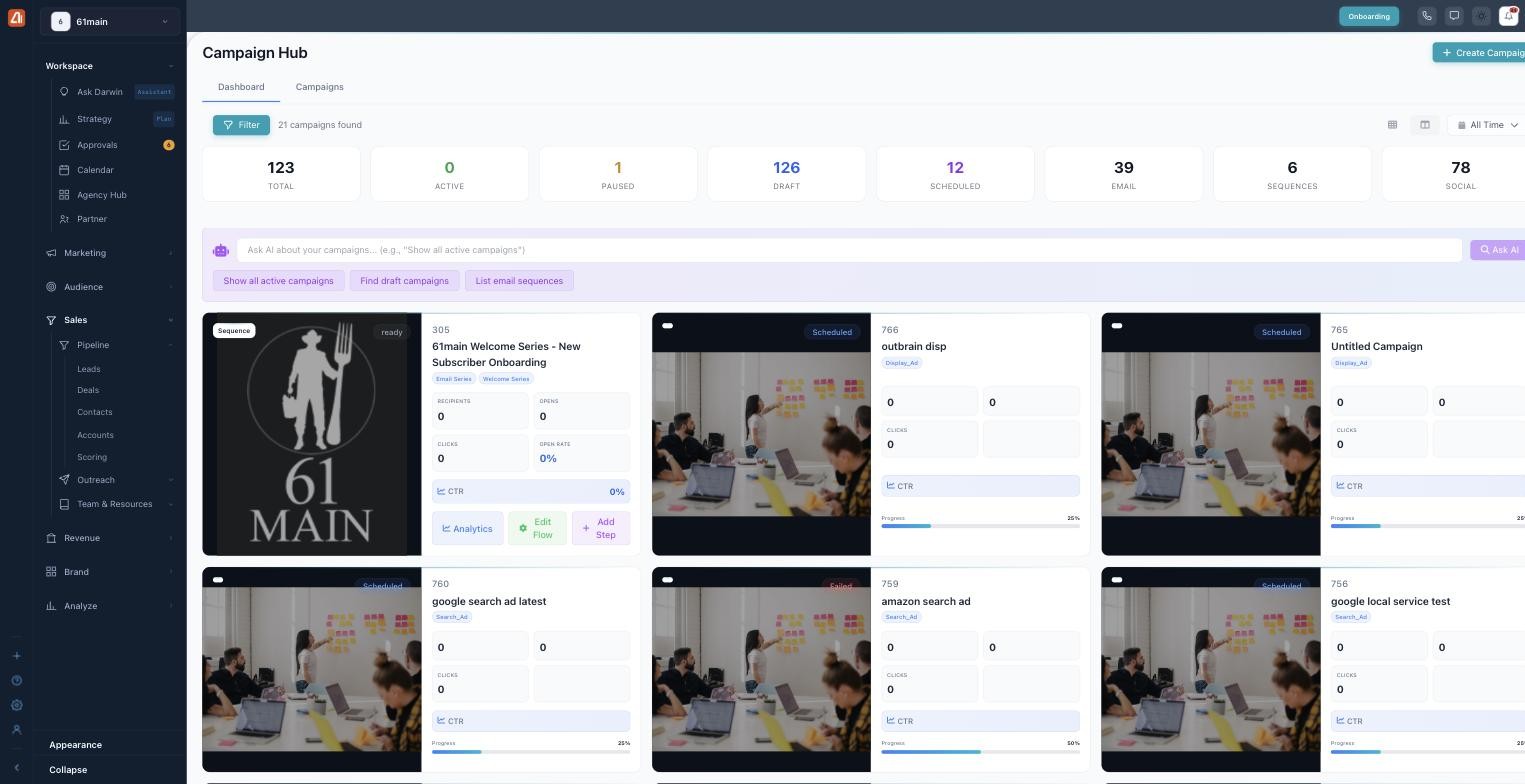
The Dashboard — every campaign as a card, with Ask AI up top.
Common questions
What’s the difference between the Dashboard and Campaigns tabs?
They show the same campaigns two ways. The Dashboard is a visual card view for a quick scan. The Campaigns tab is a sortable list for comparing numbers like budget and ROAS and acting in bulk.
What’s a sequence?
A sequence is a multi-step campaign — for example, a series of emails that go out one step at a time. You can open a sequence to Edit Flow or Add Step.
What does “Draft” vs “Scheduled” mean?
A Draft is still being built and hasn’t been sent. A Scheduled campaign is finished and set to send or start at a future date and time.
How do I ask AI to find campaigns?
On the Dashboard tab, type your question into the Ask AI bar, or tap a starter chip like Show all active campaigns, Find draft campaigns, or List email sequences. Darwin answers right away.
Where do I see budget and ROAS?
On the Campaigns tab. The summary cards there include Total Budget ($13.6K in the example) and Avg ROAS.
How do I create a campaign?
Click the Create Campaign button in the Campaign Hub header. Darwin will help you build, schedule, and track it from there.
Having trouble?
A few quick fixes: if a campaign shows Failed, open it to see exactly why it didn’t run. If you see nothing in the list, clear your filters and widen the date range (it may be set to something narrower than All Time). If ROAS shows 0, that’s usually because the campaign doesn’t have ad spend and conversion data yet.
What’s next
- Open the Dashboard tab guide.
- Open the Campaigns tab guide.