
Email Campaigns

Create Email Campaigns

Complete guide to creating professional email marketing campaigns with AI-powered content generation, templates, and advanced personalization.

Beginner

In short

Launch powerful email marketing campaigns to engage your audience. Choose from various campaign types and customize every aspect of your emails with our AI-powered builder. Complete guide to creating professional email marketing campaigns with AI-powered content generation, templates, and advanced personalization.

Steps

  1. Select your campaign type from the options above
  2. Choose or create your email design using templates or the builder
  3. Select your audience/recipients from your contact lists
  4. Configure send settings including scheduling and tracking
  5. Preview and schedule or send immediately

Launch powerful email marketing campaigns to engage your audience. Choose from various campaign types and customize every aspect of your emails with our AI-powered builder.
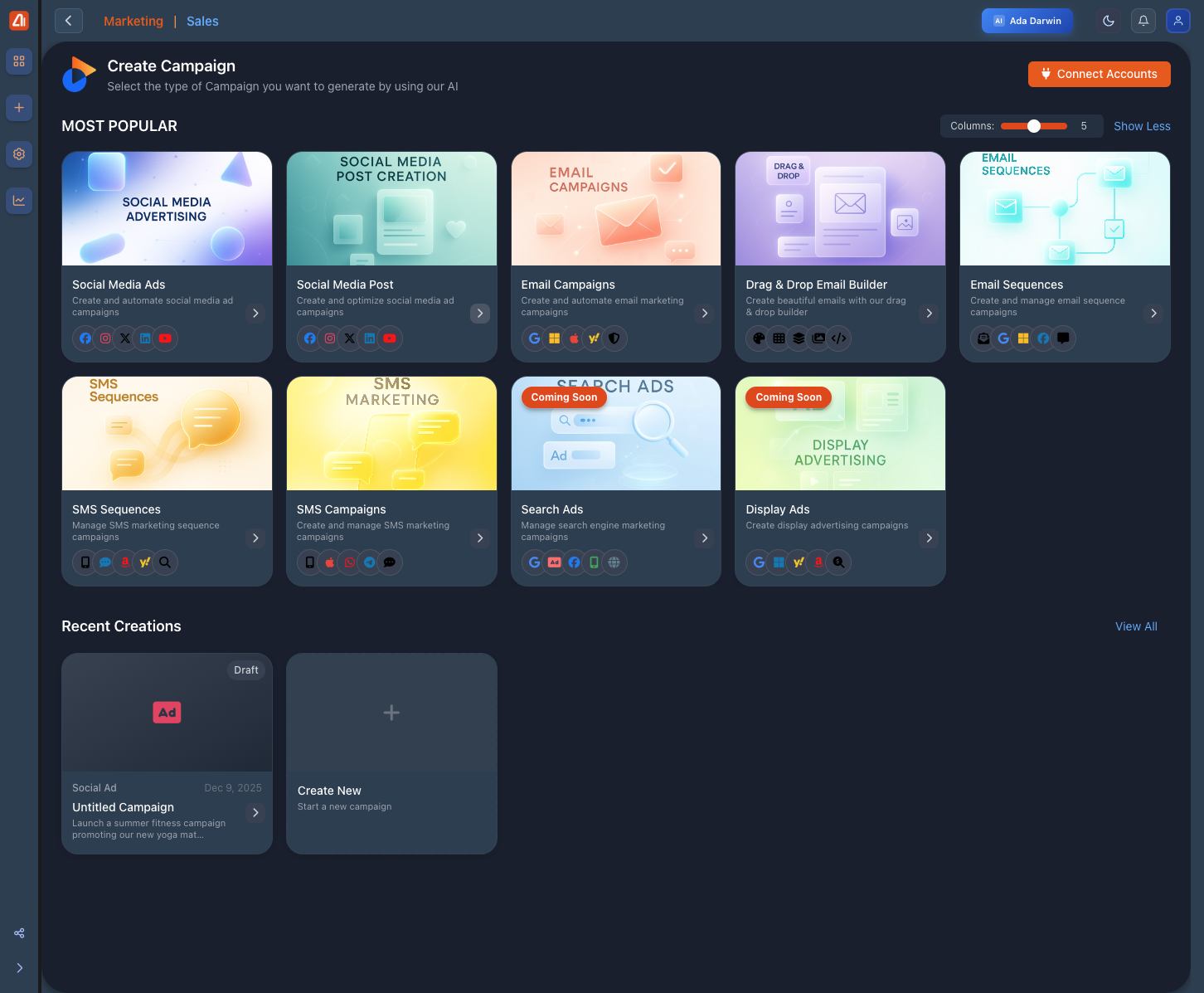
Email Campaign Creation

Email Campaign Creation - Choose your campaign type

Campaign Types

Newsletter

Regular updates and content for your subscribers

Promotional

Sales, discounts, and special offers

Transactional

Order confirmations and receipts

Automated

Trigger-based email sequences
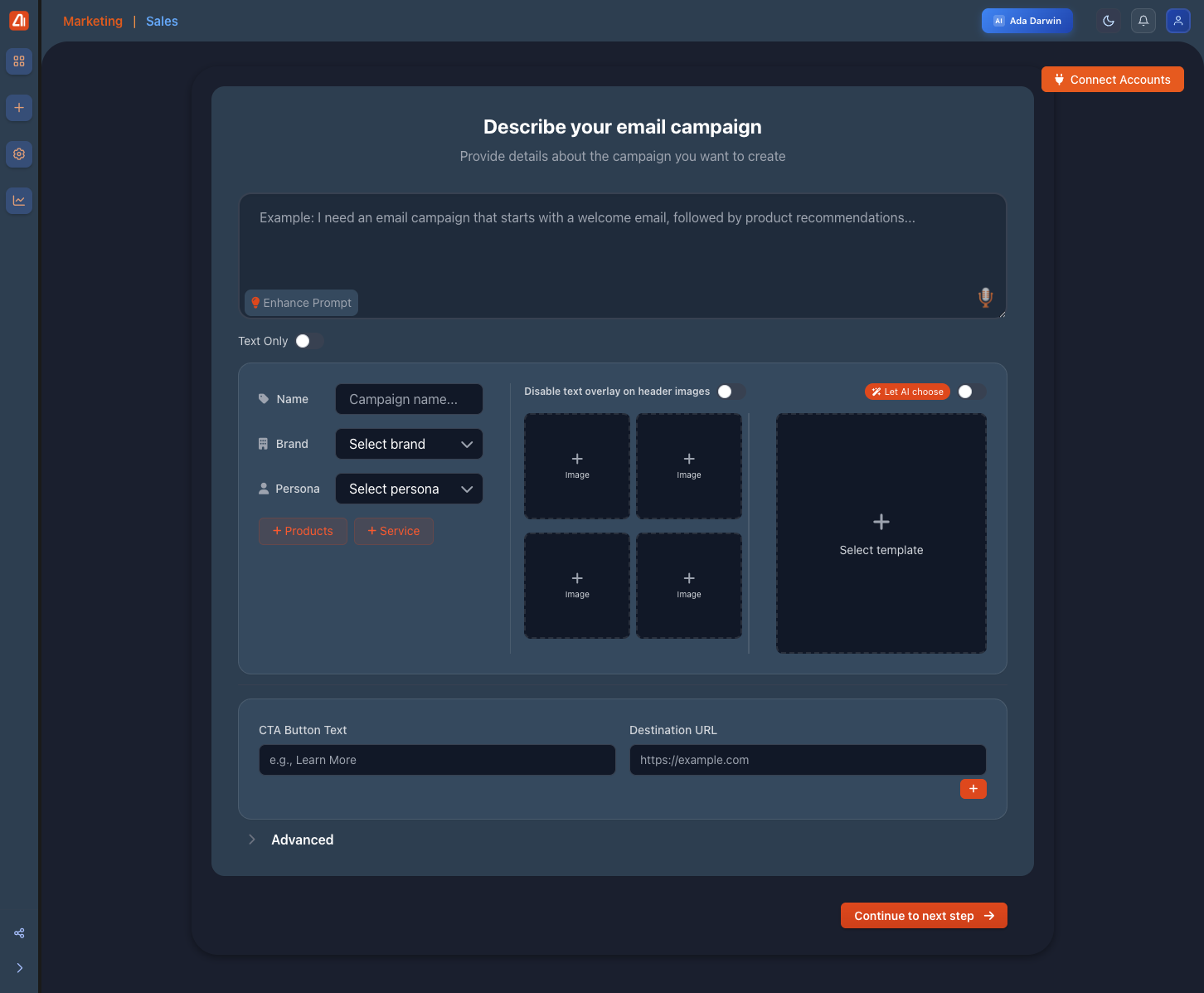
Email Campaign Builder

Email Builder - Design your campaign with drag-and-drop

Creating a Campaign

  1. Select your campaign type from the options above
  2. Choose or create your email design using templates or the builder
  3. Select your audience/recipients from your contact lists
  4. Configure send settings including scheduling and tracking
  5. Preview and schedule or send immediately
Campaign Options

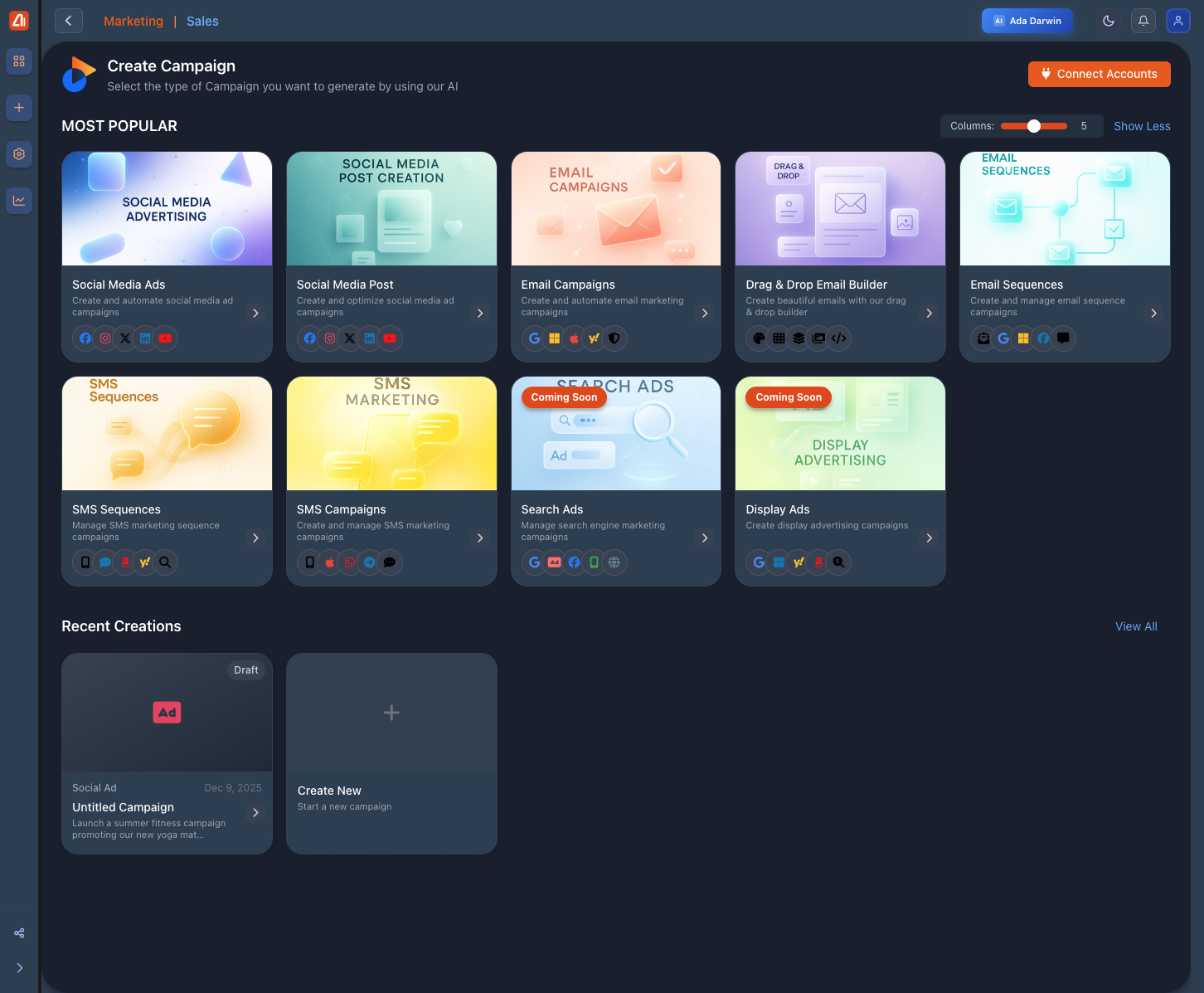
Campaign creation cards - Multiple options for your email campaigns

Keep reading

picked for you
  • Email Builder Overview

    Master the drag-and-drop email builder with AI-powered features. Learn to create stunning, responsive email templates with personalization, content blocks, and mobile optimization.

  • Email Builder: Drag & Drop Email Creation Guide

    Build an email two ways — let Darwin write it, or drag and drop it yourself.

  • Email Marketing

    Send one-time campaigns, build sequences, design templates, and track results.

Still stuck? We’ve got you.

Pick whatever suits you — watch it, ask it, or talk to a real person.

Watch a video

Short courses recorded in the product, in the Marketing Titan Academy.

Ask Darwin

Signed in, ask the built-in assistant to explain a screen or do the step for you.

Talk to a person

Not covered here? Send us a note and someone on the team will answer.

Try it yourself

Every guide here describes the live product.

Start free and follow along: every core module, unlimited users, no card required.