
Experiences are the finished ad creatives and posts Darwin builds for you. Each one is ready to use — it has an image, its copy, a channel, and a link. Think of it as the end result of Darwin’s work, not a rough draft.
The best part is that every creative lives in one place. Whether it’s a Facebook ad, an Instagram post, or a LinkedIn update, you see them all in a single gallery. No jumping between channels to find what Darwin made.
To find it: Left menu → Marketing → Content → Experiences (tabs: Images, Templates, Experiences).
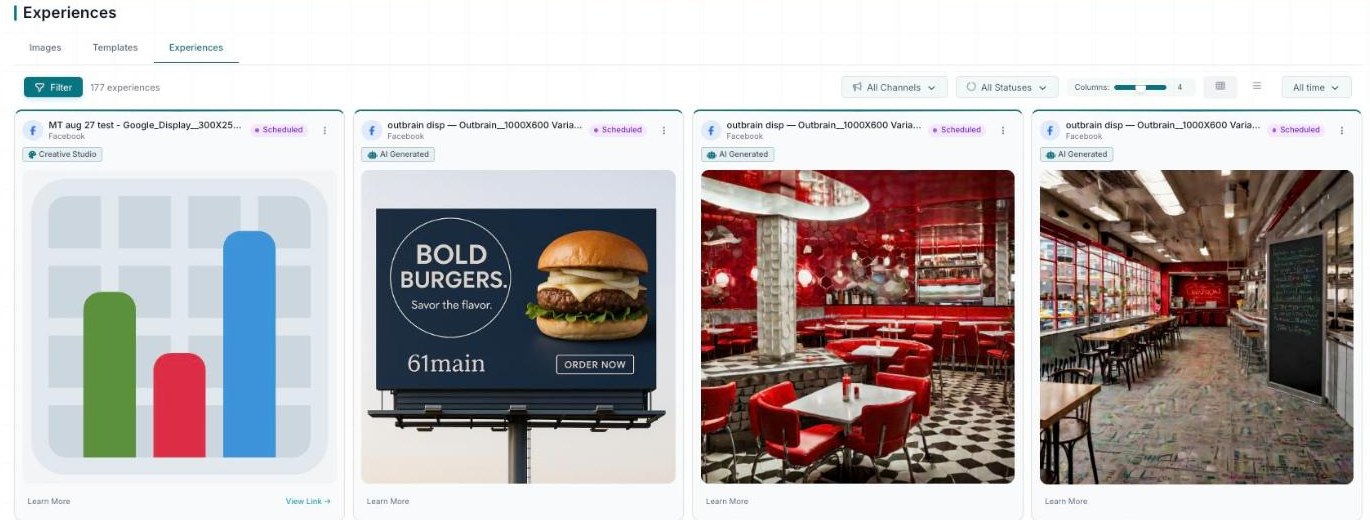
Experiences — every creative, with channel and status filters and a View Link on each card.
Your creatives at a glance
The Content page has three tabs — Images, Templates, and Experiences. This guide covers the Experiences tab, where your finished creatives live. At the top you’ll see a live count of everything Darwin has built. In the example account, that’s 177 experiences.
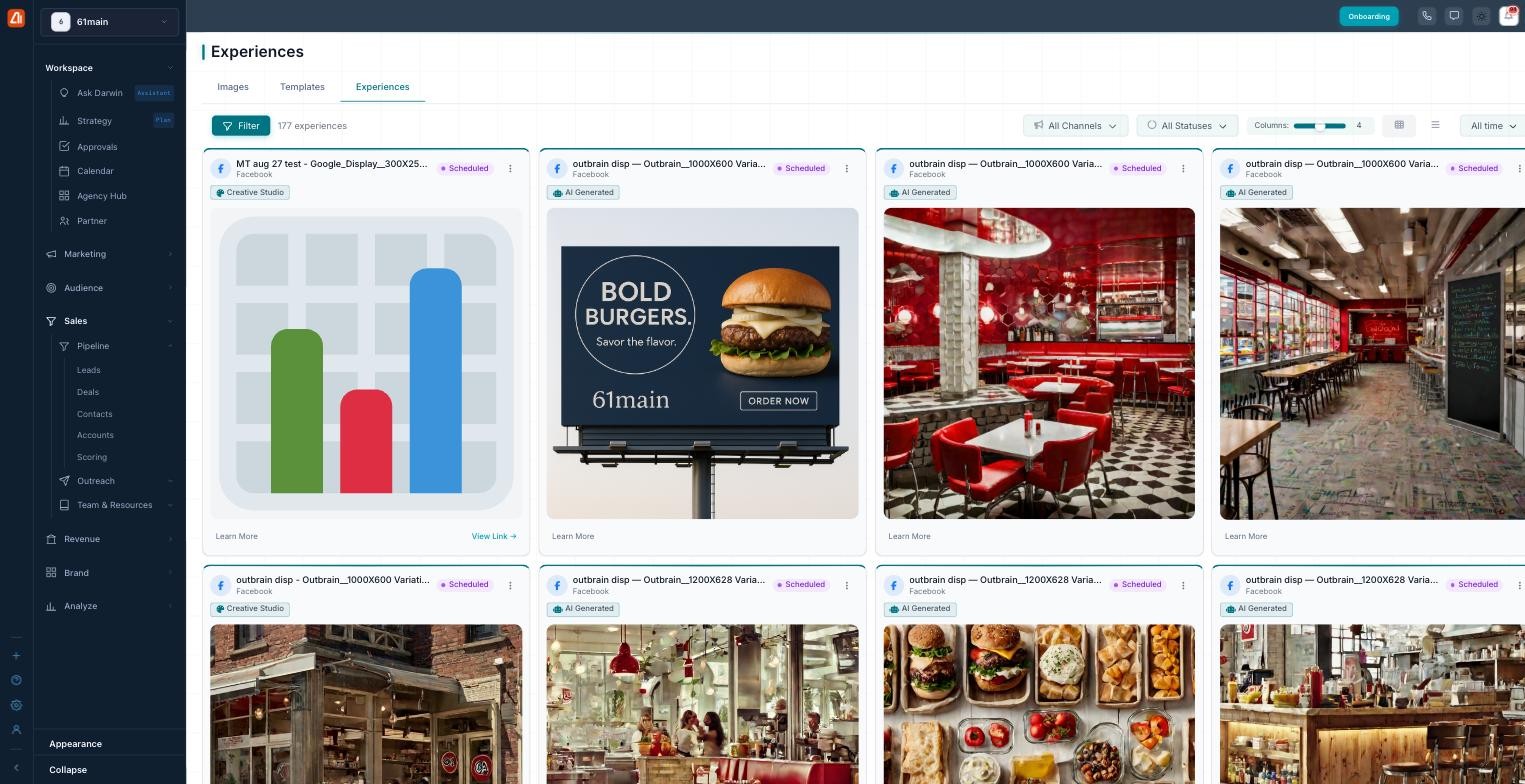
Every creative Darwin builds, in one gallery.
Each card is one ready-to-use creative. Here’s what it carries:
- Channel — where it’s meant to run, like Facebook or Instagram.
- Status — where it stands, like Scheduled.
- Source tag — Creative Studio means you built it; AI Generated means Darwin made it.
- The image and copy — the words and visuals of the ad.
- Learn More / View Link — open the creative to see more.
The sections — each has its own guide
Experiences is organized into the areas below. Open any one for the full, detailed walkthrough.
| Section | What it covers | Guide |
|---|---|---|
| Card & List Views | Switch between a visual card view and a compact list. | Open guide → |
| Finding & Filters | Filter by channel and time, and read the tags and statuses. | Open guide → |
Common questions
What’s the difference between Images, Templates, and Experiences?
Images are the raw visuals, Templates are reusable layouts, and Experiences are the finished creatives — image plus copy plus channel — ready to use.
What does “AI Generated” mean?
It means Darwin made that creative for you. If the tag says “Creative Studio” instead, you built it yourself.
How do I see only one channel?
Open the All Channels filter and pick the channel you want, like Facebook or Instagram. The gallery updates to show just that channel.
What does a status like “Scheduled” mean?
It tells you where the creative stands. “Scheduled” means it’s set to go out at a planned time. Use the All Statuses filter to group by status.
Should I use card view or list view?
Use card view to judge how a creative looks. Use list view to quickly read and compare the ad copy across many experiences.
How do I open a creative?
Click the experience, then use its View Link to open it.
Having trouble? If nothing is showing, check your filters and date range — they may be hiding results. If a channel looks empty, clear the channel filter to see everything again. If you can’t find a creative, try searching by channel plus a wider time window like All time.
What’s next
- Open the Card & List Views guide.
- Open the Finding & Filters guide.