
Create

Automate with AI

Master AI-powered automation with AutoMate AI. Deploy intelligent agents, create custom workflows, integrate your marketing stack, and automate complex tasks without coding.

Intermediate12 min read

Create intelligent automation workflows powered by AI. Set up triggers, conditions, and actions to automate repetitive tasks and streamline your marketing operations.
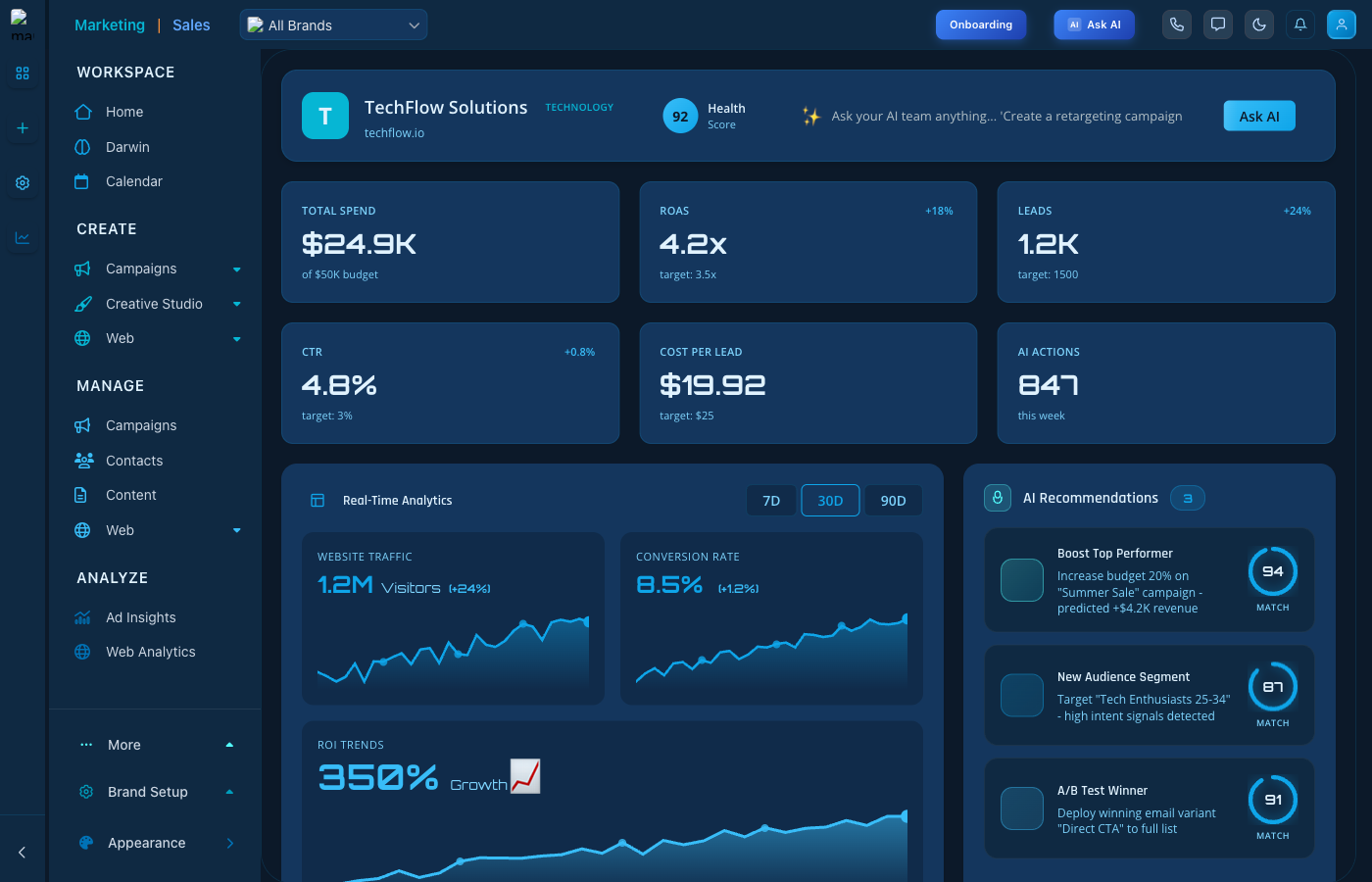
AI Automation Dashboard

AI Automation - Create and manage automated workflows

Automation Features

  • Workflow Builder: Visual editor for creating automations
  • AI-Powered Actions: Let AI make intelligent decisions
  • Triggers: Start workflows based on events or schedules
  • Conditions: Add logic to control workflow execution

Creating an Automation

  1. Click "New Automation" to start
  2. Choose your trigger event
  3. Add conditions and filters
  4. Define actions to execute
  5. Test and activate your automation

Keep reading

  • Ad Designer

    Design polished ad creative on a layered canvas, one at a time or in bulk packs.

  • Carousels

    Build multi-slide swipe posts with a guided wizard - on-brand, scored, and platform-ready.

  • Creative Suite

    Generate and manage creative assets with AI-powered tools.

More ways to get help

These guides are the same ones that sit inside the app’s help center, next to the screens they describe. If you prefer to watch, the Marketing Titan Academy has short video courses recorded in the product. Signed in, you can also ask Darwin, the built-in assistant, to explain a screen or do the step for you. If something is not covered here, contact us and a person will answer.

Try it yourself

Every guide here describes the live product.

Start free and follow along: every core module, unlimited users, no card required.