
Adding a product is fast: give it a starting point and the AI fills in the details for you.
Where to find it: Left menu → Products. Part of the Products guide.
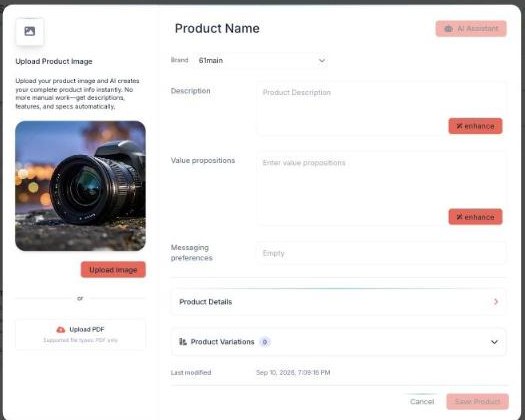
Add a product — upload an image or PDF and the AI fills in the details.
Add a product (the AI does the work)
Adding a product is fast because the AI writes the details for you. Click Add Product to open the product window.
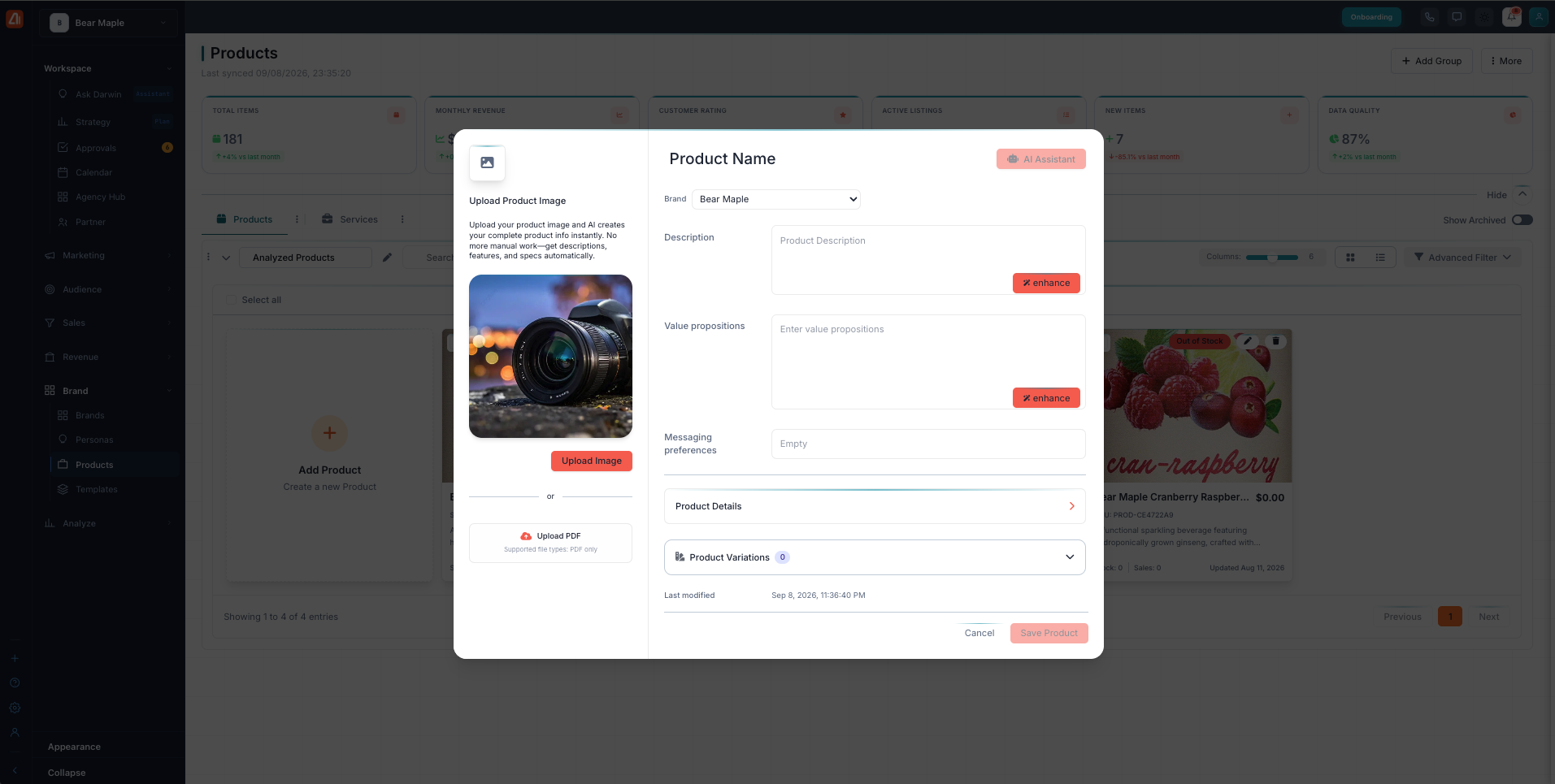
The add-product window — upload an image and the AI writes your complete product info.
Here’s the fastest way to add a product:
- Click Add Product to open the product window.
- Click Upload Product Image. The AI reads the image and writes your complete product info automatically — descriptions, features, and specs. You can also Upload a PDF.
- Review what the AI wrote. Fill in or adjust the Product Name, Brand, Description, Value propositions, and Messaging preferences.
- Add your Product Details and any Product Variations.
- Click Save Product when you’re done.
How the AI builds product info from an image
When you upload a product image, the AI looks at it and writes the full product record for you — the description, the key features, and the specs. It turns one picture into a complete, ready-to-use product listing, so you skip the manual typing. Upload a PDF and it does the same, pulling the details out of the document. You stay in control: review what the AI created, change anything you like, then save.
What’s next
- Back to the Products overview.
- See Edit & Enhance with AI.