
Start a fresh template from a blank canvas and build it exactly how you want.
Where to find it: Templates → New. Part of the Templates guide.
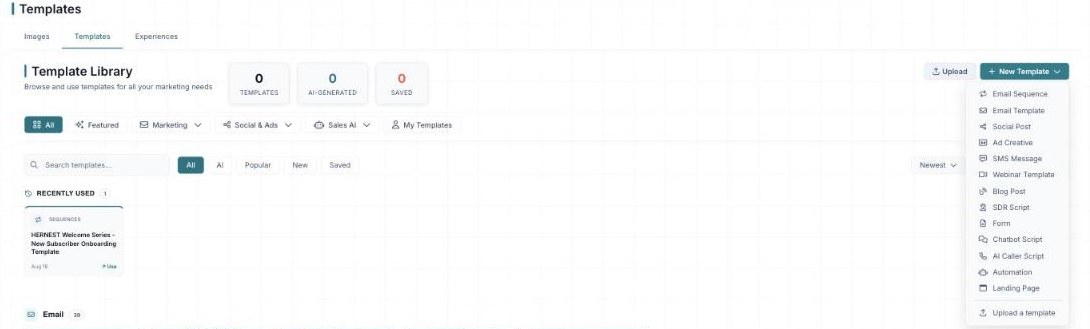
The New Template menu — from Email and Social Post to SDR Script, Form, and Landing Page.
Creating a template from scratch
The New Template button opens a menu of everything you can build fresh — and it’s a lot. You can start an Email Sequence, Email Template, Social Post, Ad Creative, SMS Message, Webinar Template, Blog Post, SDR Script, Form, Chatbot Script, AI Caller Script, Automation, or Landing Page (or jump straight to Upload a template).
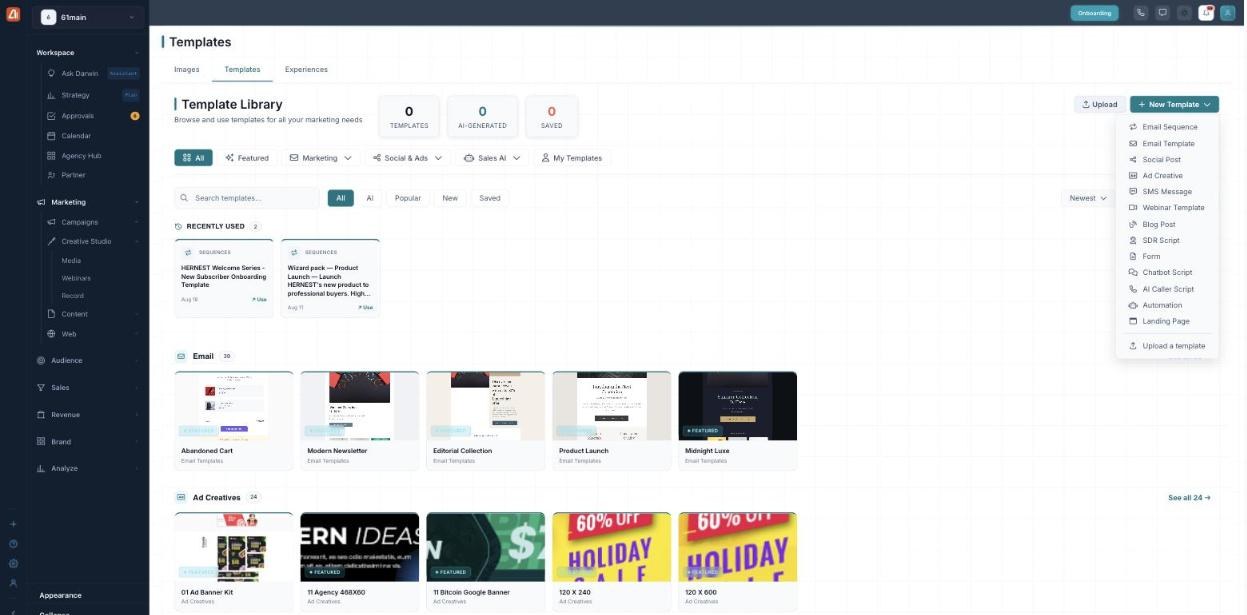
New Template — start any kind of template, from emails to call scripts.
How Darwin uses templates
A template is a head start, not a finished product. When you pick one, Darwin pours in your brand — colors, fonts, logo, and voice — and can write the copy for your product, audience, and goal. That means every template you use comes out on-brand and on-message without you formatting a thing. The more you save and reuse, the faster your best-performing looks become your default.
What’s next
- Back to the Templates overview.
- See Browse the Library.
- See Upload a Template.