
Already have a design? Upload it into your library so you and your team can reuse it.
Where to find it: Templates → New → Upload. Part of the Templates guide.
Uploading your own template
Already have a file you love? Click Upload. Choose a Template type, give it a Name, and drag in your file — HTML, PNG, JPG, or PDF, up to 25 MB.
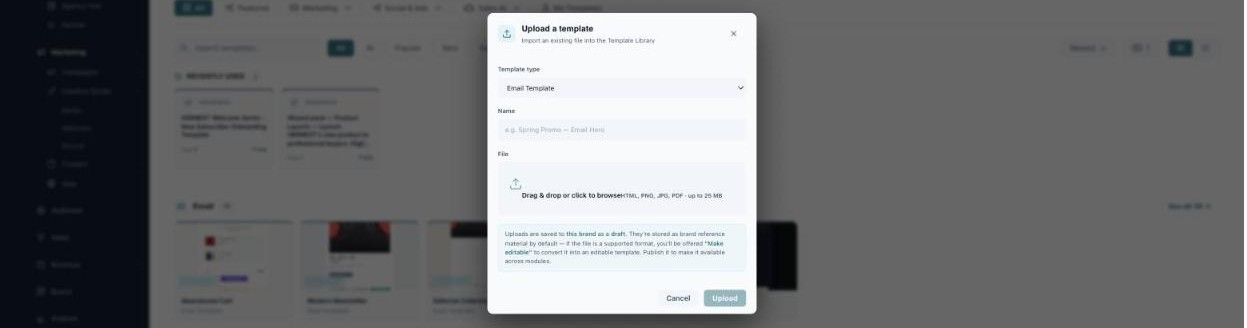
Upload an existing file and turn it into a reusable template.
Uploads are saved to your current brand as a draft and stored as brand reference material. If the file is a supported format, you’ll be offered “Make editable” to convert it into a real, editable template — then Publish it to make it available across every module.
What’s next
- Back to the Templates overview.
- See Browse the Library.
- See Create a Template.