
The Grow tab is where you package what you sell. Under Plans you build the pricing tiers you offer your sub-account clients — setting the price, the resource limits, and exactly which features each tier can see. It’s your product catalog as an agency, and it can sync straight to Stripe so clients can actually subscribe.
Where to find it: Left menu → Agency Hub → Grow. Part of the Agency Hub suite.
The Plans list
Grow opens on Plans — a list of the pricing plans you offer. From here you can Create Plan, edit any plan, Sync to Stripe (so it becomes a real, buyable product on your connected Stripe account), or delete one.
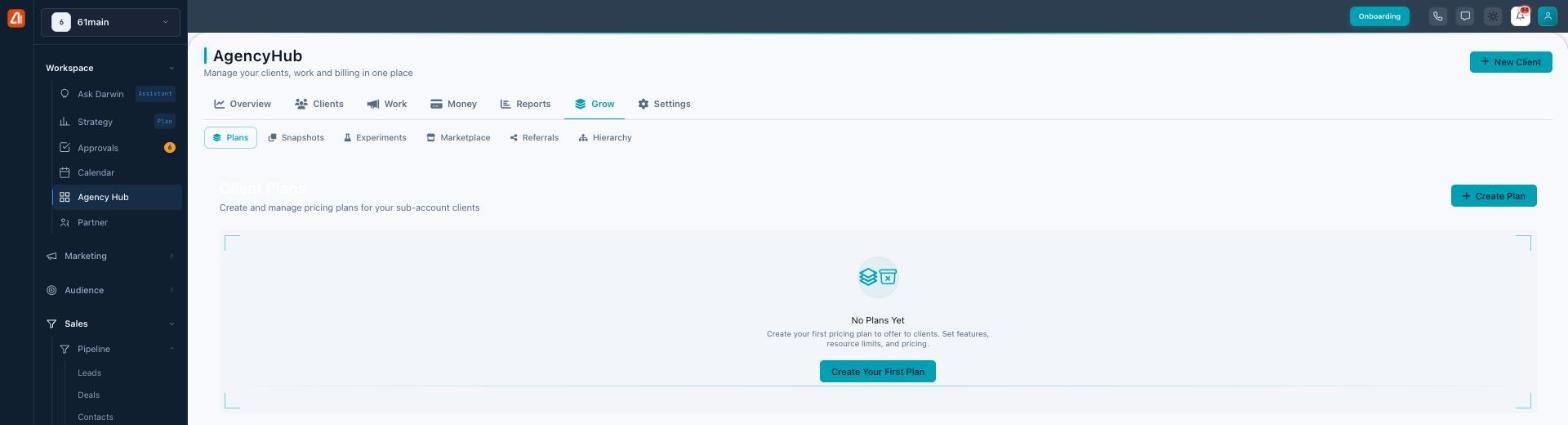
Build pricing plans, then offer them to your sub-account clients.
The plan builder
Click Create Plan and a four-step wizard opens: Info & Pricing → Resources → Features → Review.
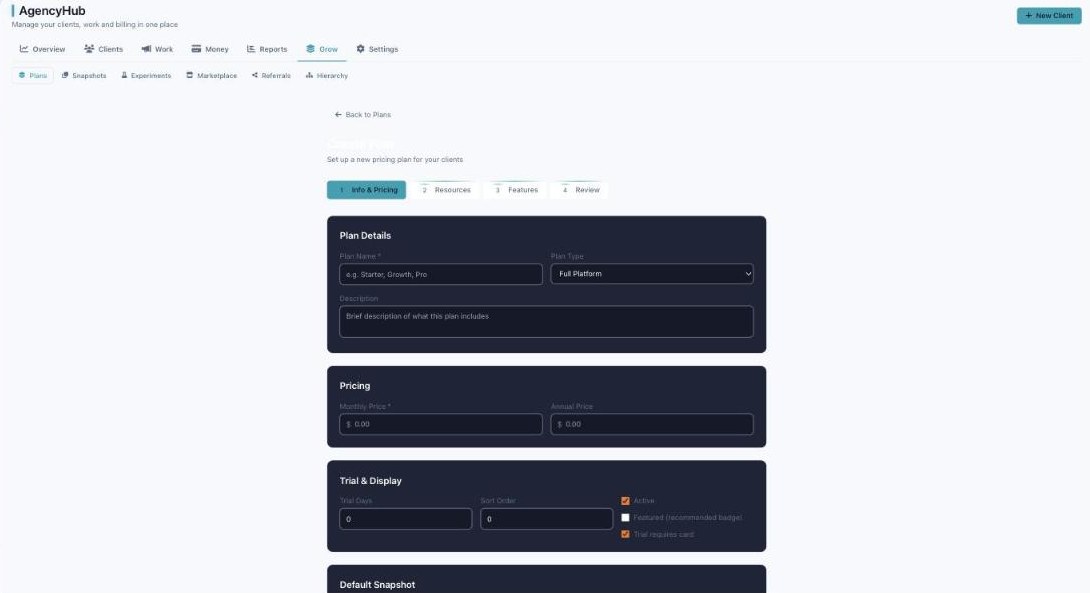
The four-step plan builder — Info & Pricing, Resources, Features, Review.
| Step | What you set |
|---|---|
| 1. Info & Pricing | Plan name and description; plan type (CRM only, Marketing only, or Full Platform); monthly and annual price; trial days and whether a trial requires a card; and display options (Active, Featured “recommended” badge, sort order). |
| 2. Resources | The limits included: Users (seats), Contacts, Emails/month, SMS/month, AI Credits, Storage (GB), and Brands. (Defaults start at 3 users, 5,000 contacts, 10,000 emails, 500 SMS, 1,000 AI credits, 5 GB, 1 brand.) |
| 3. Features | For each feature, set whether it’s Visible, Locked (shown but upsell-gated), or Hidden — with bulk-set per category, so you can shape exactly what a tier includes. |
| 4. Review | Confirm everything, then save — and optionally sync it to Stripe. |
Charge for overages, automatically
Beyond the included limits, a plan can turn on overage billing — per-unit rates for extra emails, SMS, AI credits, or contacts a client uses above their tier. Set the rates once and the platform bills the difference, so a heavy month becomes revenue instead of a cost.
Six sub-tabs for scaling the agency
- Plans — the pricing tiers above.
- Snapshots — saved account setups you can auto-deploy to new clients on signup.
- Experiments — A/B test your pricing and offers.
- Marketplace — list yourself so prospects can find you.
- Referrals — reward the people who send you clients.
- Hierarchy — organize a multi-level account structure.
Common questions
How do clients actually buy a plan?
Build the plan, Sync to Stripe, and it becomes a real product on your connected Stripe account — then embed it on your site with the Embed Widget or assign it to a client.
What’s a snapshot?
A saved starting configuration — set a default snapshot on a plan and new clients on that plan are provisioned with it automatically.
Can I show a feature but keep it locked?
Yes — set the feature to Locked so it appears as an upsell rather than being hidden entirely.
What’s the difference between the plan types?
CRM only sells the sales/CRM side, Marketing only sells the marketing side, and Full Platform sells everything.
If “Sync to Stripe” fails, connect Stripe first (Settings → Stripe Connect) — plans can be built without it, but they can’t be sold until Stripe is linked.
What’s next
- Create your first plan and set its resources and features.
- Sync it to Stripe so clients can subscribe.
- Embed your pricing on your site — see the Settings guide.