
Day view is a single day as an hourly grid — everything scheduled for that day, in time order.
Where to find it: Left menu → Calendar → the Day tab. Part of the Calendar guide.
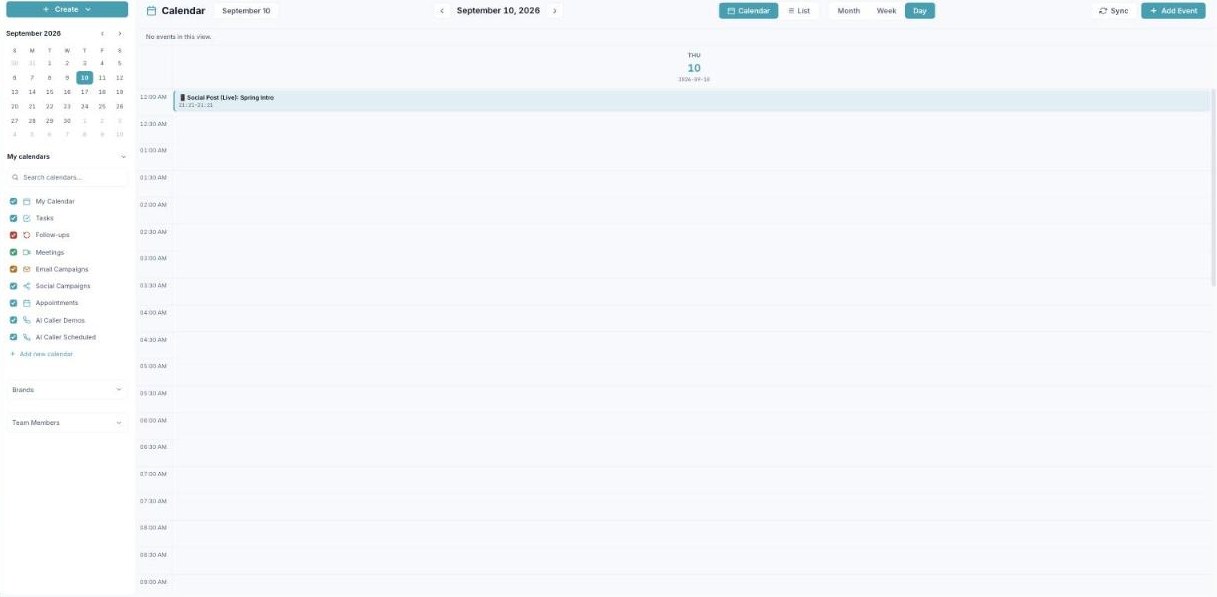
Day view zooms into one day, hour by hour.
Reading the grid
One day fills the screen, hours running top to bottom, each timed item shown as a block at its slot with its start–end time. The header shows the weekday and date.
When to use it
Day view is best for a focused, busy day — when you want everything on one screen without the noise of the rest of the week. Step day to day with the arrows.
What’s next
- Back to the Calendar overview.
- See Month view.
- See Week view.
- See List view.
- See Creating an event.
- See Calendars & colors.
- See Appointment scheduling.