
Ask Darwin

Ask Darwin - Activity

A complete log of every action — including the reads and the refusals.

Beginner3 min read

The Activity tab is a complete audit trail of what Ask Darwin did — nothing happens without a record.

Where to find it: Left menu → Ask Darwin → the Activity tab. Part of the Ask Darwin guide.
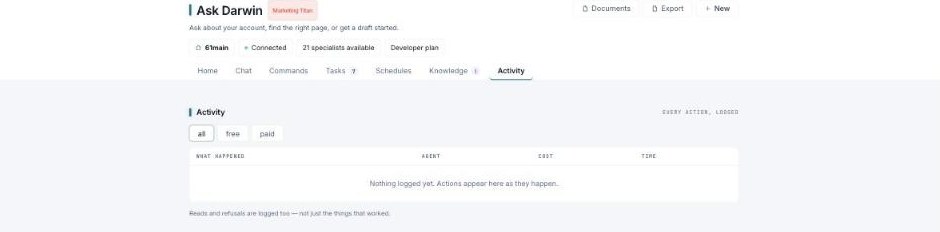
Activity tab with all/free/paid filters and a table of logged actions (What happened, Agent, Cost, Time).

Activity — every action, logged.

The log

Each entry shows what happened, the agent, the cost, and the time. Filter by all, free, or paid to focus on what spent action hours.

Reads and refusals too

The log records reads and refusals as well — not just the things that worked. So if Ask Darwin declined to send something or only looked at your data, that’s on the record too.

What’s next

Keep reading

More ways to get help

These guides are the same ones that sit inside the app’s help center, next to the screens they describe. If you prefer to watch, the Marketing Titan Academy has short video courses recorded in the product. Signed in, you can also ask Darwin, the built-in assistant, to explain a screen or do the step for you. If something is not covered here, contact us and a person will answer.

Try it yourself

Every guide here describes the live product.

Start free and follow along: every core module, unlimited users, no card required.