
The Tasks tab is the queue — every action an agent has prepared and left for your review.
Where to find it: Left menu → Ask Darwin → the Tasks tab. Part of the Ask Darwin guide.
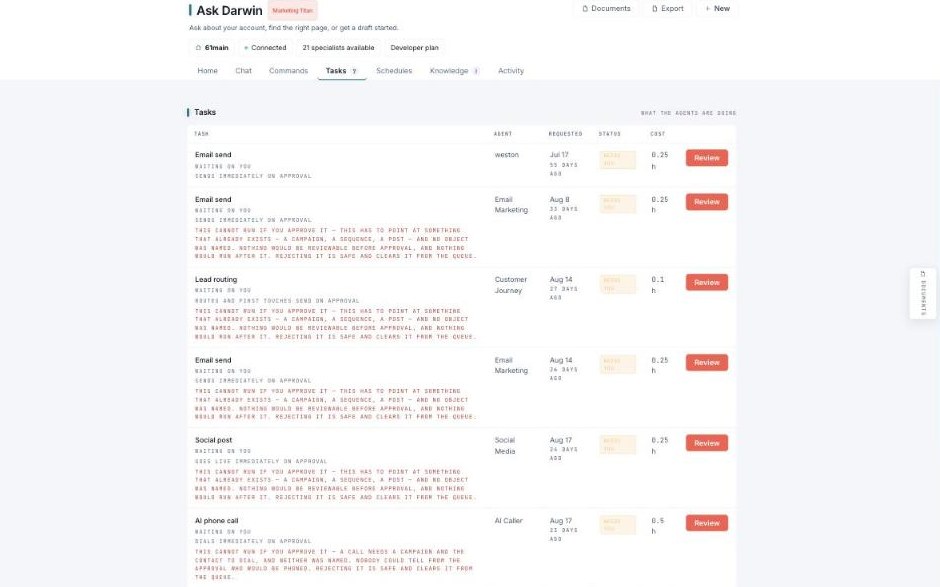
Tasks — what the agents are doing and what’s waiting on you.
The task list
Each row shows the task (Email send, Lead routing, Social post, AI phone call), the agent that raised it, when it was requested, its status (usually “Waiting on you”), and its cost in action hours. A note explains what will happen — e.g. “Sends immediately on approval.”
Reviewing
Click Review on a row to approve or reject it. Rejecting is safe — it clears the task from the queue and nothing is sent.