
The Activity tab is a running log of everything that happens across your partner account — deals, commissions, downloads, certifications, and more — newest first.
Where to find it: Left menu → Workspace → Partner → Activity. Part of the Partner Program guide.
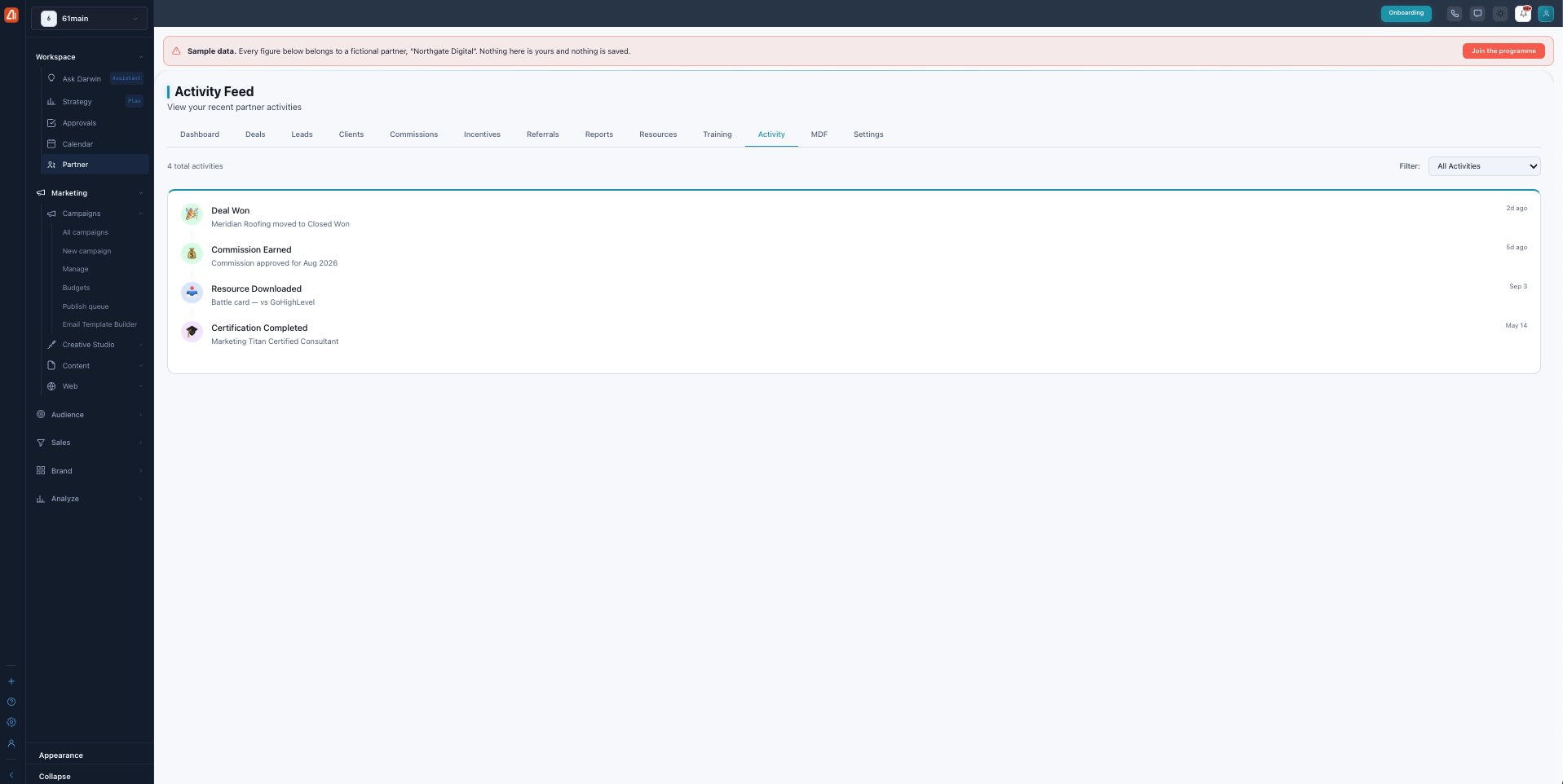
The Activity Feed — one timeline of everything on your partner account.
What shows up here
Every meaningful event is recorded with a title, a short description, and a timestamp. Typical entries include:
| Event | Example |
|---|---|
| Deal Won / Lost | “Meridian Roofing moved to Closed Won” |
| Commission Earned / Paid | “Commission approved for Aug 2026” |
| Resource Downloaded | “Battle card — vs GoHighLevel” |
| Certification Completed | “Marketing Titan Certified Consultant” |
| Lead, Referral, MDF & Tier events | Accepted leads, referral conversions, MDF requests, tier upgrades. |
Filtering
Use the Filter (top-right) to narrow the feed to one kind of activity — handy for finding a specific commission or deal event.
What’s next
- Back to the Partner Program overview.
- See Deals & registration.
- See Leads.
- See Clients.
- See Commissions.
- See Incentives & SPIFs.
- See Referrals.
- See Reports & scorecards.
- See Resources.
- See Training & certification.
- See MDF.
- See Settings.