
The Resources tab is your library of ready-to-use sales material — everything you need to pitch and close Marketing Titan.
Where to find it: Left menu → Workspace → Partner → Resources. Part of the Partner Program guide.
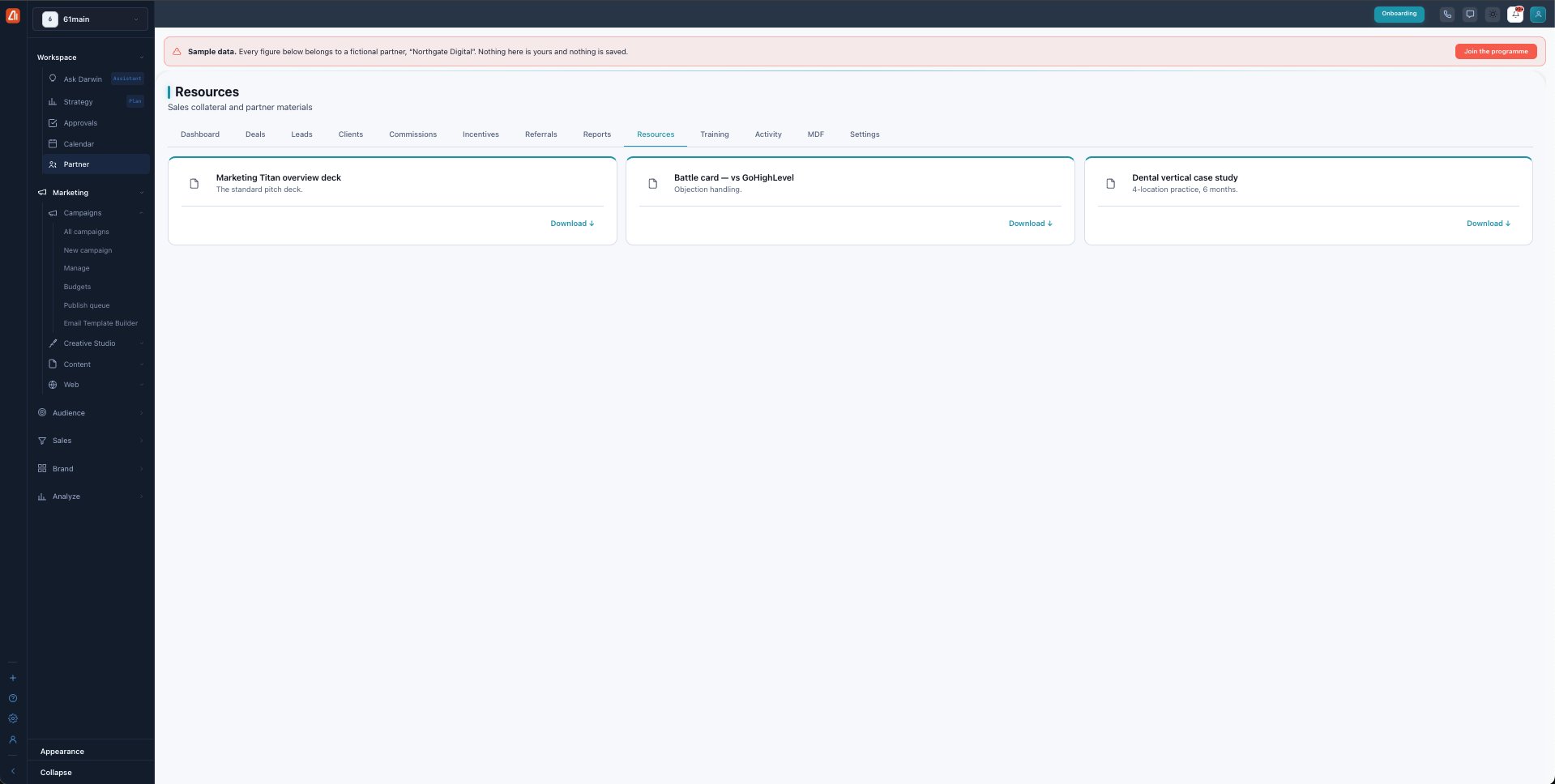
Resources — the sales collateral Marketing Titan gives you.
What's in the library
Each card names a piece of collateral and a one-line description, with a Download link. Typical types include:
| Type | Use it to |
|---|---|
| Sales deck | Run the standard pitch. |
| Battle card | Handle objections and compare against competitors. |
| Case study | Show real results in a vertical (e.g. dental, 4-location practice). |
| Pricing sheets, demo videos, guides | Support the sale end to end. |
Tier-gated access
Some resources are available to every partner; others unlock at Certified or Premier tier. As you move up, more advanced collateral appears here. Downloads are tracked so Marketing Titan knows which material is helping.
What’s next
- Back to the Partner Program overview.
- See Deals & registration.
- See Leads.
- See Clients.
- See Commissions.
- See Incentives & SPIFs.
- See Referrals.
- See Reports & scorecards.
- See Training & certification.
- See Activity.
- See MDF.
- See Settings.