
The Reports tab turns your activity into a health score and monthly scorecards, and lets you export your commission history for accounting.
Where to find it: Left menu → Workspace → Partner → Reports. Part of the Partner Program guide.
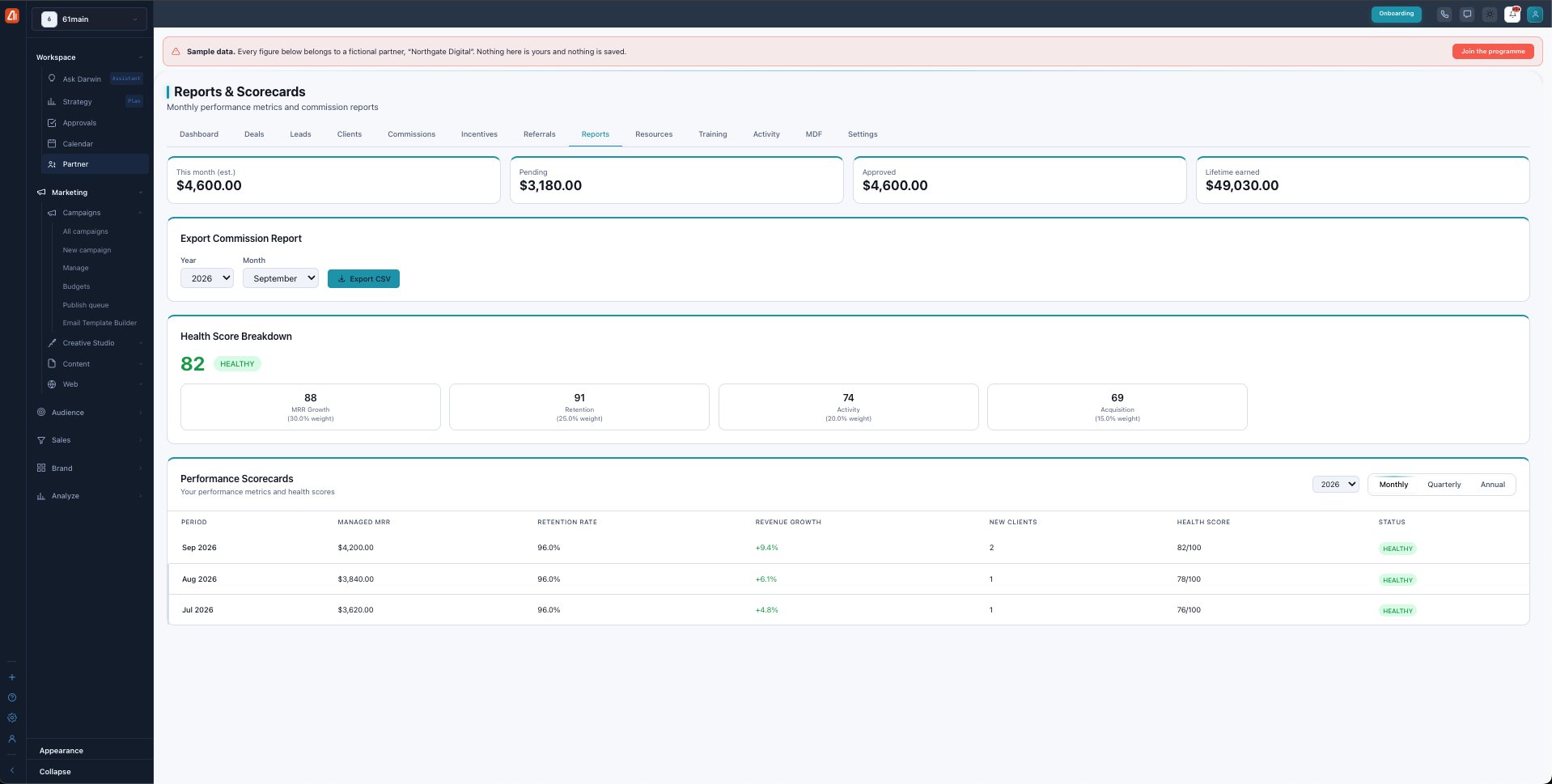
Reports & Scorecards — your health score and performance over time.
Export your commission report
Export Commission Report lets you pick a Year and Month and Export CSV — a spreadsheet of that period’s commissions for your records or accountant.
Your health score
The Health Score Breakdown rolls five weighted factors into one 0–100 number, so you can see exactly what to improve:
| Factor | Weight |
|---|---|
| MRR Growth | 30% |
| Retention | 25% |
| Activity | 20% |
| Acquisition | 15% |
| Certification | 10% |
The status band tells you where you stand: Healthy (70+), At Risk (50–69), Warning (30–49), or Critical (under 30).
Performance scorecards
The Performance Scorecards table records one row per period — managed MRR, retention rate, revenue growth, new clients, and health score — and you can switch between Monthly, Quarterly, and Annual views to see the trend.
What’s next
- Back to the Partner Program overview.
- See Deals & registration.
- See Leads.
- See Clients.
- See Commissions.
- See Incentives & SPIFs.
- See Referrals.
- See Resources.
- See Training & certification.
- See Activity.
- See MDF.
- See Settings.