
The Clients tab lists the accounts tied to you. Each card shows the client’s MRR, the commission you earn per month on it, and when the relationship started.
Where to find it: Left menu → Workspace → Partner → Clients. Part of the Partner Program guide.
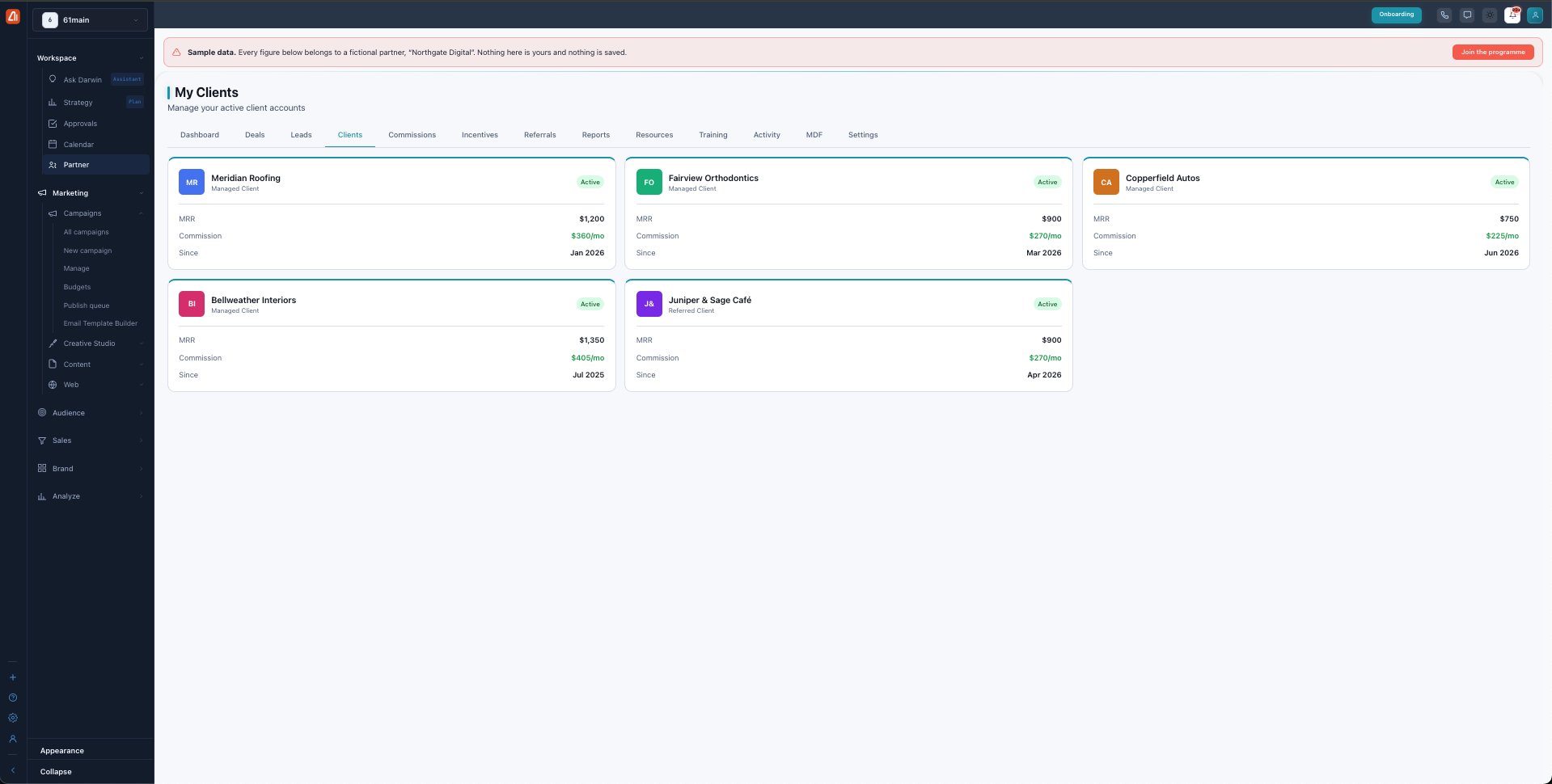
My Clients — every account you manage or referred, and what it pays you.
Managed vs referred clients
Each client is one of two kinds, and this determines how you earn:
| Type | What it means |
|---|---|
| Managed client | You run their account (Reseller / Agency partners). You earn on managed MRR. |
| Referred client | You sent them to Marketing Titan (Affiliate partners). You earn on referred MRR. |
How the commission is calculated
The commission/mo on each card is that client’s MRR × your commission rate (20% Affiliate, 30% Certified, 40% Premier). Commission is lifetime — you keep earning on the account for as long as it stays active, with no cut-off date.
Status
A client is Active while their subscription is live. If an account pauses or churns it stops earning, and a recent cancellation can trigger a commission clawback (see Commissions).
What’s next
- Back to the Partner Program overview.
- See Deals & registration.
- See Leads.
- See Commissions.
- See Incentives & SPIFs.
- See Referrals.
- See Reports & scorecards.
- See Resources.
- See Training & certification.
- See Activity.
- See MDF.
- See Settings.